AIComicBuilder
A browser-based AI comic maker that turns a one-line idea into a scripted, multi-panel comic, manga or webtoon with saved characters that look the same in every panel, in 20+ art styles, free for 50 credits and from $9.99 a month.
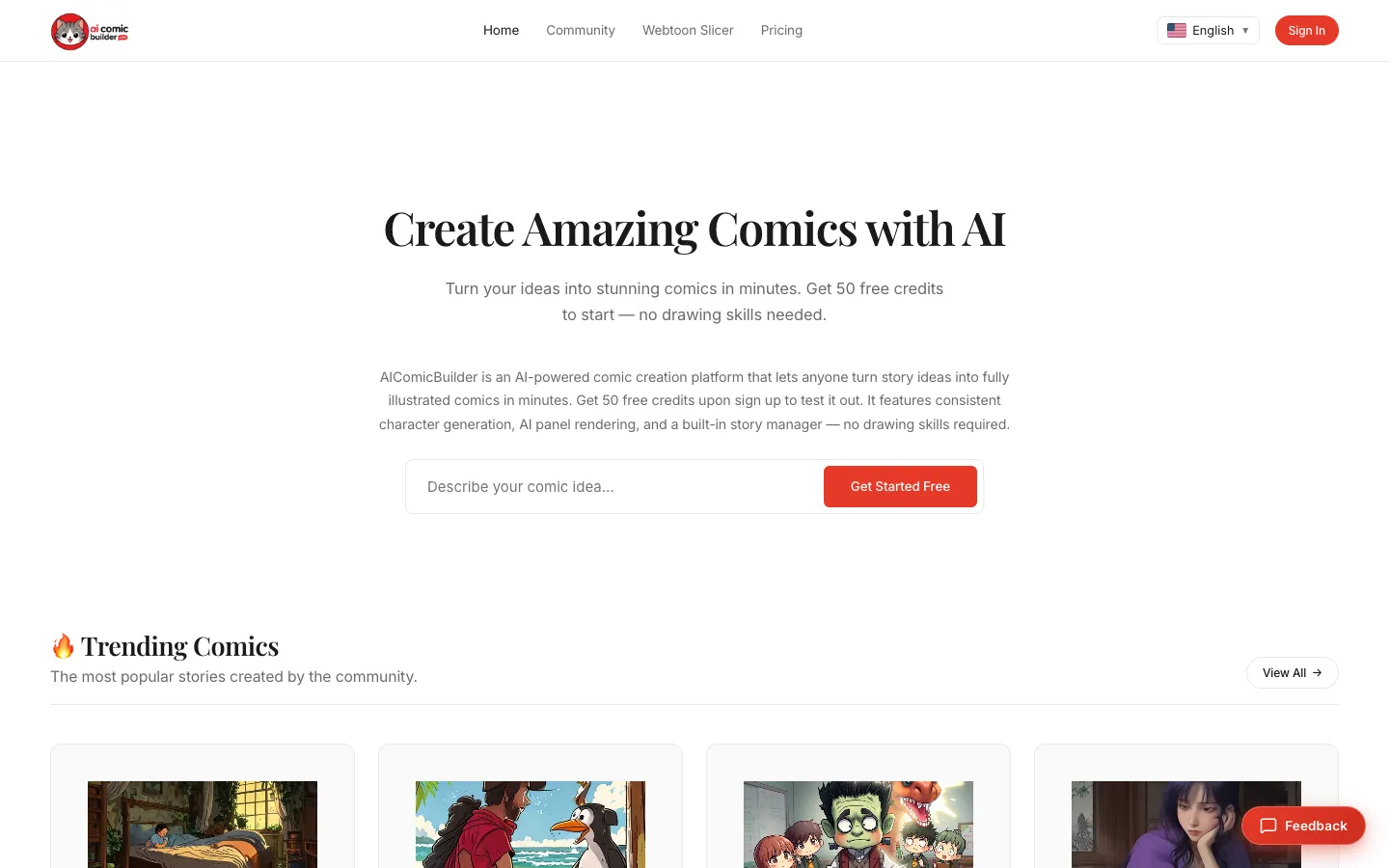
Short description
AIComicBuilder is a web app that writes and draws a comic from a short prompt. You type an idea such as "a detective cat solves mysteries in a cyberpunk city", and its story engine breaks it into scenes, panels, camera angles and dialogue. You then pick heroes, villains and supporting characters from your character library and choose a style, and the app draws each panel with speech bubbles, captions and sound effects already in place.
Its main draw is keeping characters consistent. You design a character once, or upload a photo of yourself or a friend, and the app uses that image as a reference so the same face, hair and outfit show up in every panel and in later comics. Styles include American Comic, Japanese Manga, Korean Webtoon, Pixar-style 3D, Cyberpunk, Watercolor, Noir and Pixel Art. You can lay a comic out as a 3-panel strip, a 4-panel yonkoma (the Japanese four-panel gag strip), a full comic page or a vertical-scroll webtoon, and a free Webtoon Slicer crops long strips to LINE Webtoon Canvas and Tapas sizes right in the browser.
You can publish finished comics to a community gallery, where other users can remix them. It's made for hobby storytellers, webtoon and manga creators, and anyone who wants a comic without drawing one. The character feature shipped in July 2026 and the site was featured on BetaList in November 2026. The company behind it and its location aren't published.
Features
Prompt to storyboard: A story engine expands a one-sentence idea into scenes, panel-by-panel action, pacing, camera angles and dialogue. A "Surprise Me" button gives you an idea if you don't have one.
Character library with locked faces: Save characters with fixed facial features, colors and clothing, then cast them as heroes, villains or supporting characters in step 3 of making a comic. Free accounts hold 10 characters and Studio is unlimited.
Photo to character: Upload a photo of yourself or a friend and the app puts that face into the comic.
20+ art styles: American Comic, Japanese Manga (inked black and white with screentones and speed lines), Korean Webtoon, Pixar-style 3D, Anime, Chibi, Cyberpunk, Steampunk, Watercolor, Oil Painting, Pop Art, Noir and Pixel Art.
Comic layouts: 3-panel strips, 4-panel yonkoma, multi-panel comic book pages and vertical-scroll webtoons, which you can read as pages or as one long scroll.
Lettering built in: Speech bubbles, thought clouds, caption boxes and sound effects are placed from the script. You can rewrite dialogue and move bubbles afterwards.
Redraw one panel at a time: Regenerate a single panel instead of the whole comic. A panel costs about 8 to 10 credits, and you get credits back automatically if a render fails.
Free Webtoon Slicer: Cuts strips up to 30,000 pixels tall into slices sized for LINE Webtoon Canvas (800×1280), Tapas (940 wide) or an Instagram carousel (1080×1350). It runs entirely in your browser, downloads the slices as one ZIP file and doesn't need an account.
Community gallery and remixing: Publish comics to a public gallery sorted by genre, and remix any public comic in one click to take the story somewhere else, swap characters or write a new ending.
PNG export: Downloads each panel as a high-resolution PNG image for print, social posts or webtoon sites. Free-plan images carry a watermark.
API access: Listed as part of the Studio plan. An API would let developers connect AIComicBuilder to their own apps, but no documentation for it is published.
Interface in six languages: English, Spanish, French, Japanese, Korean and Chinese.
Pricing
AIComicBuilder runs on credits, which you spend each time a panel is drawn. Plans are monthly, and you can top up with one-time credit packs.
Free: $0, no credit card needed. 50 one-time welcome credits (about six panels), 10 characters, normal speed, watermarked images, and comics shown in the community gallery only. Free comics are for personal, non-commercial use with attribution.
Creator: $9.99 a month. 500 credits a month, 50 characters and normal speed. Commercial rights aren't listed for this plan.
Pro: $19.99 a month. 1,500 credits a month, 300 characters, fast generation and a commercial license.
Studio: $39.99 a month. 4,000 credits a month, unlimited characters, turbo generation, API access and a commercial license.
Credit packs (one-time): 400 credits for $4.99, 900 for $9.99, 2,000 for $19.99 and 4,000 for $34.99.
What credits buy: The pricing page puts one panel at about 8 credits (the FAQ says 10), so an 8-panel comic costs about 64 credits. At that rate Creator covers roughly 7 eight-panel comics a month and Pro about 23. The plan cards advertise far more: about 20 to 30 comics a month on Creator and 60 to 100 on Pro.
Annual billing and trials: No annual price is published. Paid plans show a "Start Trial" button, but the trial length isn't published.
Refunds: A 7-day money-back guarantee on new plans and packs, but only if you haven't used any of the credits you bought. Payments go through Stripe.
Integrations
LINE Webtoon Canvas and Tapas: The Webtoon Slicer exports slices at each site's upload size (800×1280 JPG for LINE Webtoon, 940 pixels wide for Tapas) and keeps each slice under the 2MB limit.
Instagram: A Slicer preset makes 1080×1350 carousel slides.
Sign-in: Email and password, Google or GitHub.
Stripe: Handles payments for subscriptions and credit packs.
API: Included with Studio. How it works isn't documented publicly.
Platforms
- Web
Frequently asked questions about AIComicBuilder
Can AI make a comic book for me?▼
Yes. In AIComicBuilder you type a one-line idea, and the AI writes the storyboard, panel-by-panel action and dialogue, then draws each panel in the style you picked with speech bubbles already placed. You can rewrite dialogue, move bubbles and redraw single panels before downloading PNGs or publishing to the community gallery.
Is there a free AI comic generator?▼
AIComicBuilder gives every new account 50 free credits, with no credit card. A panel costs about 8 credits, so that covers roughly six panels, enough for one short strip. Free images are watermarked and for non-commercial use. Paid plans start at $9.99 a month for 500 credits.
How do you keep characters consistent in an AI comic?▼
AIComicBuilder saves each character's face, hairstyle, colors and outfit in a character profile and uses that image as a reference for every panel it draws. You build a character once, or upload a photo, and then cast it as a hero, villain or supporting character in any later comic. The free plan stores 10 characters and Studio stores unlimited.
Can I sell comics made with an AI comic generator?▼
On AIComicBuilder, the Terms of Service and pricing page give full commercial rights on the Pro ($19.99 a month) and Studio ($39.99 a month) plans, covering print, merchandise and social posts that earn money. Free-plan comics are for personal, non-commercial use with attribution, and the Creator plan doesn't list a commercial license. The site's FAQ page says commercial rights come with Studio only, so check with support before relying on Pro.
How do I make an AI webtoon for LINE Webtoon or Tapas?▼
Make the comic in AIComicBuilder's vertical-scroll webtoon layout, then run the long strip through its free Webtoon Slicer. The slicer cuts it into 800×1280 pieces for LINE Webtoon Canvas or 940-pixel-wide pieces for Tapas, keeps each slice under 2MB and downloads them all as one ZIP file. It runs in your browser and doesn't need an account.
Similar tools
Alternative AI options