
Comfy
Open-source AI workflow platform that gives creators detailed control over image and video generation, including local models.
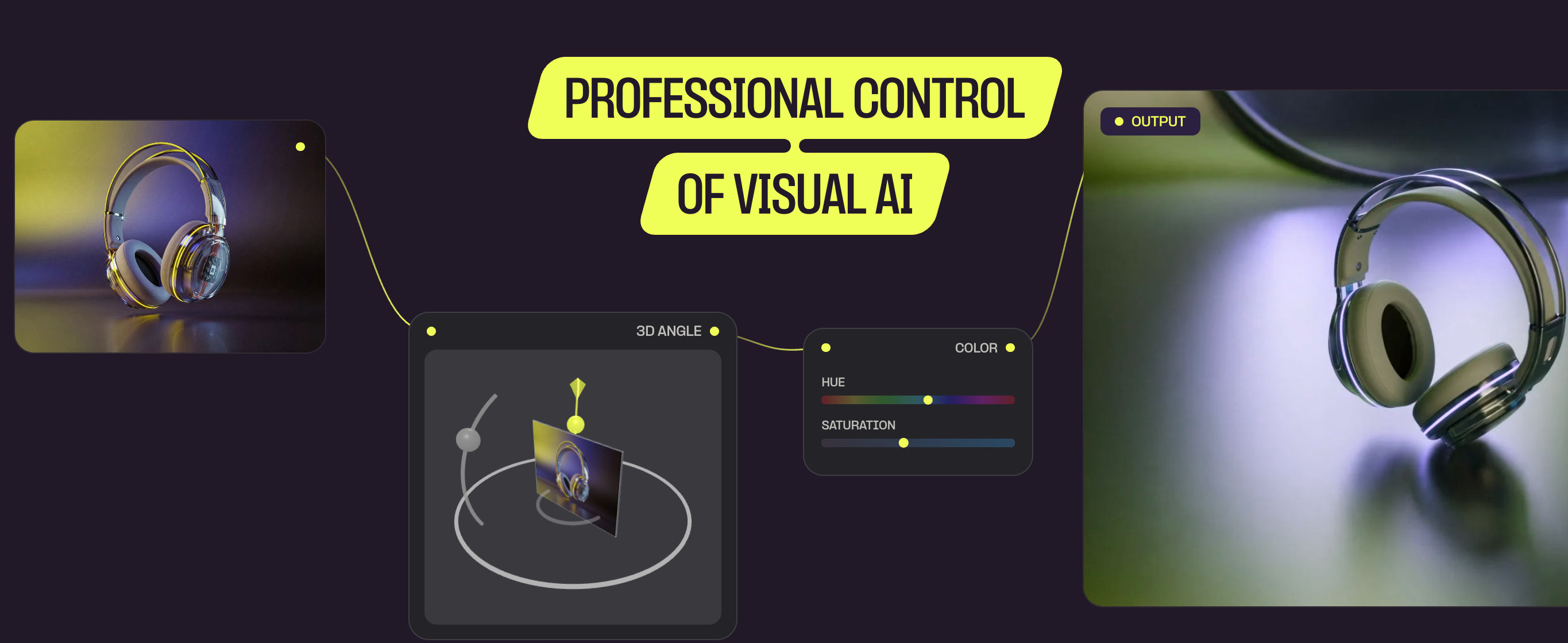
Short description
ComfyUI works very differently from Higgsfield. Instead of giving you a simple creative studio, it lets you build your own AI workflows using connected nodes.
Features
Node workflows: Connect different AI models and processing steps to build custom generation pipelines.
Local generation: Run models on your own computer instead of sending everything to a cloud service.
60,000+ community nodes: Add functionality created by the community.
Model support: Run models such as Wan, FLUX, Kling, Seedance and others.
Camera control: Build workflows with detailed control over generated shots.
Reproducibility: Save workflows and recreate results later.
Custom models: Use LoRAs, checkpoints and other custom model components.
Pricing
Free: Open source
Local: Run locally using your own hardware
Comfy Cloud: Hosted options available
Model licensing: Varies by model
Integrations
MCP: Connect ComfyUI with AI agents.
API: Run ComfyUI workflows programmatically.
CLI: Control workflows from the command line.
Plugins: Extend ComfyUI with community-built functionality.
Platforms
- Desktop (Win/Mac/Linux)
- Comfy Cloud
- Enterprise
What users love about Comfy
Open Source: Gives creators complete access to the underlying workflow system.
Local Generation: Lets users generate content without sending it to a hosted platform.
Privacy: Keeps sensitive assets and generations on local hardware.
Community: Large community creates models, nodes and ready-made workflows.
Workflow Control: Gives advanced users granular control over each generation step.
Reproducibility: Saved workflows make it easier to recreate successful results.
What users complain about Comfy
Learning Curve: Difficult for beginners.
GPU Costs: GPU hardware can be expensive.
Setup: Setup and maintenance take time.
Compatibility: Model and node compatibility can become complicated.
Similar tools
Alternative AI options