MVFlow
A web app that turns your song into an editable, timed storyboard for 15 credits, then renders the shots you pick and cuts them into a multi-shot music video over your original track. A separate mode makes a single photo sing your vocals.
Short description
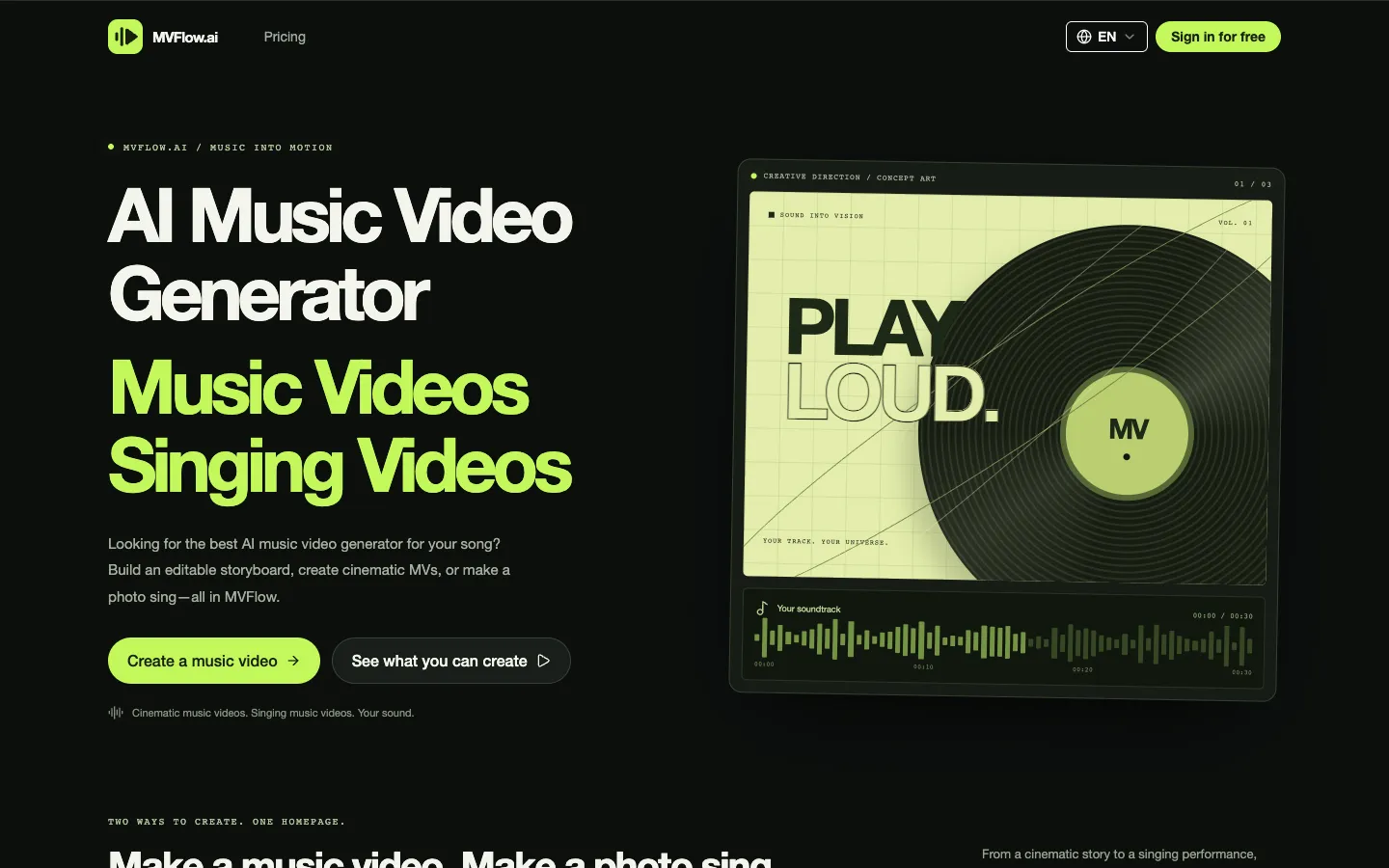
MVFlow is an AI music video generator that runs in the browser. You upload a track between 4 seconds and 10 minutes long, pick a genre, a mood and a visual style (or leave those to the AI), and can add up to five reference images for characters, locations, props, wardrobe or style. MVFlow reads the song's structure and writes a full storyboard: the musical sections, timed shots, every image and video prompt, and generated reference images. The storyboard costs 15 credits, and no video is rendered until you've looked it over.
After that you can change each shot's action, camera direction, prompts, references and timing, or split a shot in two. You render takes, compare them and keep the ones you like, and MVFlow composes those shots with your original audio. You can put lip-synced singing shots inside a music video, and a separate Singing Video mode animates one character photo to a vocal track of up to 10 minutes.
It's built for independent musicians and creators who want a video with a story for a whole song. MVFlow launched publicly at the end of October 2026, and Sebastian Wu is listed as the maker. The company's location isn't published.
Features
Full-song music videos: Plans scenes for tracks from 4 seconds to 10 minutes and composes the shots you choose with the original soundtrack.
Storyboard first, for 15 credits: Analyzes the song and your direction, then lays out musical sections, timed shots, all image and video prompts and generated reference images before anything is rendered.
Shot-by-shot editing: Change a shot's action, camera direction, image and video prompts, references and timing, or split it into two shots.
Reference images for consistent characters: Upload up to 5 images (30 MB each at most) for characters, locations, props, wardrobe or style, or let the AI design them. The same references are reused across shots.
Visual style presets: Cinematic live action, anime, 3D animation, watercolor and more. You can pick one main style and one secondary style.
Takes and versions: Render one shot to test a direction or all the ready shots at once, then compare versions and choose the take that goes into the final cut.
Cheap drafts, upgraded later: Shots can render as 480p drafts and be upgraded to 1080p, with each upgrade charged as a new 1080p render. The default setting is 16:9 at 768p on the "Cheap model", and there's also an "Advanced model".
Lip sync inside the video: Adds singing shots synced to the vocals, with tools to adjust the sync.
A singing video from one photo: Singer Control animates a photo to vocal audio of up to 10 minutes and has an optional mask for choosing who sings when there's more than one face. Expression Control takes a prompt for expressions and movement and handles audio of up to 5 minutes.
Several ways to bring audio: Upload a file, record in the browser, generate speech with text to speech, make a song with the built-in Music tool, or reuse something you made earlier.
Extra lip sync and image modes: The same workspace has Video Lip Sync, a lip sync mode that only changes the mouth area, and image generation and editing.
Cost shown before each step: Analysis, images, video shots, lip sync and composition each show a credit estimate next to your balance before you confirm.
Pricing
MVFlow runs on credits. Every paid plan includes private generations and commercial use. The only step with a published price is the 15-credit storyboard; the credit cost of a rendered shot isn't listed, so you can't tell in advance how many finished videos a plan covers.
Free: Eligible users get free credits each day they log in (the amount isn't published). That can cover the 15-credit storyboard, but MVFlow says it doesn't guarantee a free finished video.
Lite: $9.99 a month for 120 credits a month, or $99.99 a year ($8.33 a month) for 1,700 credits (1,440 plus 260 bonus). Email support and the standard queue.
Basic: $19.99 a month for 250 credits a month, or $199.99 a year ($16.66 a month) for 3,600 credits (3,000 plus 600 bonus). Faster queue and email support.
Plus: $29.99 a month for 450 credits a month, or $299.99 a year ($24.99 a month) for 7,000 credits (5,400 plus 1,600 bonus). Priority queue, and listed as ready for team use.
Standard: $49.99 a month for 1,000 credits a month, or about $480 a year ($39.99 a month) for 16,000 credits (12,000 plus 4,000 bonus). High-priority queue and priority support.
Professional: $99.99 a month for 2,100 credits a month, or about $960 a year ($79.99 a month) for 33,000 credits (25,200 plus 7,800 bonus). Top queue priority and priority support.
Ultra: $199.99 a month for 4,200 credits a month, or about $1,920 a year ($159.99 a month) for 66,000 credits (50,400 plus 15,600 bonus). Top queue priority and priority support.
How yearly plans work: The whole year's credits land in your account at once. Yearly prices are 20% below monthly, and you get roughly 30% extra credits on top.
One-time credit packs: $199 for 3,000 credits, $499 for 8,000, $999 for 16,000, $1,999 for 40,000 and $2,999 for 80,000. They never expire and are labeled as credits for the Video to Video tool.
Refunds: One-time purchases can't be refunded. A subscription can get 70% back only if you ask on the day you bought it and haven't used any credits or features.
Integrations
Audio sources: File upload, recording in the browser, built-in text to speech, built-in AI music generation and your earlier creations.
Downloads: Finished videos and generated assets download from the workspace. MVFlow keeps generated files for only 7 days, so save them soon after they're made.
Third-party apps and API: None published.
Platforms
- Web
Frequently asked questions about MVFlow
How do I make an AI music video for my song?▼
In MVFlow, sign in, choose MV and upload a track between 4 seconds and 10 minutes long. Pick a genre, mood and visual style (or let the AI choose), add up to five reference images if you have them, and generate a storyboard for 15 credits. Then edit the shots, render the ones you like, choose the best takes and compose them with your original audio. Download the video within 7 days, since generated files are only kept that long.
Is there a free AI music video generator?▼
MVFlow gives eligible users free credits every day they log in. Those credits can pay for the 15-credit storyboard, but rendering the video shots and putting the final video together cost more, and MVFlow says the daily credits don't guarantee a free finished video. Paid plans start at $9.99 a month for 120 credits.
Can AI make a music video with lip sync?▼
Yes. MVFlow can add lip-synced singing shots inside a music video with several shots, and it has tools to adjust the sync. Its Singing Video modes animate a single character photo to a vocal track: Singer Control takes audio up to 10 minutes and lets you mark who sings, and Expression Control takes a prompt for expressions and movement and handles up to 5 minutes.
Can AI make a music video from just an audio file?▼
Yes. MVFlow only needs the track (4 to 600 seconds) and a creative direction, and reference images are optional. If you don't upload any, the AI designs the characters, locations and props and reuses them from shot to shot. The final video uses your original audio.
Can I use AI music videos commercially?▼
Every paid MVFlow plan lists commercial use and private generations. Its terms say you keep whatever rights you have in your uploads and in the videos you generate. You're responsible for having permission to use the music, images and faces you upload.
Similar tools
Alternative AI options