OpenPixels
A free, open-source photo enhancer that runs in your browser and upscales photos up to 8x, clears noise, rebuilds faces, colourises black-and-white shots and removes backgrounds, with no upload, no watermark and no paid plan.
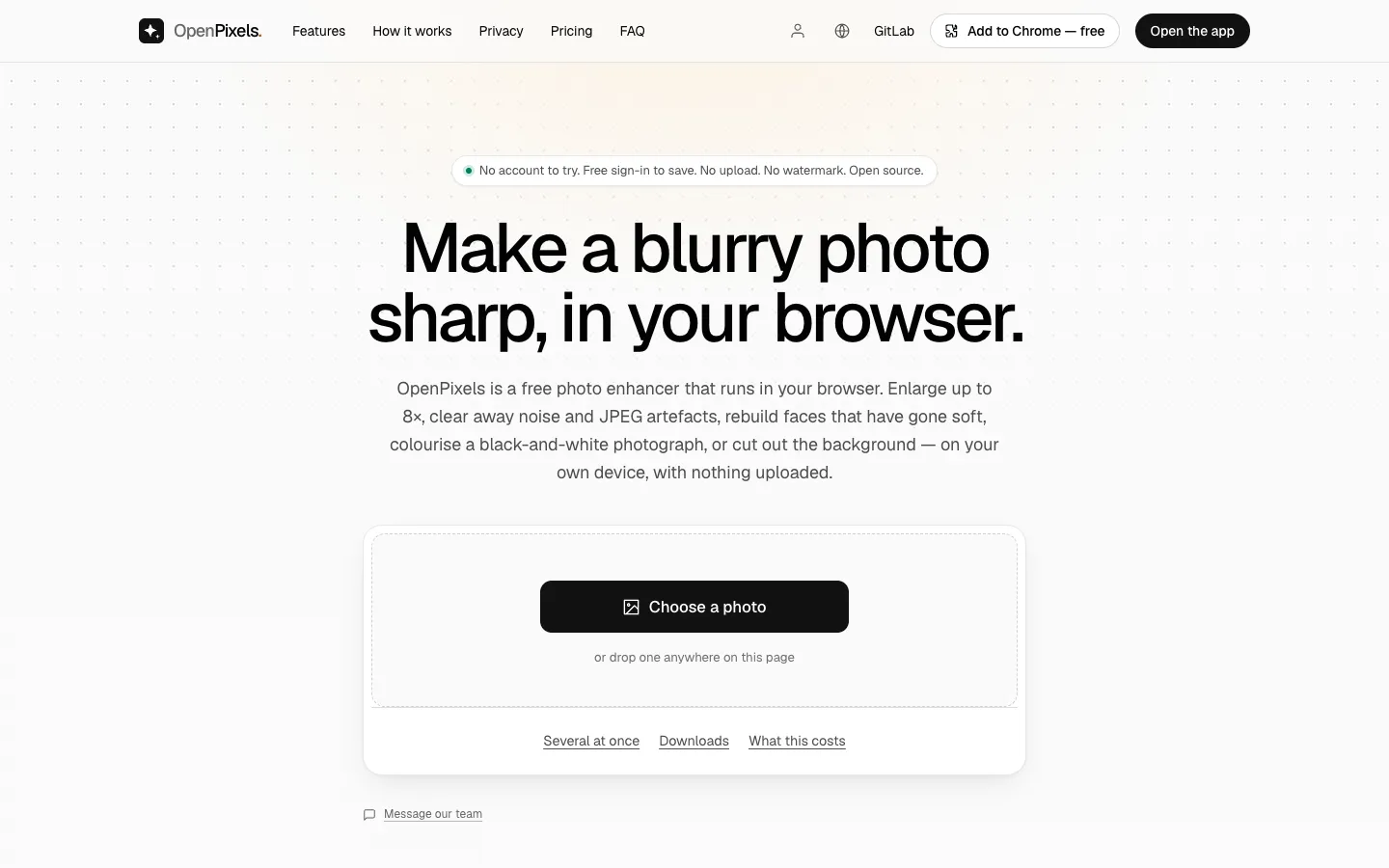
Short description
OpenPixels is a photo enhancer that does all its work in your browser tab. It can enlarge a photo 2x, 4x or 8x, clean up noise and the blocky edges of heavy JPEG compression, rebuild soft faces, add colour to black-and-white photographs and cut out or whiten the background. Behind it are ten AI models, mostly open ones such as Real-ESRGAN, GFPGAN and DDColor. Each model downloads the first time you need it and stays cached, so the app keeps working offline. It runs on WebGPU, a browser feature for using the graphics chip, when your browser supports it and falls back to the processor when it doesn't, so you don't need a graphics card.
There is no server in the product that accepts an image, which means your photos stay on your device. Since processing costs the maker nothing per photo, there are no paid tiers, credits, watermarks or photo limits. Each result also comes with measurements. OpenPixels shrinks the enlarged photo back to its original size and compares it with your original, and it labels the result "faithful" only when the two still match, a sign that the new detail was enlarged from the photo and not made up by the model.
It suits people restoring old family photos, fixing small or blurry pictures, or running a whole folder through at once. The code is on GitLab under the MIT or Apache-2.0 license. The repository was created in October 2026, and the latest tagged release is v1.0.5 from October 16, 2026. The site doesn't say who makes it or where they are based.
Features
Upscale up to 8x: Enlarges a photo 2x, 4x or 8x, or keeps the size and only cleans it up. Results top out near 40 megapixels on the web, Windows and Mac, and about 16 megapixels on phones and Android.
Noise and compression cleanup: Offers three denoise strengths, "Leave it", "Reduce" and "Remove", and clears the blocky edges photos pick up after being sent through messaging apps.
Face restoration: Finds each face, rebuilds it at 512 x 512 with the GFPGAN 1.4 model and blends it back in through a soft-edged mask.
Colourise black-and-white photos: Uses the DDColor model for colour only and keeps the photo's own light and shade. It warns you before colourising a photo that already has colour.
Background removal: Cuts the background out and saves a PNG so the transparency survives, or turns the background pure white. People get their own cut-out model.
Anime and line-art model: A separate Real-ESRGAN model handles drawings, flat colour and line art.
Unlimited batch mode: Runs any number of photos with the same settings and gives back a ZIP of up to 4 GB, plus a CSV file with the measurements for each photo.
Measured results: Shows sharpness, noise, PSNR and SSIM (two standard scores for how closely an image matches another). The "faithful to the original" badge appears only when SSIM is at least 0.7 and PSNR at least 20 dB.
On-device and offline: Runs in the browser on the graphics chip or the processor. Models download once, about 5 MB for the fast upscaler, 34 MB for the detailed one, 170 MB for faces and 115 MB for colour, and then work with no connection.
Before/after slider: Drag a slider, or use the arrow keys, to compare the original with the result.
Right-click enhance: The browser extension adds "Enhance this image" to the right-click menu for any image on a web page.
Open source with checkable models: The code is on GitLab under MIT or Apache-2.0. Every model file is pinned by a sha256 checksum, and the steps used to build it are published so anyone can rebuild it and compare.
Pricing
Free: $0 for every tool, with unlimited photos and no watermark, credits or trial. There is no paid tier.
Free account: You can try every tool without signing in. Saving a result from the web app (a photo, a before/after image or a batch ZIP) needs a free sign-in with Google, a crypto wallet or Nostr. The browser extension and the Windows, Mac and Android apps save without an account.
Credits: The privacy page says the free account is shared with the maker's other apps, some of which have server costs, and that credits can be bought with a card through Stripe or with crypto. OpenPixels itself has nothing to buy.
Integrations
Browser extensions: Available from the Chrome Web Store, Edge Add-ons and Firefox Add-ons, with an "Enhance this image" option in the right-click menu.
Hugging Face model hosting: The web app downloads its models from a fixed version of a Hugging Face repository and checks each file's checksum. If that fails, it uses the copy on OpenPixels' own server.
Home screen app: The web app can be added to a phone or computer home screen and opens full screen like an installed app.
Sign-in options: Google, a crypto wallet or Nostr for the optional free account.
No API: OpenPixels has no API, because nothing in the product accepts an image.
Platforms
- Web
- Chrome
- Edge and Firefox extensions
- Windows
- macOS
- Android
Frequently asked questions about OpenPixels
Is OpenPixels free?▼
Yes. OpenPixels has no paid tier, trial, watermark or credits, and no limit on how many photos you process. Your own device does the processing, so the maker has no per-photo cost to pass on. Saving a result from the web app takes a free sign-in, while the browser extension and the desktop and Android apps save without one.
Can I enhance a photo for free without signing up or uploading it?▼
Yes. Every OpenPixels tool works without an account, and your photo is opened, processed and saved inside your browser tab. Nothing in the product accepts an image upload. Only saving a result from the web app asks for a free sign-in, and that account never sees the photo.
How do I upscale an image without losing quality?▼
OpenPixels enlarges a photo 2x, 4x or 8x and then checks the result. It shrinks the enlarged photo back to its original size and compares it with yours using PSNR and SSIM. When they still match, it marks the result as faithful, meaning the detail was enlarged from your photo and not invented. It can't add detail the original never captured, and very large results are capped near 40 megapixels in the browser.
Can I restore and colorize old photos for free?▼
Yes. OpenPixels finds the faces in an old photo, rebuilds them at 512 x 512 and blends them back in, and it can also clear grain and enlarge a small scan. For black-and-white photos it adds colour from the model while keeping the photo's original light and shade. The face model is about 170 MB and the colour model about 115 MB, each downloaded once. These two tools are in the web app and the browser extension, not yet in the Windows, Mac and Android apps.
Can I upscale images offline?▼
Yes. After your first visit, OpenPixels works with no internet connection, and each model stays cached after it first downloads. The Windows, Mac and Android apps also work offline once a model is on the device. To save from the web app while offline, you need to have signed in on that device and opened OpenPixels online within the last 30 days.
Similar tools
Alternative AI options