Screen Studio
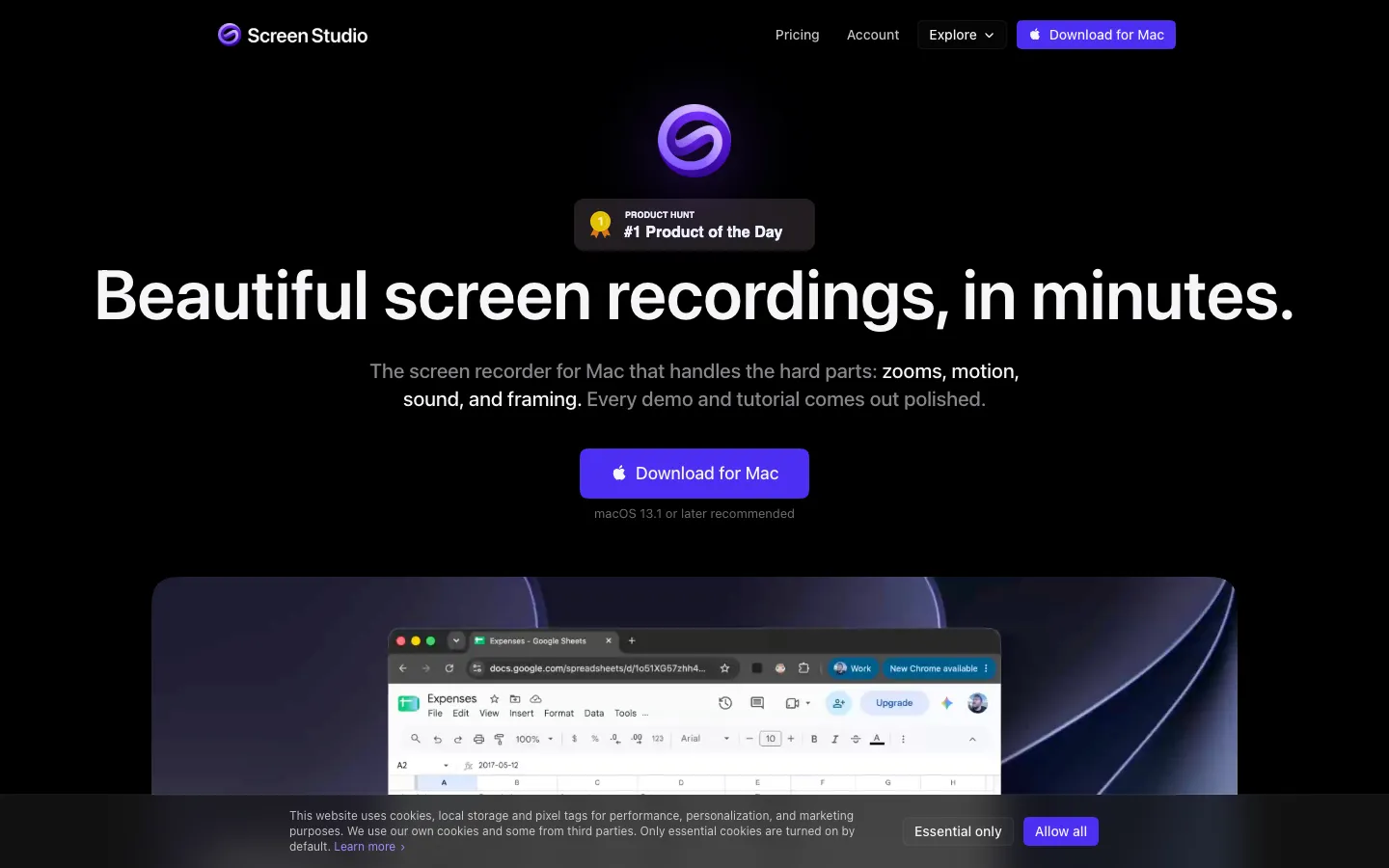
A Mac screen recorder that turns a raw take into a polished demo with automatic zooms on your clicks, a smoothed cursor and webcam layouts, and since version 4 can cut the video when you delete words from its transcript.
Short description
Screen Studio is a Mac app for recording and editing screen videos such as product demos, tutorials, courses and social clips. It records your screen without the mouse pointer and saves the cursor movement separately. After recording, it can smooth shaky movement, resize the cursor, add click effects and zoom in automatically where you clicked. One recording can be exported as 16:9, 1:1 or 9:16, and the zooms, layouts and captions re-aim for each shape.
Version 4.0, released October 1, 2026, added editing by transcript: you delete a sentence from the written transcript to cut it from the video, and filler words such as "um" and long pauses can be cleared in one pass. It also added a Glass Loupe magnifier, a camera cutout that removes your background, split-screen and other camera layouts, face tracking and camera color grading. Version 4.1 followed on October 21 with automatic hiding of emails, card numbers and keys, face blurring, ProRes export (a high-quality format used by video editors) and a rebuilt audio engine.
Transcription, voice cleanup and the zoom upscaler run on your Mac, and cloud features are optional. Every plan includes every feature. Screen Studio is made by Adam Pietrasiak's company, Timpler, in Kraków, Poland, and first launched in late 2022.
Features
Automatic zoom on clicks: Notes where you clicked while recording and zooms in on those moments. You can also drop zooms on the timeline by hand or turn auto zoom off.
Cursor added after recording: Smooths the cursor's path, changes its size and style, adds click ripples or sounds, hides a resting cursor and can move it back to its starting point for looping clips.
Edit by transcript (new in 4.0): Delete a sentence from the transcript to cut it from the video. It finds filler words such as "um" and "uh" and long pauses, and offers to cut or shorten them in one pass.
Glass Loupe and sharper zooms: Magnifies a detail under a glass lens while the rest of the frame stays put. An AI upscaler that runs on your Mac, trained on generated macOS screenshots, keeps zoomed text sharp (up to 4x since 4.1).
Camera layouts: Fullscreen camera, split screen, camera overlay, screen only and camera cutout in one recording, with animated transitions, face tracking and "hide during silence". Cutout removes your background on the Mac and needs Apple silicon and macOS 15 or later.
Any aspect ratio and Reel mode: Switch between 16:9, 1:1 and 9:16 after recording. Reel mode lays Instagram's or TikTok's interface over the preview so you can see what it would cover.
Captions and audio cleanup: Transcription on your Mac with Whisper or Apple's speech recognition (cloud transcription is optional), styled captions, SRT subtitle file export, microphone modes (Standard, Noise reduction, Podcast beta, and Loud and Off since 4.1), AI voiceover and background music.
Hide private data: Masks you add after recording, plus "Hide sensitive data" (4.1), which automatically covers emails, phone numbers, card numbers, keys and phrases you choose, and "Hide faces", which blurs faces in the recording.
iPhone and iPad recording: Connect over USB and record with a matching device frame, with nothing to install on the device.
Exports and sharing: MP4 in 720p, 1080p or 4K at up to 60 fps, GIFs up to 1080p, ProRes 422 LT to 4444 (4.1), copy to clipboard, share links in 1080p at 60 fps for videos up to 30 minutes with timestamped comments, and sharing of editable projects up to 20 GB.
Styling presets: Wallpapers, gradients, your own image or Unsplash photos as backgrounds, with shadow and inset settings saved as presets you can share with a team.
Recording safeguards: Built on Apple's ScreenCaptureKit, it saves the take to disk every two seconds so a crash doesn't lose it, and has pause and resume, speaker notes and a countdown.
Pricing
Screen Studio is sold as a subscription, yearly or monthly, and both include every feature. You can download it and edit for free; a plan is what unlocks exporting.
Yearly: $9/month billed yearly, which the site says saves 69% against monthly. The yearly total isn't shown. Includes all features, 4K 60 fps export, share links, cloud transcripts, project sharing and new features as they ship.
Monthly: $29/month with the same features.
Education: 40% off for students and educators, applied automatically with a school email or on request with proof of status.
Without a plan: You can download the app and use every feature except exporting video files. No separate free tier or time-limited trial is published.
One-time licenses: No longer sold. Older one-time licenses stay valid and can be renewed to get updates again.
Teams and Enterprise: Not published. The terms say each subscription covers a set number of devices stated in the order, but the site doesn't give the number.
Integrations
Platforms: macOS only, with separate downloads for Apple silicon and Intel Macs (macOS 13.1 Ventura or later recommended). iPhone and iPad screens are recorded through the Mac over USB, and share links play in any web browser. There's no Windows or Linux version.
Video editors via ProRes: ProRes export (.mov with uncompressed audio) for Final Cut Pro, DaVinci Resolve or Premiere Pro.
Clipboard: Copy the finished video and paste it into Slack, Linear or a doc.
iPhone and iPad: Recorded over a USB cable, with device frames such as iPhone 18 Pro.
Unsplash: Search Unsplash photos for backgrounds.
LUT files: Load your own LUT, a color preset file, for camera color grading.
Speech recognition: Whisper or Apple's speech recognition on the Mac (Whisper is removed on macOS 26 or later), or optional cloud transcription.
API: Screen Studio doesn't publish one.
Platforms
- macOS
- iPhone and iPad recording through a Mac
- share links in any browser
What users love about Screen Studio
Polished demos with no editing skills: People who make product demos and tutorials say the automatic zooms, smoothed cursor and backgrounds make a plain walkthrough look professionally edited within minutes, and several say viewers ask how the video was made.
Replaces several tools: A team that used to combine OBS, a camera, Premiere and a separate transcript editor says one app now covers their demo videos. A developer who isn't confident in DaVinci Resolve says a video that would take days there took minutes.
One take, every format: Creators like that the same recording reformats from landscape to portrait with the zooms adjusting automatically, which suits launch posts and social clips.
More reliable than cheaper copies: Users who tried several free or one-time-purchase alternatives describe bugs and odd design in them and came back. One says it was the only recorder they found that didn't slow down their Mac.
What users complain about Screen Studio
Subscription price: The most common complaint is the $29 monthly price and the move away from one-time licenses. Occasional users, such as developers who record a demo only when they ship, find a subscription hard to justify and pause or cancel between launches.
No export without paying: You can edit a whole project without a plan, but exporting needs one, which caught out at least one user who finished an edit expecting a free trial.
Mac only: Windows users keep asking for a version, and the developer says there are no near-term plans for one.
Large files and heavy resource use: Long recordings get very large (one user's three-hour session produced a 40 GB project), some describe the app as heavy or memory-hungry, uploading a share link can be slow, and a few report crashes.
Editing gaps for longer videos: Users ask for merging or continuing projects, title cards, inserting their own clips and text notes on screen, and some still finish videos in DaVinci Resolve or Descript for these.
Frequently asked questions about Screen Studio
Is Screen Studio free?▼
No, but you can try it before paying. The download is free and every feature works without a plan except exporting video files. To export you need a subscription: $9/month billed yearly or $29/month, with every feature in both. Students and educators get 40% off.
Does Screen Studio work on Windows?▼
No. Screen Studio is made only for macOS, and its FAQ says there are no near-future plans for Windows. It needs macOS 13.1 Ventura or later (recommended), with separate downloads for Apple silicon and Intel Macs, and an M1 or later is recommended for the best performance. Some newer features, such as camera cutout, need Apple silicon and macOS 15 or later.
Is there a Screen Studio lifetime license?▼
Not any more. Screen Studio used to sell one-time licenses, but new buyers can't get them. If you bought one, it stays valid, and when your access to updates runs out you can renew it to get the latest features again. New users choose between the yearly and monthly subscriptions.
Screen Studio vs Loom: which is better for screen recordings?▼
Screen Studio is built for polished, edited videos. It adds automatic zooms, a smoothed cursor, camera layouts and styled backgrounds, and you can edit by transcript and export 4K MP4, GIF or ProRes. It also has Loom-style sharing: links in 1080p at 60 fps for videos up to 30 minutes, viewable in a browser, with timestamped comments, private links and view counts. It runs only on the Mac, and recordings are processed on your computer.
Can Screen Studio record audio?▼
Yes. It records your microphone and your Mac's own sound along with the screen and webcam. After recording, microphone modes clean up your voice on the Mac: Noise reduction turns down fans and keyboards, Podcast suits voice-led lessons, and Loud (added in 4.1) brings your voice to a steady level. You can also add an AI voiceover from typed text and a looping background music track.
Similar tools
Alternative AI options