Ultrademo
A free, open-source Claude Code skill that makes launch, explainer, spotlight, ad and tutorial videos from your real product screens, checks every frame before you see it, and takes your edits as comments pinned on the video.
Short description
Ultrademo is a skill for Claude Code, meaning a set of instructions and tools that Claude Code follows when you ask for a demo video. You give it your live site, screenshots, HTML mockups of a feature you haven't shipped yet, or a Figma file, and say who the video is for. A brief page opens in your browser where you pick the length, voice and music. The agent then comes back with up to three directions, each with sketched frames, and you choose one.
Instead of recording your screen, it writes each scene as HTML and animation code using your real screens, wording and colours. It renders every scene and looks at the frames, fixing text that doesn't fit, overlapping elements, empty space and rough cuts before the video reaches you. Narration is timed to each scene and music sits under it. On the review page you click a moment, draw a box on the frame and say what to change. Only the scenes you marked get rebuilt, and older versions are kept. One project gives you a landscape video, a vertical version laid out again for phones, 15 and 30 second cuts, thumbnails and caption files.
The skill is free under the Apache 2.0 licence and runs on your own Mac or Linux machine, using your Claude plan for the AI work. It's aimed at founders and builders who ship often and want a new demo video for each release. The current version went up on GitHub on November 7, 2026, replacing an earlier one that drove a real browser and screen-recorded the app. Ultrademo is a brand of ReferScout Inc. A hosted app for people without a coding agent is in early access.
Features
Five video types: Launch (usually 20 to 60 seconds), Explainer (45 seconds to 3 minutes), Spotlight on a few features (30 to 90 seconds), Ad (6 to 30 seconds) and Tutorial (1 to 5 minutes, or longer in chapters). Any of them can cover the whole product or a single feature.
Made from your real screens: Works from your live site, screenshots, HTML mockups or a Figma file. Each screen is captured from your product or rebuilt with your real labels and colours, with no stock footage. Any claim it can't trace to your site or to you is listed for you to confirm.
Directions with sketch frames: Reads your site and proposes up to three directions. Each has sketched frames, a look, music and a voice you can listen to before you pick.
Scenes built as code: Writes each scene as HTML and animation code and renders it with HyperFrames, HeyGen's open-source video renderer.
Checks every frame: Looks at the rendered frames and fixes text that doesn't fit, elements that overlap, empty corners, scenes where nothing moves and cuts that don't join cleanly.
Edits by commenting on the video: On the review page you click a moment, draw a box on the frame and write what to change. The agent makes the fix, marks it done and tells you what changed. Only the changed scenes are rebuilt, and every version is kept.
All formats from one project: Landscape 16:9, a vertical 9:16 version that is laid out again for the tall frame, 15 and 30 second cuts for social posts, and thumbnails in the common sizes.
Voice, music and captions: Narration or music only, with sound effects on the moments that matter. There are free voices that run on your computer, or paid ElevenLabs voices with your own account. Narrated videos come with .srt and .vtt caption files, and you can burn captions into the picture in one of ten styles. The music library is CC0, so the tracks are free to use commercially without credit.
Saved brand: Keeps your logo, colours, fonts and notes from past reviews so the next video starts closer to right. A dashboard lists your videos and saved brands.
Rerun after UI changes: The project keeps the story, direction, brand and your notes. When a screen changes, ask for the video again and only the scenes that show that screen are rebuilt.
Pages behind a login: Uses public pages unless you give it a way to sign in. It only reads your product and never saves, sends or deletes anything in it. Any step that would change data needs you to confirm the account is a demo or test account.
Pricing
Skill: Free and open source under Apache 2.0, with every video type and format. The AI work runs on your own Claude plan (for Claude Code, your Claude subscription).
Voices and sound: The free voices and music-only videos cost nothing extra. Paid voices and generated sound effects are billed to your own ElevenLabs account at your plan's rates.
App (early access): Adds hosted share links with view counts, editing in the browser, more voices, clickable product walkthroughs, help articles, product shots and a GitHub watcher. You get one free hosted video to start. Pricing isn't published yet; the site says it comes with the launch.
Integrations
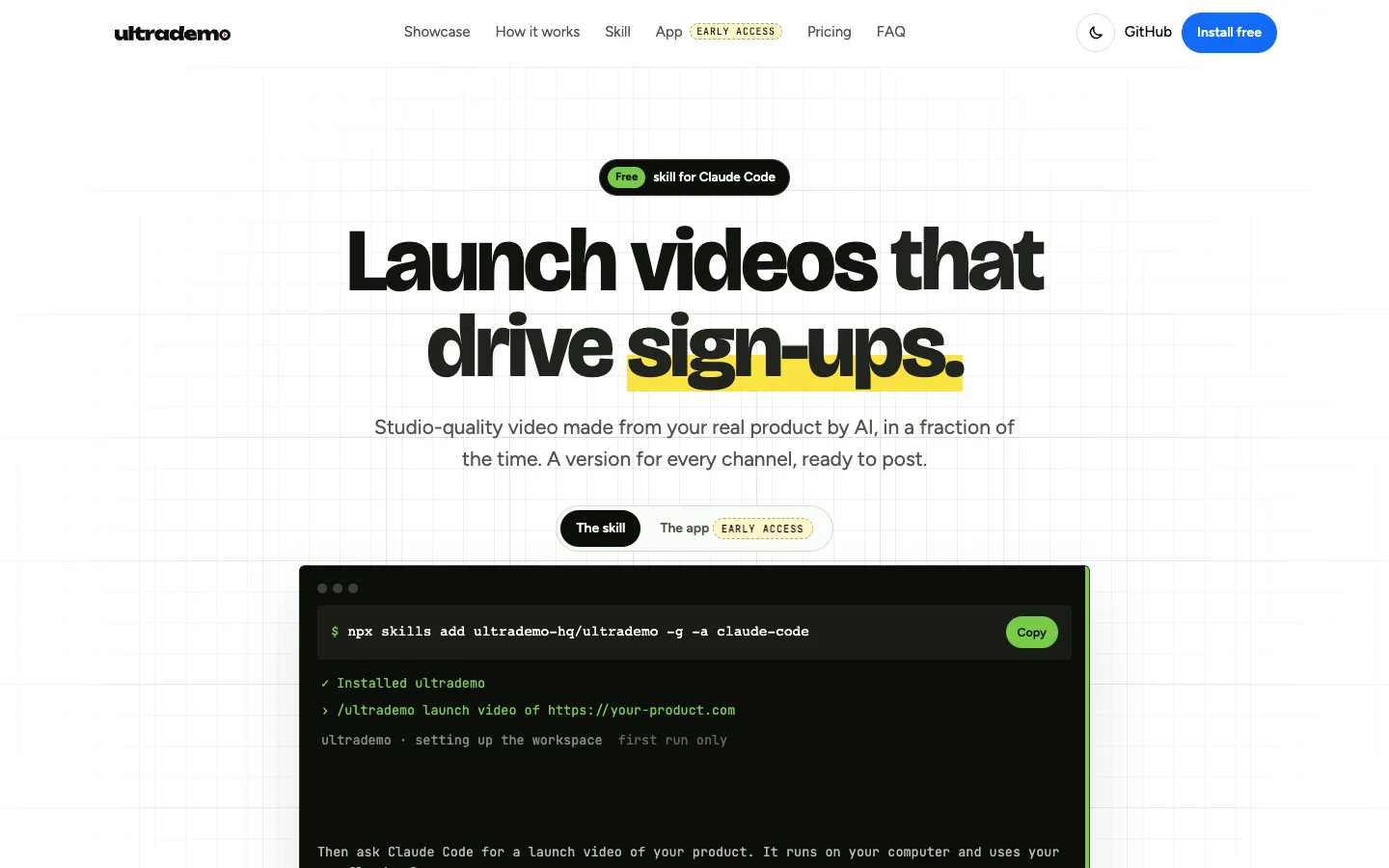
Claude Code: The agent Ultrademo is built and tested with, in the terminal, the Code tab of the Claude desktop app or VS Code. You install it with npx skills add ultrademo-hq/ultrademo -g -a claude-code.
Codex and Gemini CLI: Both read the same skill files through the AGENTS.md and GEMINI.md files in the workspace. Support is marked early.
ElevenLabs: Paid voices and generated sound effects with your own API key (the access code ElevenLabs gives you), which you paste into a local settings file and never into the chat.
Figma: A Figma file can be the source of the screens in your video.
GitHub: The GitHub Watcher, which flags videos that a new release has made out of date, is part of the app and not the free skill.
Setup requirements: Node.js 22.12 or newer, ffmpeg, git and about 3 GB of disk space, plus 1.6 GB for the small set of free voices. All the free voices take about 6 GB and need an Apple silicon Mac or an NVIDIA graphics card.
Platforms
- Claude Code skill on macOS and Linux
- Codex and Gemini CLI
- review pages in your browser
- web app in early access
Frequently asked questions about Ultrademo
How do I make a product demo video with AI using Ultrademo?▼
Install the skill with npx skills add ultrademo-hq/ultrademo -g -a claude-code, then ask Claude Code something like "/ultrademo launch video of https://your-product.com". A brief page opens where you choose the length, voice and music, and the agent returns up to three directions with sketch frames. Once you pick one, it builds and checks every scene, then opens a review page where you comment on the video. The first run sets up a workspace in ~/ultrademo, which takes about 10 minutes.
Is there a free AI product demo video maker?▼
Ultrademo's skill is free and open source under Apache 2.0, and it includes every video type and format. The AI work uses your own Claude plan, and the free voices and music-only videos cost nothing more. Paid ElevenLabs voices are billed to your own ElevenLabs account. You need a Mac or Linux machine, Node.js 22, ffmpeg and about 3 GB of free disk space.
How long should a product demo video be?▼
It depends on what the video is for. Ultrademo's usual lengths are 6 to 30 seconds for an ad, 20 to 60 seconds for a launch video, 30 to 90 seconds for a spotlight on a few features, 45 seconds to 3 minutes for an explainer and 1 to 5 minutes for a tutorial. The same project can also give you 15 and 30 second cuts for social posts.
How do I make a SaaS product demo video without screen recording?▼
Ultrademo builds each scene as HTML and animation code from your real screens, so you never record your screen. It can start from your live site, screenshots, HTML mockups of a feature that isn't live yet, or a Figma file. It only reads your product, and it can show pages behind a login if you give it a way to sign in. When your interface changes, ask again and only the scenes showing that screen are rebuilt.
Can I use Ultrademo videos commercially?▼
Yes. The videos belong to you, and every track in the built-in music library is CC0, so it's free for commercial use with no credit needed. You can also bring your own track.
Similar tools
Alternative AI options