Hex
A free, open-source voice dictation app for Mac, Windows and Linux where you hold a shortcut, speak, and Hex turns your speech into text on your own computer with models such as Parakeet and Whisper, then pastes it into whatever app you're using.
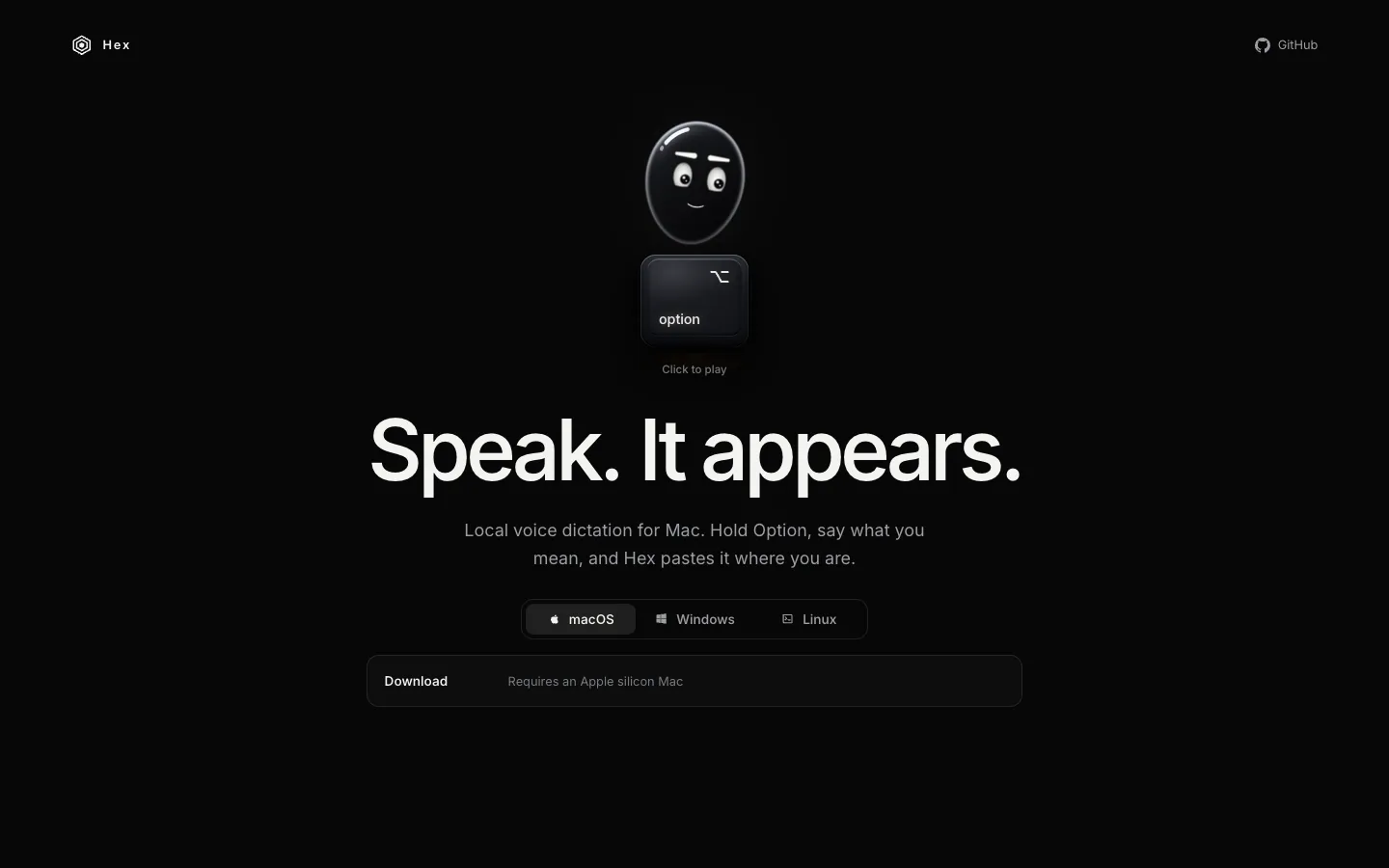
Short description
Hex is a push-to-talk dictation app. You hold a shortcut (Option on a Mac by default, Ctrl+Space on Windows), speak and let go, and Hex pastes the text at your cursor in any app. Double-tapping locks recording for longer dictation, and Toggle mode starts on one press and stops on the next.
The transcription happens on your device. The first run downloads a speech model, and after that the README says nothing leaves your machine. Hex picks a model for your language from about 14 in its catalog: Parakeet Unified English for English, Parakeet v3 for many European languages, Qwen3-ASR for Chinese, Korean and Vietnamese, and Whisper large-v3-turbo for the rest. You can also load your own model file. There's a History, a vocabulary list for names and terms, per-app Modes that clean up or rewrite text, a hex command line tool and a beta meeting recorder on macOS.
Kit Langton started Hex in January 2025 as a Swift app for Apple silicon Macs. It later moved to Anomaly, the company behind the OpenCode coding agent, and was rewritten in Rust, with version 3.0.0 out on October 31, 2026. It suits developers who speak their prompts to coding agents and anyone who wants Wispr Flow-style dictation without a subscription or cloud processing.
Features
Hold-to-talk dictation in any app: Hold the shortcut, speak and release, and the text is pasted where your cursor is. Double-tap to lock recording, or switch to Toggle mode, where you press once to start and again to finish.
Transcription on your computer: Speech is turned into text locally, using your graphics chip through Metal on macOS or Vulkan on Linux and x64 Windows. Only the first model download from Hugging Face needs the internet.
Model picker by language: About 14 catalog models, including Parakeet Unified English, Parakeet v2 and v3, Whisper large-v3-turbo, Qwen3-ASR 0.6B, SenseVoice Small, Cohere Transcribe, GigaAM v3 for Russian and an ivrit.ai Whisper for Hebrew. The picker shows Recommended, Fastest and Most accurate options for your language, plus each model's accuracy.
Bring your own model: Import a speech model saved as a GGUF file, or reuse models another app already downloaded to the Hugging Face cache on your computer.
Vocabulary list: Add names and terms, and Hex steers transcription toward them and fixes common mishearings. Since version 3.3.0, each Mode can have its own list.
Modes for each app or website: Modes run corrections, text replacements, optional AI rewriting through OpenCode and your own TypeScript transformations on the finished text, with different settings per app or site.
History and Paste Last: Keeps past dictations for seven days by default and re-pastes the last one with a shortcut (Ctrl+Alt+V on Windows). Audio is saved only if you turn on Labs › Keep recordings.
Flexible shortcuts: Use a modifier key on its own, both Option keys together, a left or right modifier, a key combination or a mouse button.
Meeting recorder (macOS beta): Opt-in call recording with a live transcript, calendar reminders and notes summarized by Apple Intelligence or, if you turn it on, OpenCode. It's off by default.
Command line and agent access: The hex command controls the running app (hex status, hex dictation, hex settings) and reads History and meetings. hex mcp gives AI agents read-only access to your meetings.
Low memory use: The 3.0.0 release notes say local models now use about 160 MB of memory, down from about 900 MB.
Skips silence: Recordings with no speech in them are dropped instead of transcribed.
Pricing
Hex is free. The only possible cost comes from the optional AI rewriting, which runs through your own OpenCode setup and the model provider you connect to it.
Free: Open source under the MIT licence, with free downloads for every platform. The repo and site list no paid plan, account or usage limit.
OpenCode rewriting: Optional. It uses your own OpenCode install and whichever model provider you set up there, so any cost depends on that provider. Hex doesn't publish a figure.
Integrations
Platforms: macOS on Apple silicon with macOS 15 or later (Intel Macs aren't supported), Windows 10 and 11 in beta, Linux in beta on X11 and some Wayland desktops, and the hex command line tool. An iOS version exists only as an unreleased prototype, and the research doesn't mention an Android app.
OpenCode: Handles AI rewriting in Modes, meeting summaries and sending Annotate screen captures to an OpenCode session. OpenCode has to be running already; Hex never starts it.
Apple Intelligence: Summarizes meeting notes on a Mac that has it.
Hugging Face: Where models are downloaded from. Hex can also reuse compatible models already in your local Hugging Face cache.
MCP: MCP is a standard way for AI agents to connect to outside tools. Through hex mcp, agents get read-only access to meeting titles, notes and transcripts.
Local API and TypeScript SDK: Other apps can start and stop dictation through Hex's local API on macOS and Linux. An SDK (a developer toolkit) called @kitlangton/hex on npm gives developers local transcription in their own code.
Package managers: Install with Homebrew (brew install --cask anomalyco/tap/hex), AUR (hex-bin), Nix, Linux packages or a Linux install script.
Configuration profiles (macOS): Since version 3.3.0, organisations can switch features on or off for their staff with an MDM profile, a settings file that IT teams push to managed Macs.
Platforms
- macOS
- Windows (beta)
- Linux (beta)
- CLI
What users love about Hex
Near-instant transcription: Developers who dictate to coding agents say even minute-long ramblings come back within about a second with Parakeet v3, and several who switched from other free apps say it was faster than what they used before.
Lean and simple: People who tried several free Mac dictation apps side by side call Hex the leanest and cleanest of them, "simple and fast" for everyday use.
Free replacement for paid apps: Users who used to pay for MacWhisper or Superwhisper say Hex is good, fast and free, and that open models mean they no longer need to pay for Wispr Flow or Superwhisper.
Good for talking to AI tools: Developers say they now speak most of their prompts to Claude Code, Codex or Cursor with Hex, using hold-to-talk or double-tap lock to get out detail they would skip when typing.
Light on resources: A user comparing local dictation apps says it uses far less memory than the one they had been running.
What users complain about Hex
Updates that broke the basics on some Macs: Users of the older Mac version report releases where the shortcut stopped responding, the microphone wasn't recognized, or Hex seemed to record but pasted the previous transcript, sometimes until they went back to an older version.
Model downloads that fail: Some new users couldn't get the speech model to download at all, which stops dictation completely since everything runs locally.
Only newer Macs: People on Intel Macs have asked for support, and one user found the Homebrew install wouldn't run on an older macOS, since the Mac app needs macOS 15 or later.
Windows and Linux still in beta: Early Windows users report the microphone stuck on "Enabling..." and the recording indicator not appearing, and one early user noted that cross-platform support was still in progress during the Rust rewrite.
Easy to lose a long dictation: One user lost five minutes of locked dictation by pressing Escape to close an unrelated dialog, which cancelled the recording and saved nothing to History.
Frequently asked questions about Hex
Is Hex dictation free?▼
Yes. Hex is open source under the MIT licence, and the downloads for macOS, Windows and Linux are free. The repo and anoma.ly/hex mention no paid plan or account. The only possible cost is optional: AI rewriting runs through your own OpenCode setup and whichever model provider you connect to it.
Does Hex send my voice to the cloud?▼
Not for dictation. Hex transcribes on your device, and the README says that once the first run has downloaded a speech model, nothing leaves your machine. Audio isn't kept unless you turn on Labs › Keep recordings. Data only goes out if you opt into OpenCode features such as AI rewriting or meeting summaries, which send text to the model provider you set up in OpenCode.
Does Hex work on Windows and Linux?▼
Yes, both in beta. Windows needs 64-bit Windows 10 or 11 and installs for your user account without admin rights; on most PCs (x64) it also needs a Vulkan graphics driver. Linux builds run on recent distributions such as Debian 12, Ubuntu 23.04, Fedora 37, current Arch or newer, on X11 and compatible Wayland desktops. The meeting recorder isn't available on either yet.
How do I install Hex on a Mac?▼
Run brew install --cask anomalyco/tap/hex in Terminal, or download the installer from anoma.ly/hex. The Mac app needs Apple silicon and macOS 15 or later; Intel Macs aren't supported. On first launch you allow Microphone and Accessibility access, Hex downloads a speech model, and then you hold Option to dictate.
Which speech models does Hex use?▼
Hex recommends a model for your language from about 14 in its catalog. English defaults to Parakeet Unified English, with Cohere Transcribe as the most accurate option. Many European languages use Parakeet v3, Chinese, Korean and Vietnamese use Qwen3-ASR, Russian uses GigaAM v3, and other languages fall back to Whisper large-v3-turbo. You can also import your own model file in GGUF format.
Similar tools
Alternative AI options