Alternatives to Wispr Flow
Explore the best alternatives to Wispr Flow. Compare features, pricing, integrations and see which tool fits your needs.
Why people switch away from Wispr Flow:
Subscription cost and word caps: Pro costs $12/month, while the free plan is capped at 2,000 words/week
Cloud dependency: Audio is processed in the cloud, creating privacy concerns for some users
High CPU and RAM usage
Weaker mobile and Windows experience: Setup friction and occasional bugs compared with the Mac experience
TL;DR:
The best overall alternative to Wispr Flow is Superwhisper, especially if you want more control over your dictation with local models, offline support, and custom modes. For a free alternative, Typeless offers a generous 8,000 words per week, while FluidVoice is a great choice if you want something free, open source, and fully local.
If you primarily use voice for coding, Aqua Voice stands out for its low latency and ability to use screen context to understand code and technical terms. And if you want dictation and meeting notes in one app, Monologue combines system-wide dictation, voice notes, bot-free meeting transcription, and MCP support.

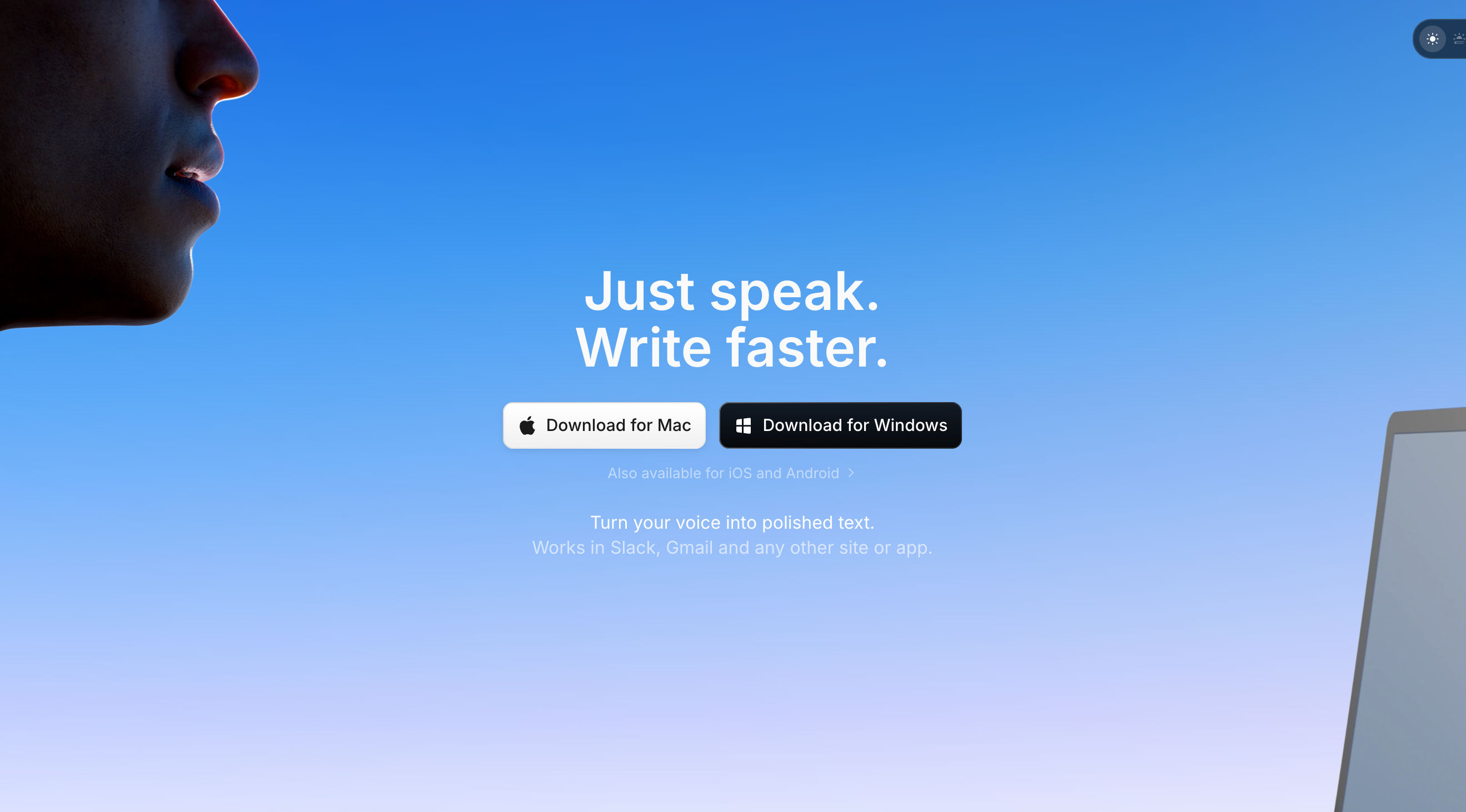
Superwhisper
AI voice-to-text for Mac, Windows, iOS, and Android that uses local-first processing and programmable modes to give users control over models, tone, structure, and formatting.
Features
Voice-to-text: Works in any app including Slack, Cursor, Notion, email, and terminals
100+ languages: Supports languages and dialects, with translate-to-English
Custom modes: Define tone, structure, and formatting for tasks such as messages, emails, code, and custom workflows
Model choice: Choose between cloud and local models, with full offline support
BYO AI API keys: Available on Pro
Super Mode: Uses AI and adapts to your screen for smarter results
Meeting transcription: Records and transcribes meetings, plus audio and video files
Custom vocabulary: Supports names, abbreviations, and technical terms
Dictation controls: Mouse-start dictation, clipboard auto-paste, and push-to-talk
Pricing
Free: $0, including voice-to-text in any app, meeting recording and transcription, 100+ languages, unlimited Whisper models, custom prompt control, and a 3,000-word Pro trial
Pro: $8.49/mo, with 40% off for students
Lifetime: One-time purchase, described as their “top choice” tier
Enterprise: Custom, including SOC 2 Type II, centralized billing and authentication, and model access control
Refund: 30-day refund on all plans
Why it's better than Wispr Flow
Local processing: Runs models on-device for privacy and offline use
One-time purchase: Lifetime option instead of a $12/month subscription
Programmable modes: Gives users more control over output structure and formatting
What you might lose if you switch
Less complete meeting functionality: Superwhisper provides meeting recording and basic notes, but lacks Wispr's speaker identification, action-item summaries, and MCP pipeline
No Snippets: No speak-a-shortcut text expansion
Less team and enterprise functionality: No shared dictionary and snippets, HIPAA BAA, SSO, SCIM, or MDM

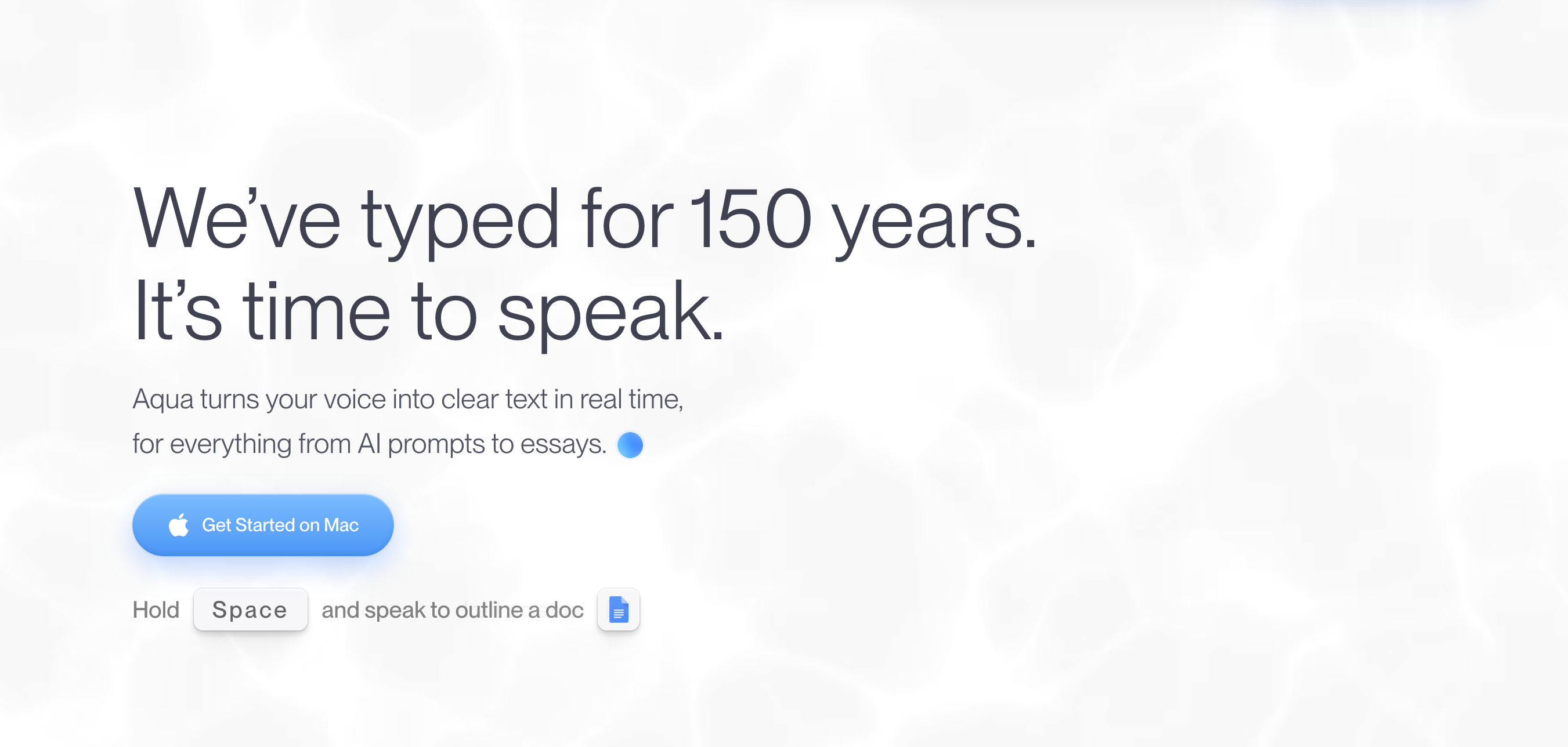
Aqua Voice
AI dictation app that inserts text in sub-second time and uses screen context to improve accuracy with code, variable names, and technical terms.
Features
Streaming dictation: Sub-second insertion at approximately 450ms to 1s, with claimed speeds of 230 WPM compared with 40 WPM typing
Deep Context: Privately reads your screen to improve recognition of code, variables, and proper nouns
Avalon model: Proprietary model with 97.3% accuracy on the AISpeak benchmark
Custom dictionary: Supports names, brands, technical terms, and custom instructions
Per-app writing styles: Different rules for apps, such as lowercase in Slack or structured output in documents
49 languages
Real-time refinement: Handles grammar and formatting while you speak
Transcript privacy: Private transcript history and Privacy Mode, where nothing is stored on servers
Developer support: Works in terminals, IDEs, Codex, Cursor, Claude, and ChatGPT
Platforms: Mac and Windows
Pricing
Starter: Free, with 1,000 free words and the Avalon transcription model
Pro: $8/mo, with 20% off on annual billing
Max: $24/mo, including everything in Pro plus AI power-user features
Why it's better than Wispr Flow
Lower latency: Streaming sub-second insertion compared with Wispr's stop-and-insert behavior
Screen-context accuracy: Improves recognition of code and technical terms, including Tailwind class names
Lower Pro price: $8/month compared with Wispr's $12/month
What you might lose if you switch
No mobile: Only Mac and Windows
No Meeting Notetaker: No meeting-notes product
Fewer languages: 49 languages compared with Wispr's 100+
No team and enterprise features: No SSO, admin controls, or HIPAA BAA
No Snippets: No text expansion

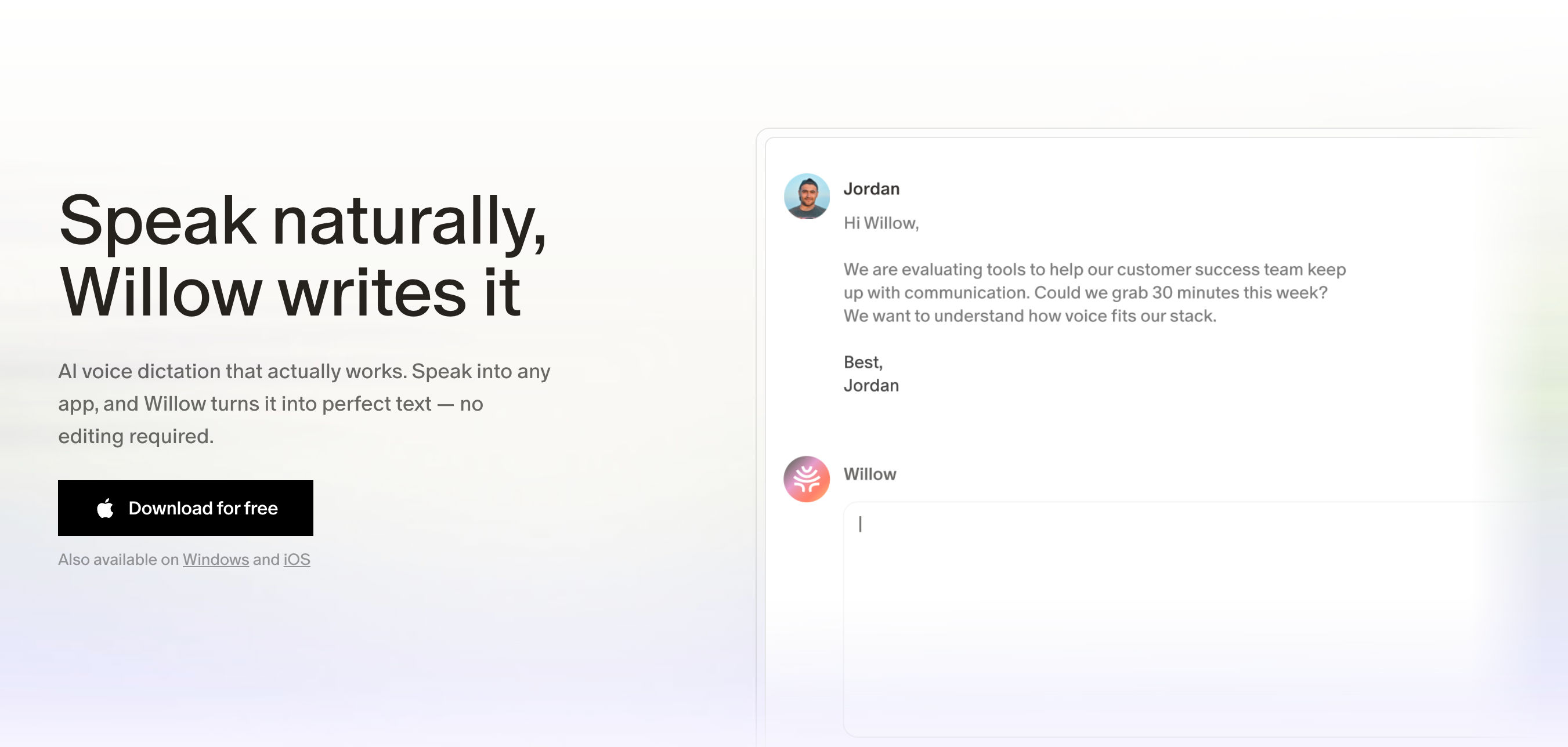
Willow Voice
Y Combinator-backed AI dictation that turns rambling speech into clean, send-ready text, with offline processing, privacy controls, and a bundled AI writing layer called Scribe.
Features
System-wide dictation: Works in Slack, Gmail, Cursor, Notion, iMessage, and other apps
Frontier Pro: Fast and accurate speech-to-text with approximately 200ms text output
Willow Scribe: AI writing from intent
Smart memory: Learns your writing style and dictionary automatically
Smart correction and formatting: Includes shortcuts for saved phrases
100+ languages: Includes whisper mode for noise, whispering, and fast speakers
Offline mode: Runs on-device
Privacy and compliance: Privacy Mode, SOC 2 Type II, HIPAA, and enforced zero data retention on Business+
Pricing
Basic: Free, with unlimited use of the weaker Frontier Mini model and 20 Scribe uses/week
Pro: $15/mo monthly or $12/mo annually, saving 20%
Business: $35/mo monthly or $28/mo annually
Enterprise: Custom
Discounts: Available for students, educators, nonprofits, and veterans
Why it's better than Wispr Flow
Privacy: Enforced zero data retention, SOC 2, HIPAA, and offline mode
AI writing layer: Scribe adds AI writing beyond dictation
Hands-free activation: “Hey Willow” wake-word invocation
What you might lose if you switch
No Android: Android is still coming soon
No Meeting Notetaker: No meeting-notes product
Weaker free-tier model: Basic uses the weaker Frontier Mini model
No Snippets: No text expansion
Polish: Some users report occasional latency spikes and language-handling quirks
Typeless
AI dictation app that learns your personal writing style and automatically edits, formats, and adapts your speech so the output reads like you typed it.
Features
Filler removal: Removes “um,” “uh,” “you know,” and repetition
Self-correction: Automatically edits mid-sentence corrections
Auto-formatting: Converts speech into lists, steps, and key points
Personalized style and tone: Learns your writing habits over time
Personal dictionary: Automatically and manually maintained
100+ languages: Includes automatic detection and seamless code-mixing
Per-app tones: Uses different tones for different apps
Translation: Translates as you speak
Ask anything: Lets you speak to edit selected text, make it shorter or longer, change tone, summarize, explain, translate, search, or brainstorm
Whisper mode
Privacy: Zero cloud retention, no training on your data, and on-device history
Platforms: macOS, Windows, iOS, Android
Pricing
Free: $0, with 8,000 words/week and standard accuracy
Pro: $12/mo billed yearly or $30/mo billed monthly
Enterprise: Custom, including SSO, SCIM, HIPAA, BAA, and volume discounts
Compliance: GDPR, ISO 27001, HIPAA-ready
Why it's better than Wispr Flow
Larger free tier: 8,000 words/week compared with Wispr's 2,000
Deeper personalization: Learns your writing style over time
What you might lose if you switch
No Meeting Notetaker: Pure dictation and editing with no meeting transcription
No Snippets: No text expansion
No MCP meeting-notes pipeline
Standard free-tier accuracy: Free uses standard accuracy while Pro uses enhanced accuracy

FluidVoice
Free, open-source macOS dictation that turns rough speech into polished text in any app while processing everything on-device.
Features
Real-time dictation: Approximately 3.7x faster than typing with less than 100ms perceived latency
System-wide input: One shortcut works in email, documents, chats, terminals, and code editors
Offline: 0 bytes leave your Mac
Fluid Intelligence and Fluid-1: Custom-trained local model of approximately 3.5GB for filler removal, casing, structure, and tone
Dictation modes: Write Mode, Command Mode, and Direct Dictation
Languages: 40+ languages with Nemotron Speech 3.5 and up to 99 with Whisper
Apple Silicon optimization: CoreML and Metal support, with Intel supported through Whisper
AI post-processing: Supports Fluid Intelligence, OpenAI, Groq, or custom providers
Adaptive app tone: Different tones for Slack, Mail, GitHub, and Notes
Models: Nemotron Speech 3.5, Parakeet Flash/TDT v3/v2, Cohere Transcribe, Apple Speech, and Whisper
Platforms: macOS 15.0+, with iOS and Windows shown as coming
Pricing
Free forever: $0 with no tiers
License: GPLv3 open source
Installation: brew install --cask fluidvoice
Why it's better than Wispr Flow
Free and open source: Free forever instead of a $12/month subscription
Fully local: No cloud processing and works offline
Fluid-1 polish: Their site and Reddit comparison tests describe the custom-trained model as “just as good as Wispr Flow” for polish
What you might lose if you switch
macOS only: No Windows, iOS, or Android
No Meeting Notetaker: No meeting-notes product
No enterprise features: No team tier, SSO, or HIPAA
No Snippets: No text expansion
Large optional download: Fluid-1 is approximately 3.5GB
Intel limitation: Intel Macs only get Whisper and do not get Fluid-1 or ANE speed
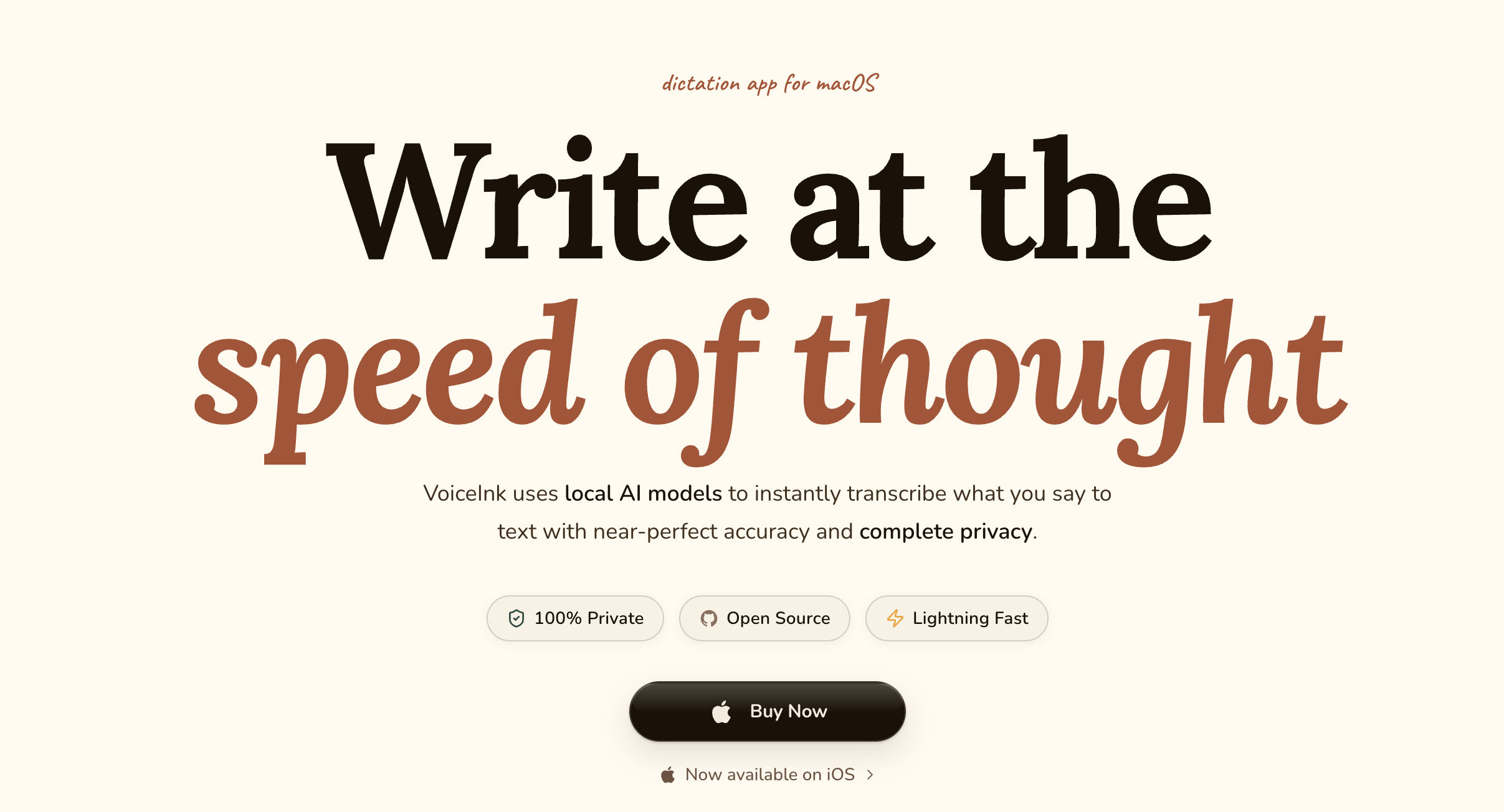
VoiceInk
Open-source macOS dictation that runs locally across apps and uses a one-time purchase model.
Features
Local AI models: Parakeet and WhisperKit, with offline support and near-perfect accuracy
System-wide dictation: Works in any app
Faster writing: Emails and AI chat claimed to be 5x faster
Custom words: Dictionary for names, product names, and terms
Smart Replace: Phrase expansion
Enhancement: Filler removal, note structuring, inbox writing, rewriting selected text, and journal entries
Markdown journal: Integrated Markdown journal support
Pricing
Solo: $25 one-time for 1 Mac
Personal: $39 one-time for 2 Macs
Extended: $49 one-time for 3 Macs
Regular pricing: $29/$49/$69, currently 50% off
Updates: Lifetime updates
Refund: 14-day money-back
Download: Free to download
Requirements: Apple Silicon only, macOS 14.4+
Why it's better than Wispr Flow
One-time pricing: $25 to $49 instead of $12/month
Local and open source: Voice stays on the Mac and works offline
What you might lose if you switch
No Meeting Notetaker: No meeting-notes product
No streaming: Waits until you finish speaking, then takes 2 to 4 seconds before text appears
Limited platforms: macOS and iOS only, with no Windows or Android
Apple Silicon only
No team or enterprise tier

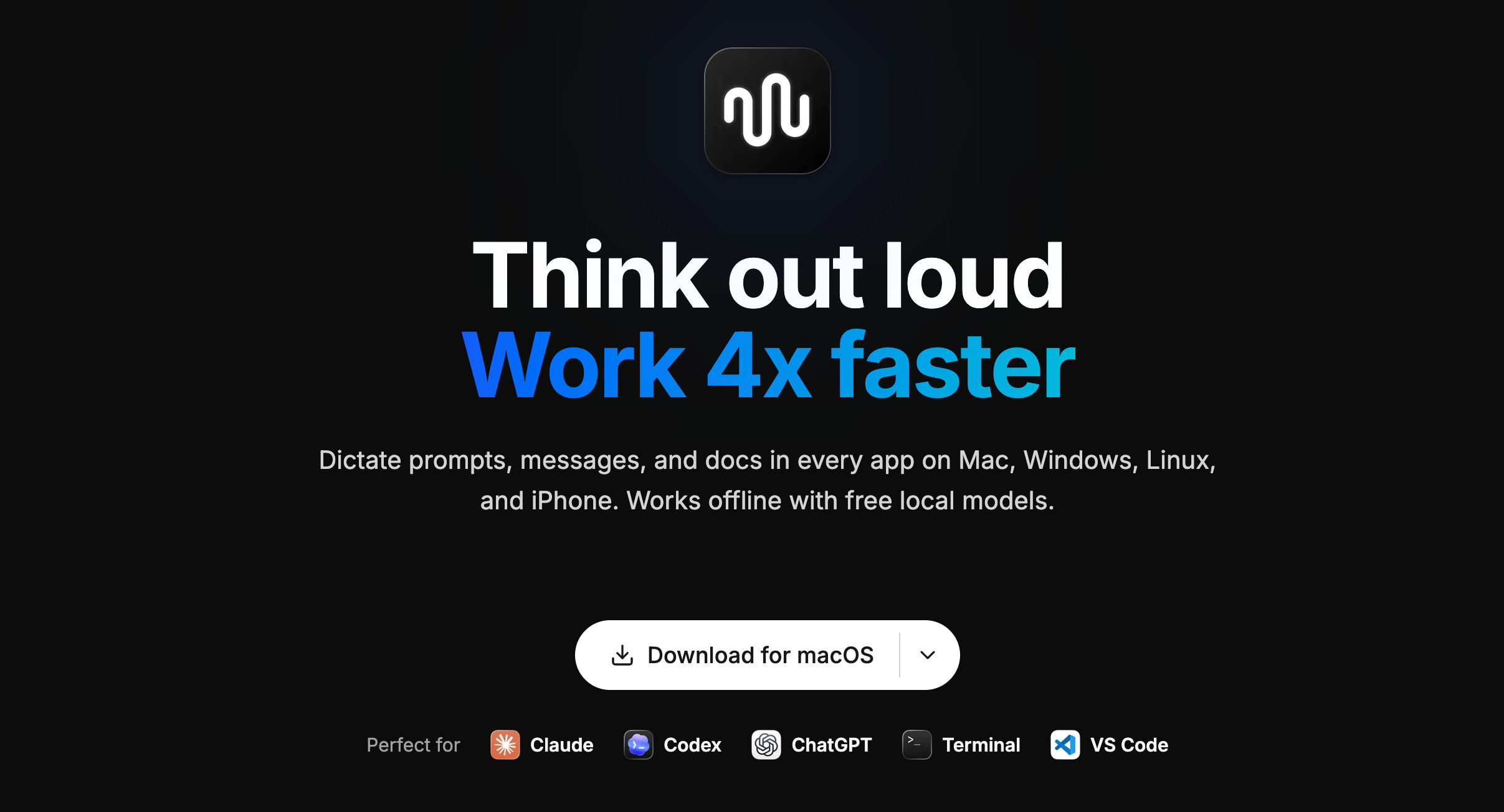
Spokenly
AI-powered dictation for Mac, Windows, Linux, and iPhone that lets you speak at the cursor using local models or your own API keys.
Features
100+ languages: Includes mid-sentence mixing and automatic language detection
Local-only mode: 0 network requests
AI Instructions: Grammar fixes, filler removal, and app-specific formatting
Live streaming: Words appear as you speak
History: Searchable and exportable history with audio replay
Meeting recording: Captures microphone and system audio without a bot and transcribes later
Pricing
Local Models: $0 forever, with Whisper and Parakeet, offline use, unlimited dictation, and no account
Your API Keys: $0 forever, including local features plus OpenAI, Deepgram, and Groq real-time models
Pro: $8.33/mo, billed at $99.99/year, with cloud models, sync, and AI cleanup
Refund: 14-day refund
Why it's better than Wispr Flow
Free local models: Unlimited use compared with Wispr's 2,000-word cap and $12/month price
BYO API keys: Supports multiple providers with their own free tiers
Linux support: Cross-platform support includes Linux, which Wispr does not support
What you might lose if you switch
No Meeting Notetaker: Meeting recording is available, but there are no summaries, speaker identification, or decision extraction
Cloud accuracy: Best cloud accuracy requires Pro or your own API keys
No Android: Android is not yet available
No Snippets: No text expansion

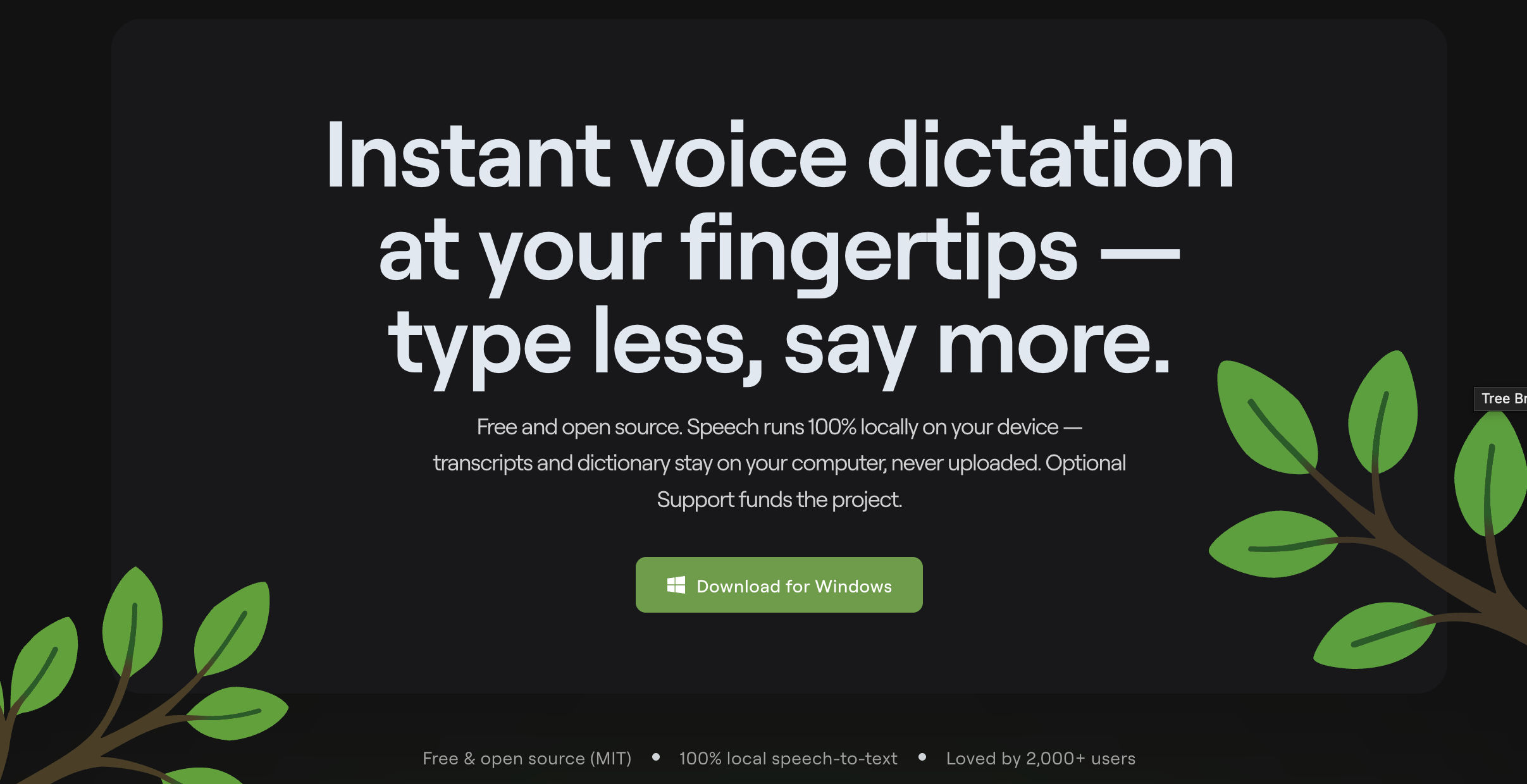
Voice Gecko
Free, open-source desktop dictation that runs fully locally and turns speech into clipboard-ready text for emails, coding, AI prompts, and brain dumps.
Features
Local speech-to-text: Transcripts and dictionary stored in local SQLite and never uploaded
Desktop app support: Works with Slack, Jira, Discord, GitHub, VS Code, and Telegram
Fast dictation: Approximately 5x faster than typing, at 200 vs 40 WPM
GeckoBar: Persistent bar for triggering dictation and viewing status
Clipboard output: Instant paste
AI prompt dictation: Speak prompts to an LLM
Custom dictionary: Supports names and jargon
Custom shortcuts
Searchable history
Privacy mode
Pricing
Free: $0 forever, MIT licensed, full product, unlimited dictations, no weekly limits, and no account required
Support: Optional $5.99/mo to fund development, with the same product
Why it's better than Wispr Flow
Free and unlimited: No word cap or subscription
Open source: MIT licensed
Fully local: Voice is never uploaded
Lightweight workflow: Clipboard-first capture
What you might lose if you switch
Windows only: No macOS, iOS, or Android
No AI rewrite layer: Focuses on transcription rather than Wispr's auto-editing and formatting
No Meeting Notetaker: No meeting transcription workflow
Fewer languages: Local speech recognition is English-centric compared with Wispr's 100+ languages
TalkTastic
Context-aware macOS voice dictation that analyzes the app you're using to match its tone, style, vocabulary, and context.
Features
Context-aware dictation: Analyzes a snapshot of the current app to match tone, style, and substance
Smart rewrites: Keeps the user's style and voice
AI transcripts: Combines Apple Dictation, on-device Whisper, and multimodal LLMs
Screen context: Helps recognize names and easily confused words
Privacy controls: Snapshot only on command, optional auto-delete, and no training on user data
Pricing
Free: 100% free while in beta
Requirements: macOS 13.1+
Paid tiers: None yet
Why it's better than Wispr Flow
Free: Free while in beta
Screen context: Uses the current app to match tone and recognize proper nouns
What you might lose if you switch
macOS only: No Windows, iOS, or Android
No Meeting Notetaker: No meeting-notes product
Limited language coverage: English-centric with no advertised multilingual coverage
MacWhisper
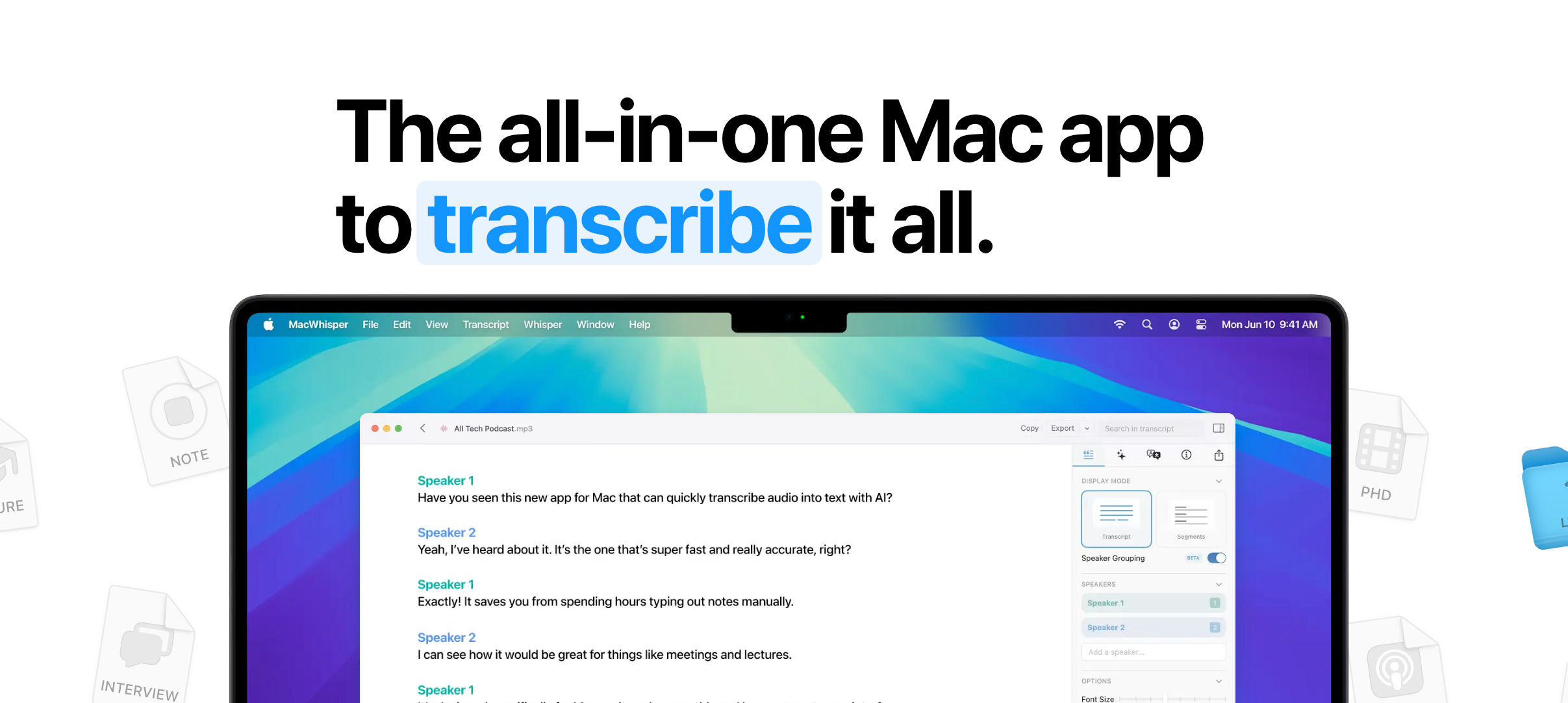
Mac transcription and dictation software for lectures, videos, podcasts, files, and online meetings, with local transcription and a one-time Pro license.
Features
File transcription: Drag and drop mp3, wav, m4a, ogg, opus, mov, and mp4 files
Meeting recording: Automatically records Zoom, Teams, Webex, Skype, Discord, and Chime, with automatic start and end detection and no bot
System-wide dictation: Pro includes high-quality dictation, AI prompts, app-specific prompts, and grammar
Podcast transcription: Creates per-speaker files
YouTube transcription
App Audio capture
Local models: Privacy and offline support
Speaker recognition
Filler cleanup
100+ languages: Includes translation
Exports: .srt, .vtt, .txt, .md, .pdf, .html, and .docx
Search and editor
Batch transcription
Watched Folders
AI services: Supports BYO API keys for OpenAI, Anthropic, Groq, xAI, Azure, Deepseek, Google, and OpenRouter
Local AI: Ollama and LM Studio
AI tools: Summarization, chat, and custom prompts
Workflow automation: Auto-upload to Notion, Zapier, Obsidian, n8n, Make.com, or a webhook
CLI: Command-line control
Pricing
Free: €0, free forever
Pro: €64 one-time, with lifetime updates
Purchase: Available through Gumroad or the App Store
Why it's better than Wispr Flow
One-time pricing: €64 lifetime license instead of a $12/month subscription
On-device transcription: Local Whisper provides privacy and offline processing for sensitive files
Deep transcription workflow: Supports subtitles, batch processing, meetings, and watched folders
What you might lose if you switch
Dictation is secondary: The product is primarily a file transcription tool rather than a live dictation tool
Less live-dictation polish: Does not match Wispr's real-time auto-editing and rewriting
Limited platforms: macOS and iOS only, with no Windows or Android
Free-tier limitations: No speaker recognition, batch transcription, meetings, AI services, or high-quality dictation without Pro