
Nosy Notch
A free, open-source Mac app that turns the MacBook notch into a live status display for Claude Code, Codex and Cursor, where you can allow or deny commands with a click or an AirPods nod, check your usage limits and reply to the agent.
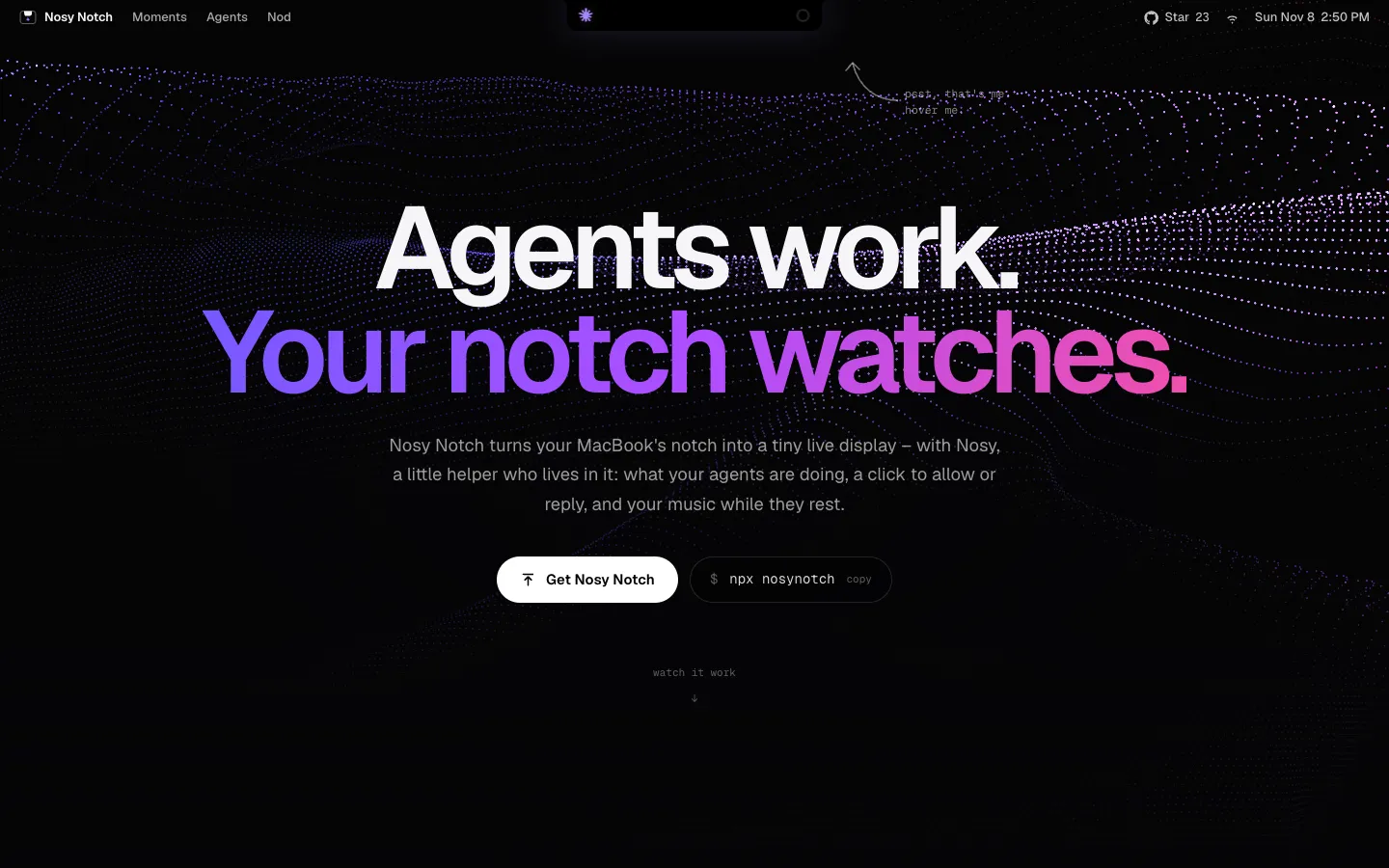
Short description
Nosy Notch is a small macOS app that sits in the black notch at the top of a MacBook screen and shows what your AI coding agents are doing. The notch slides open while Claude Code, Codex or Cursor is thinking and shows which tool the agent is using. When the agent needs your permission it glows amber and shows the exact command, and when the task is done it draws a checkmark with confetti and the first lines of the answer. You can click Allow, Deny or Always allow right in the notch, or nod and shake your head while wearing AirPods.
It connects through hooks, the agents' own built-in way of telling other programs what they're doing. The installer adds one line to each agent's hook settings that sends these updates to the app on your own Mac, so nothing is uploaded, and the agent keeps working normally if the app isn't running. Hover over the notch to see every session, how full each one's context is (how much of the conversation the agent can still hold) and your 5-hour and weekly usage limits.
When no agent is running, the notch works as a Spotify or Apple Music player, a shelf for files with AirDrop, a focus timer and a meeting reminder. A small mascot called Nosy peeks out, reacts to what the agents do and earns levels and outfits as tasks finish.
It's free and MIT licensed, and you install it with one command, npx nosynotch, with no account, App Store or Xcode. Developer David Kubus built it in Swift and SwiftUI and first released it on GitHub on November 5, 2026.
Features
Live agent status in the notch: Slides open while an agent works, with a spinning spark on the left, an icon for the current tool on the right (terminal, pencil, magnifier or globe) and how long the turn has taken so far.
Approve commands from the notch: When an agent asks permission, the notch opens with an amber glow, the exact command and Allow, Deny and Always allow buttons. Claude Code keeps its own prompt open too, so you can answer in either place.
AirPods head gestures: With head gestures turned on, a nod allows a request and a head shake denies it. Head movement is only read while a request is waiting, and the feature is off by default.
Done cards and reminders: Shows a checkmark, confetti and the first lines of the answer when a task ends. If you miss it, a green dot stays until you look, with one reminder after five minutes. It stays quiet if you're already in the agent's app.
Reply without switching windows: Opens the conversation with a reply box in the notch. Your reply is pasted into the session's app, or sent in the background so the agent picks up where it left off.
All sessions and limits in one place: Hover to see every session across agents, colour-coded (orange for Claude, blue for Codex, silver for Cursor), each with a ring showing how full its context is, plus bars for your 5-hour and weekly usage. If you've used 80% or more of a limit, it tells you when the limit resets.
Music player between runs: Spotify or Apple Music takes over the notch when agents are idle, with cover art, a moving equalizer and a full player on hover. Agents always come first.
Nosy, the notch mascot: A small character whose eyes follow your pointer and whose mood follows the agents: focused while they work, sweating on long turns, waving when one needs you. Finished tasks earn it energy, levels, streaks and unlockable accessories, in eight colours. You can turn it off.
File shelf, AirDrop, focus timer and calendar: Drag files onto the notch to park them or AirDrop them, run a 15, 25 or 50 minute focus timer that mutes agent sounds, and get a heads-up 10 minutes before a meeting with a Join button for Zoom, Meet, Teams, Webex and FaceTime links.
Battery and headphone alerts: A charging animation, a warning at 20% battery, and the battery level of each AirPod and the case when they connect.
Everything stays on your Mac: The agents talk to the app only on your own computer and nothing is uploaded. Approvals are protected by a private key stored on your Mac, so other programs can't approve commands for you. The only internet requests fetch album covers.
One-command install and removal: npx nosynotch downloads the app, connects every agent it finds and starts it in the menu bar. Other commands open a demo, settings and status, turn on start at login, update or stop the app, and uninstall it along with its hooks.
Pricing
Nosy Notch is completely free. There is no paid tier.
Free: $0. Every feature, no account and no paid plan. The code is open source under the MIT license.
Agent costs: Nosy Notch runs no AI of its own. It reads status and usage from the Claude Code, Codex or Cursor subscription you already pay for.
Integrations
Claude Code: Works in the terminal, in VS Code and in the desktop app. Shows live status, lets you allow and deny commands, and shows Pro and Max usage limits and context fill. It reads limits through a hidden status line, which it adds only if you don't already have your own.
OpenAI Codex: Works with the Codex command line tool and the ChatGPT app's Codex mode. Shows live status, lets you allow and deny commands, and shows usage limits and context fill. You need to approve the new hooks once in Codex's settings.
Cursor: Shows live status for Cursor's agent. You can allow or deny only shell commands that run outside Cursor's sandbox (its protected area for running commands). Usage limits don't show because Cursor doesn't share them.
Spotify and Apple Music: Track info, cover art, playback controls and a moving equalizer, after you grant the macOS permission.
Calendar: Your next meeting from the Mac's calendar, with Join links for Zoom, Google Meet, Microsoft Teams, Webex and FaceTime. You turn this on yourself.
AirPods: Head gestures for approvals and headphone battery levels, both off until you turn them on.
AirDrop: Sends files you drop on the notch.
Platforms
- macOS
- command line tool
Frequently asked questions about Nosy Notch
How do I get a notification when Claude Code is done?▼
Nosy Notch listens to Claude Code's own events and shows a checkmark, confetti and the first lines of the answer in the MacBook notch when a task finishes. If you weren't looking, a green dot stays in the notch until you switch to that app, and you get one reminder after five minutes. You can mute the sounds for 1 hour, 8 hours or until you turn them back on.
How can I see my Claude Code usage limits?▼
Hover over the notch and Nosy Notch shows your 5-hour and weekly limits as bars, plus a ring for how full each session's context is. It reads them through a hidden Claude Code status line, which it adds only if you don't have your own, and it works on Pro and Max plans. Codex limits show the same way. Cursor's don't, because Cursor doesn't share them.
Can I approve Claude Code permission requests without going back to the terminal?▼
Yes. When Claude Code asks for permission, the notch opens with the exact command and Allow, Deny and Always allow buttons, and the agent carries on as soon as you click. With AirPods and head gestures turned on, a nod allows and a head shake denies. Claude Code's own prompt stays open too, so you can still answer in the terminal.
Is there a free MacBook notch app for Claude Code?▼
Nosy Notch is free and open source under the MIT license, with no account or paid tier. You install it by running npx nosynotch on macOS 14 or later, with Node.js 18 or later installed. It also works with Codex and Cursor, and Macs without a notch get a virtual one in the menu bar.
Is Nosy Notch safe to install?▼
The app only talks to programs on your own Mac and uploads nothing. Its only internet requests are for album covers. Approvals need a private key stored on your Mac, so other programs can't approve commands for you. The source code is public on GitHub, and running npx nosynotch uninstall removes the app, its hooks and start at login.
Similar tools
Alternative AI options