Probe0
A Mac app that sits between Claude Code or Codex and the AI provider, records what every request costs, cuts waste with caching and shorter tool output, and pauses your agents when they hit a spending cap.
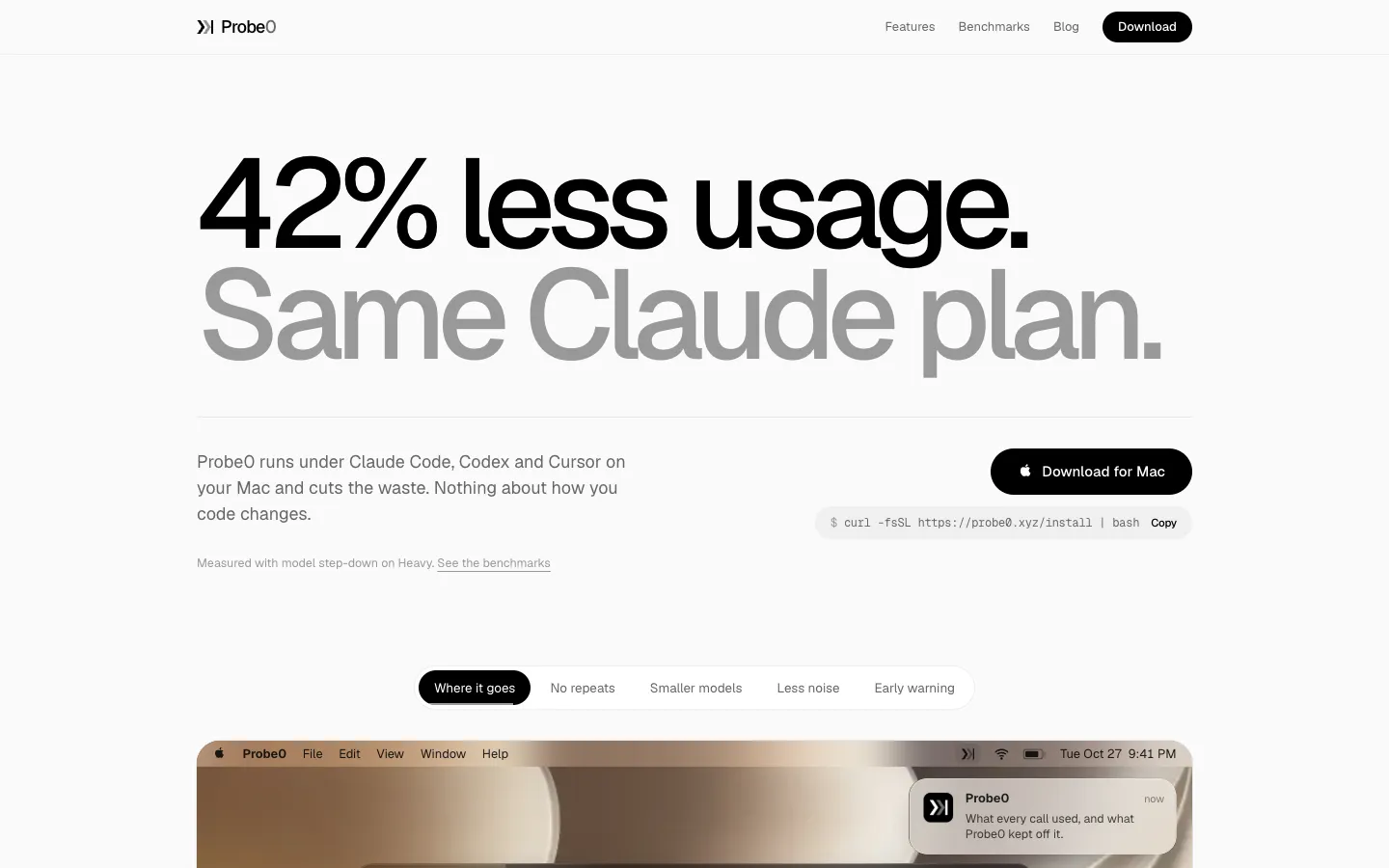
Short description
Probe0 is a cost meter and spending limit for AI coding agents. It runs on your Mac as a local proxy, a small program that every request from Claude Code or Codex CLI passes through on its way to Anthropic or OpenAI. Setup creates a security certificate on your Mac that you approve once (so Probe0 can read that traffic) and adds the proxy settings to your terminal, so you don't have to configure each tool separately.
Tools like ccusage read log files after a session has finished. Probe0 sees each request as it happens, so it can do something about it. It records every call in a local log with the agent that made it, the tokens used (the units AI providers bill by), the real cost and how long it took. It answers repeated requests from a local copy, merges identical requests sent at the same moment, shortens terminal output before it goes back to the model, and cuts down a kind of cached prompt storage that Claude Code pays extra for. It can also send easy requests to a cheaper model, or to a model running on your own Mac through Ollama or LM Studio. Spend Guard warns you at 80% of your budget and, if you pay per token with an API key, pauses everything at the cap.
The vendor tested it on twelve days of one developer's Claude Code usage and reports 12.8% saved without switching models, and up to 41.8% when easy requests go to cheaper models. Your prompts and code stay on your Mac, while hourly usage totals sync to your account. Shlok Madhekar makes it. The first beta build came out on October 17, 2026, and it's a free beta for solo developers on a Mac.
Features
Cost log for every request: Records each call with the coding agent that made it, the model, tokens, real cost and response time. The dashboard breaks spending down by day, week or month.
Spend Guard budget cap: Checks your budget before each request goes out. It warns you at 80% and, on a pay-per-token API key, pauses the proxy at the cap. The cap is read from the saved log, so it still holds after a restart.
Reuses answers to repeat requests: A request it has seen before is answered from your disk without going online. When parallel agents send the same request at the same moment, the second one waits for the first, so you pay once.
Cheaper prompt caching for Claude Code: Claude Code stores parts of each prompt with Anthropic for an hour so it can reuse them, and that hour-long storage costs double. Probe0 keeps the hour only for the parts that get reused (the tool list and system instructions) and drops the rest to five minutes, without changing the prompt. The vendor says this alone saves about 7% of the bill.
Coordinated parallel agents: When several sub-agents start with the same prompt, it holds them for up to 3 seconds so the first one pays to store the shared part and the others reuse it.
Shorter tool output: Trims terminal output as soon as it arrives and other tool output once the model has used it. It never rewrites code, file paths, names or numbers.
Cheaper models for easy turns: Can ask the model to think less on easy requests, or send them to a cheaper model from the same provider, on a Light, Medium or Heavy setting.
Models on your own Mac: Optionally sends suitable work to a model you already run in Ollama or LM Studio. It checks there's enough memory first and falls back to the cloud if the local model isn't available.
Shorter replies and leaner code: "Caveman" asks the agent for shorter replies to you (never shortening code, commands or commit messages), and "Ponytail" asks it for the smallest code that does the job. Both start on Light and can be turned up to Heavy.
Cache discount check: Shows whether your agent is actually getting the provider's discount for reused prompts, and how many dollars you're missing if not.
Every feature can be switched off: With all savings off, Probe0 still works as a plain cost meter. If any part breaks, such as the cache or a local model, the request goes through normally and you only lose that saving.
Guided setup and a fix-it command: Setup walks through the certificate, your terminal settings (zsh, bash or fish, with a backup and a clean way to remove them), a first test request, the spending cap and local models. A doctor command checks the setup in order when something goes wrong.
Pricing
Probe0 is free while it's in beta. You still pay Anthropic or OpenAI for the models you use.
Free beta: $0. The desktop app and command line tool are free during the beta, with every feature included. Downloading needs no account, but setup asks you to sign in with Google or GitHub.
Paid plans: Not published. The site has no pricing page and doesn't say what Probe0 will cost after the beta.
Model costs: Not charged by Probe0. You use your own Anthropic or OpenAI API keys or subscriptions, and Probe0 doesn't resell model access.
Integrations
Claude Code: Tracks and trims its calls to Anthropic when you start it from a terminal set up by Probe0.
Codex CLI: Does the same for its calls to OpenAI. Caveman and Ponytail only work on Codex when it's signed in with an API key.
Cursor: Named on the homepage and blog as an agent Probe0 works under, but the vendor's detailed product description only covers Claude Code and Codex CLI.
Ollama and LM Studio: Apps for running AI models on your own Mac, used for the optional local routing, with a fallback to the cloud.
macOS Keychain: Stores your API keys (the access codes for Anthropic and OpenAI), so they never show up in a settings file, a log or the cost log.
Terminal shells: Sets up zsh, bash and fish automatically.
Platforms
- macOS
- command line tool
Frequently asked questions about Probe0
How do I reduce Claude Code token usage?▼
Probe0 cuts Claude Code spending without changing how you work. It answers repeat requests from a local copy, merges identical requests sent in parallel, shortens terminal output, and drops the hour-long prompt storage Claude Code pays double for down to five minutes on parts that never get reused. On twelve days of one developer's Claude Code usage, the vendor measured 12.8% saved without switching models, and 24.0% to 41.8% when easy requests went to a cheaper model. These are the vendor's own numbers.
Can you set a spending limit on Claude Code?▼
Claude Code has no budget setting of its own, so a limit has to sit somewhere its requests pass through. Probe0's Spend Guard checks your budget before each request goes out, warns you at 80%, and on a pay-per-token API key pauses the proxy when you reach the cap. The cap comes from Probe0's saved log on your Mac, so it still holds after a restart.
What is a good ccusage alternative?▼
ccusage reads the log files Claude Code saves and tells you what past sessions cost, which is fine for totals after the fact. Probe0 records the cost of each request as it happens, shows which agent made it, and can act on it by reusing answers, switching to cheaper models or pausing at a cap. In return it takes more setup: you approve a security certificate on your Mac, and it's a macOS beta, while ccusage runs with a single command.
Is there a Claude Code usage tracker for Codex too?▼
Probe0 tracks Claude Code and Codex CLI through the same local proxy, so both agents' requests land in one log with the model, tokens, real cost and response time of each. The dashboard shows spending over the last 24 hours, 7 days or 30 days and how much each saving feature kept off the bill.
Does a local proxy send my code to a third party?▼
Not with Probe0. The proxy runs on your Mac and saves its records to your own disk. Prompts, code, responses, file paths and project names never go to Probe0. Once you sign in, it does send hourly usage totals (requests per model and agent, tokens, cost and savings) plus your Mac model and app version. You can turn off the command line tool's anonymous daily count with probe0 telemetry off or PROBE0_NO_TELEMETRY=1.
Similar tools
Alternative AI options