Rimlight
An open source command and skill that has Claude Code or Codex design an Apple app icon with you in conversation and build it into a layered Icon Composer .icon file, free in the terminal or $5 once for the Mac app.
Short description
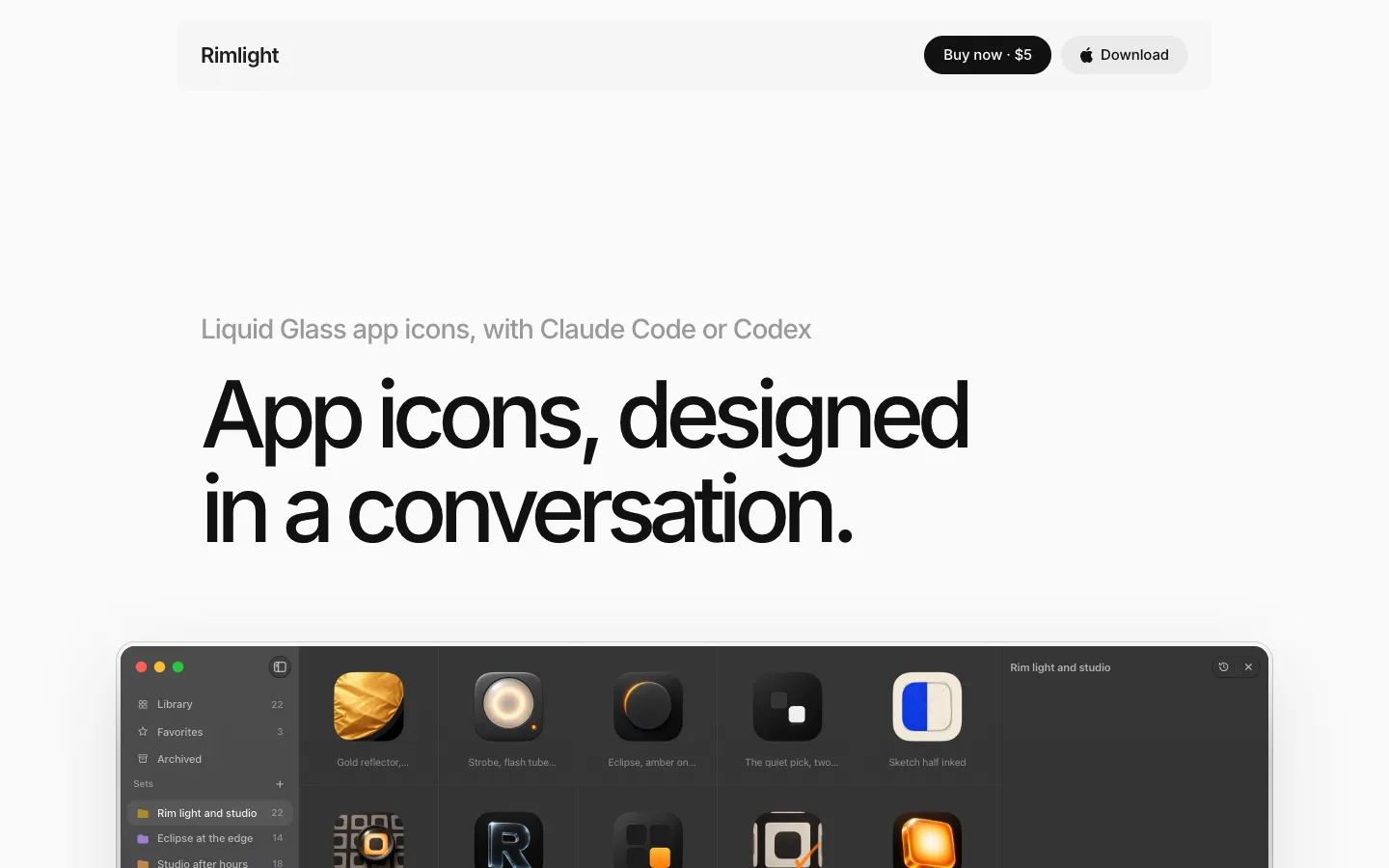
Rimlight designs app icons for Apple platforms through the coding agent you already use. You open Claude Code or Codex in your app's project folder and ask for an icon. The agent reads the project, suggests four to six directions, and renders 16 to 24 concepts side by side at about a minute each. Every render is fitted to Apple's icon tile with a transparent background. From there you refine one change at a time, 8 to 12 versions per round, and each round starts from the last so the icon keeps getting closer to what you want.
When you pick a concept, the agent plans its layers, the image model redraws each layer, and Rimlight packs them into an Icon Composer .icon. That is the layered Liquid Glass format Xcode 26 uses for iOS, iPadOS, macOS and watchOS apps. Rimlight renders the Default, Dark, Clear and Tinted looks so the agent can compare them with your pick and redraw anything that came out wrong.
Rimlight has no image model of its own. Images come from Codex on your ChatGPT plan or from your own OpenAI or OpenRouter API key, and Rimlight adds nothing to what those cost. The command and skill (the instructions that teach the agent the design process) are free and open source under Apache-2.0. A $5 Mac app adds a grid of every set and a chat for each icon. The repo went up on November 4, 2026, and it's made by one developer, Mayura Ramanayaka, in Colombo, Sri Lanka. It's meant for indie and side-project developers who can't hire an icon designer.
Features
Icon design through your coding agent: Claude Code or Codex reads your project, suggests four to six directions, writes every prompt and judges every render. You talk to the agent and never run Rimlight yourself.
Concepts rendered in parallel: 16 to 24 concepts render at once into a named set, about a minute each on Codex, with close ideas grouped next to each other.
Fitted to Apple's icon shape: Each render becomes a 1254 px square PNG cut to the tile Icon Composer draws, with real transparency around it. If the model paints a backdrop, Rimlight tries up to three automatic fixes or cuts the icon out on the Mac.
One change per refinement round: The agent locks the icon you like and changes one thing per round, rendering 8 to 12 versions so you compare like with like.
Layered Icon Composer builds: A build splits your pick into a ground and separate layers, has the image model redraw each one, and packs an Icon Composer .icon. Most icons take four to seven images.
All six appearances checked: Renders Default, Dark, Clear light, Clear dark, Tinted light and Tinted dark, and the agent checks shape, contrast and edges against your pick before it hands the icon over.
Eight built-in styles: Soft 3D object, glass and chrome, lettermark and wordmark, mono mark, mascot, hardware and skeuomorph, system glyph, and scene and collage. Adaptive mode picks two or three that suit your app, or you can turn the styles off and use your own process.
Plain files in your project: Each set is a folder of PNG and JSON files in a .rimlight folder inside your project. The prompt behind every icon is saved, along with the icon each variation came from, so you can commit it with your code.
Reference images: Paste or drop a sketch, screenshot or photo into the chat. In the app you can also drag concepts into a message to borrow a material or compare.
Optional Mac app: The paid app shows every set in a grid with a chat next to each icon, plus favorites, an archive, filters and API keys stored in the Mac Keychain. It runs the same command and skill as the terminal.
Choice of image model: Codex on a ChatGPT plan is the default and has a daily image limit. You can also use OpenAI's Images API, OpenRouter, or any service that copies their API. The skill was tuned on Codex's image model, and other models haven't been tested on builds yet.
Pricing
The command and skill are free. Only the Mac app costs money, and your agent and image usage are billed by those companies, not by Rimlight.
Rimlight CLI and skill: Free and open source (Apache-2.0). Makes the same concepts, refinements and layered builds as the app, run from Claude Code or Codex in a terminal.
Rimlight for Mac, free version: $0. 1 set per project and 10 concepts per Mac, and no package builds from the app.
Rimlight for Mac, paid: $5 once, with no subscription. One license for one person on up to 3 Macs, with updates. Refunds within 7 days. Dodo Payments handles the sale as the merchant of record (the company that takes the payment). The license checks in about once a day and keeps working for 14 days without a connection.
Agent and image costs: Not included. Your Claude or ChatGPT plan pays for the chat. Images come out of your ChatGPT plan through Codex, or are billed per image to your own OpenAI or OpenRouter API key (the access code a service gives you to use it from other apps). A build uses one image per layer, one for the ground and usually one for the Dark ground.
Integrations
Claude Code: The skill installs into ~/.claude/skills/rimlight and runs the rimlight command. Needs a Claude plan that includes Claude Code, such as Pro or Max.
OpenAI Codex: Installs as a Codex skill when Codex is set up on the Mac. It is also the default image renderer, on a ChatGPT plan that includes image generation, such as Plus.
OpenAI Images API: Renders with your own OpenAI key, using gpt-image-2.5-flare unless you pick another model.
OpenRouter: Renders with your own OpenRouter key and a model you choose, for example Google's Gemini 3 Pro Image.
Xcode 26 and Icon Composer: Needed only for layered builds. You drag the finished .icon into Xcode, or open it in Icon Composer to adjust layers by hand.
Platforms
- macOS
- command line tool
- Claude Code and Codex skill
Frequently asked questions about Rimlight
Is Rimlight free?▼
The rimlight command and its Claude Code and Codex skill are free and open source under the Apache-2.0 license, and they make the same concepts, refinements and layered builds as the app. The Mac app costs $5 once for up to 3 Macs. Its free version makes 1 set per project and 10 concepts per Mac, without builds. Your agent plan and image usage are billed separately by Anthropic, OpenAI or OpenRouter.
What is Icon Composer?▼
Icon Composer is Apple's icon format for macOS 26, iOS 26 and watchOS 26. A .icon file is a package of layers plus instructions for how the system should light them, and Xcode 26 turns one .icon into every size and appearance your app needs. Rimlight builds a layered .icon from the concept you pick and shows all six appearances before you open it.
How do I add an Icon Composer icon to an Xcode project?▼
Rimlight saves the finished package as .rimlight/sets/<set>/<icon>/builds/main/out/<Title>.icon inside your project. You drag that file into Xcode 26 like any other icon, since Rimlight writes nothing into your Xcode project itself. You can open the file in Icon Composer first if you want to adjust a layer by hand.
How do I make Liquid Glass app icons?▼
Liquid Glass is what the system does with a layered Icon Composer .icon: it lights the layers and renders the Default, Dark, Clear and Tinted appearances. In Rimlight, your agent splits the concept you picked into a ground and layers, the image model redraws each one, and Rimlight packs the .icon. Most icons take four to seven images, or two to three minutes on Codex.
Can AI design an app icon for my iPhone app?▼
Rimlight puts Claude Code or Codex in front of an image model. The agent reads your project, suggests directions, writes the prompts and redraws what comes out wrong. The .icon it builds is the format Xcode 26 uses for iOS, iPadOS, macOS and watchOS apps. To run it you need a Mac with Apple silicon on macOS 26.
Similar tools
Alternative AI options