
shepetal
A Mac dictation app that turns your speech into text on the Mac itself with Parakeet and Whisper models, so you press one key, speak in any of 100 languages and your words appear in any app, even with no internet connection.
Short description
shepetal is a dictation app for Mac. You press one key, speak, and the text appears wherever your cursor is: an email, a chat, a code editor, the terminal or a note. Speech recognition runs on the Mac rather than on a server, using the Parakeet TDT 0.6B v3 model for 25 European languages and Whisper large-v3-turbo for 75 more. A small Qwen3.5 language model then tidies up the text, also on the Mac. After a one-time setup that downloads the models (about 470 MB, plus 574 MB for languages outside the European set), it works with no internet connection. Recordings and history stay in a folder on your Mac, and the app sends no analytics.
It also formats text to suit each app, with an email layout in Mail and Gmail and a Raw mode for apps where you want your exact words. It learns custom spellings from a dictionary you set up, and it offers to record and transcribe calls on the Mac, capturing both your microphone and the call audio.
It's aimed at people who write all day and want their voice kept off the cloud: developers dictating commit messages and prompts, writers, people with RSI or ADHD, and anyone doing private work. shepetal is made by BackAnt, Inc., a Delaware company represented by founder Pavel Hegler. The earliest public version in the changelog is 0.2.3, dated October 22, 2026.
Features
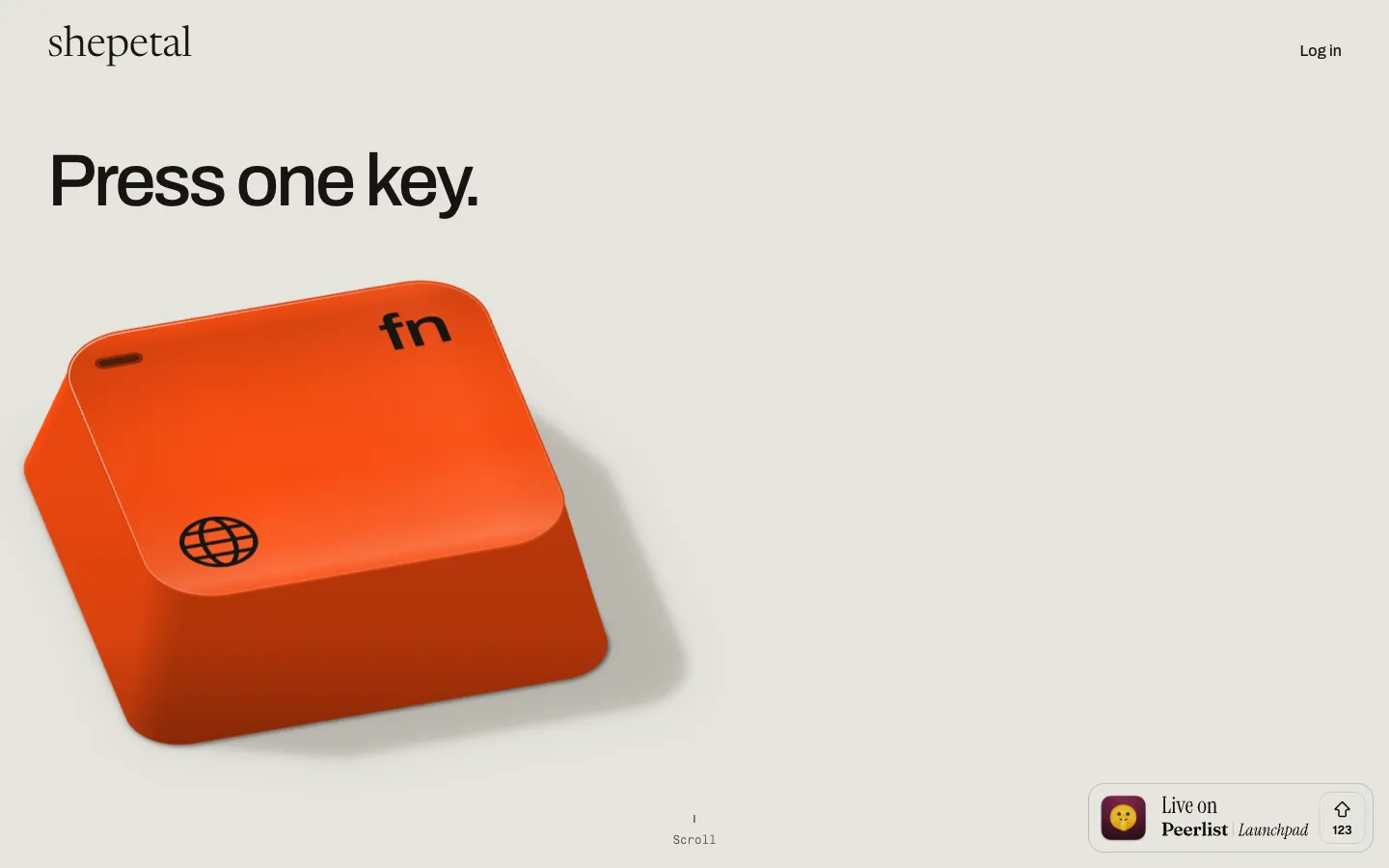
One-key dictation in any app: Press one key (the site shows the fn key) and speak, and the text is pasted where your cursor is. When an app blocks pasting, the words wait on the clipboard so you can paste them yourself.
Speech recognition on your Mac: Parakeet TDT 0.6B v3 handles the 25 European languages and Whisper large-v3-turbo the other 75. shepetal picks one based on the languages you choose, or you set it under Speech model in Settings.
Works offline after setup: Needs the internet once to sign in and download the models (about 470 MB, plus 574 MB for non-European languages). After that, dictation runs with no connection.
Local text cleanup: Tidies up dictation with Qwen3.5 0.8B, or Qwen3.5 2B on Macs with 16 GB of memory or more, also on the Mac. A "My voice" setting tells it how your text should read.
100 languages with auto-detect: English, German, French, Spanish, Italian, Portuguese, Dutch, Polish, Ukrainian and Slovene work right after setup. Japanese, Chinese, Korean, Arabic, Hindi and others need one extra download. The Automatic setting picks up whichever language you speak.
Formatting for each app: Lays out dictation as an email in Mail or Gmail, has styles from Formal to Excited for work, email and personal messages, and can set any app to Raw so your words go in unchanged.
Custom dictionary: Writes names like LinkedIn with your spelling and capitals, and swaps a word you say for the one you want written.
Meeting transcription on the Mac: When a call starts, shepetal offers to record it, captures your microphone and the call audio, and keeps the recording and transcript on the Mac. The changelog lists support for up to five speakers and re-transcribing a meeting.
Re-transcribe and history: Re-transcribe past dictations with one press, write numbers as digits, and keep your history in ~/Library/Application Support/Shepetal until you delete it.
Usage stats: Home shows your words, words a minute and streak for the week. Insights adds the time saved compared with typing. All of it is counted on the Mac.
Checked by Apple and self-updating: Installed from a DMG file, notarized by Apple (Apple's check for Mac apps downloaded outside the App Store), and updates itself once installed.
Pricing
You can try shepetal free for 30 days, then pay either once for a lifetime license or a small monthly fee. Prices are in euros.
Free trial: 30 days, no card needed. During the trial the app checks your license at least once every 7 days.
Lifetime license: €24 once, with updates included. Works offline with no time limit and on more than one Mac signed in with the same Google account. Full refund within 14 days of purchase.
Monthly: €2 a month, cancel anytime. A month that has started isn't refunded.
Currency and tax: Prices include sales tax or VAT, and checkout shows the total before you pay. A US dollar price isn't published.
Launch promo: The Peerlist launch page offered the code PEERLIST for a $4.99 lifetime license to the first 100 people. shepetal's own site doesn't mention it, and whether any of those spots are left isn't published.
Integrations
Platforms: macOS 14.4 or later on Macs with Apple silicon (M1 or later). Intel Macs aren't supported. Windows, Linux and iPhone versions are on a waitlist.
Any macOS app: Pastes dictation at the cursor in mail, chat, code editors such as Cursor and VS Code, Terminal and note apps.
Mail and Gmail: Sets out emails automatically, with the greeting and sign-off on their own lines.
Video calls: Notices when a call starts (the site shows a Zoom example) and offers to record and transcribe it on the Mac.
Google account: Required to sign in and hold your license.
Developer tools: No API (a way for other software to connect to it), plugins or developer tools are published.
Platforms
- macOS (Windows, Linux and iPhone on a waitlist)
Frequently asked questions about shepetal
What is a good offline dictation app for Mac?▼
shepetal is built for this. Its speech recognition (Parakeet TDT 0.6B v3 or Whisper large-v3-turbo) and its text cleanup (Qwen3.5) both run on the Mac. You go online once to sign in and download about 470 MB of models, and then you can dictate on a plane or a train. It needs a Mac with Apple silicon (M1 or later) and macOS 14.4 or later; Intel Macs aren't supported.
Does Wispr Flow work offline?▼
No. shepetal's comparison page quotes Wispr Flow's privacy page, checked October 23, 2026: "Transcription always happens in the cloud," and each dictation is sent to its servers. shepetal transcribes everything on your Mac, so it keeps working without a connection. Wispr Flow runs on Mac, Windows, iOS and Android, while shepetal is Mac only for now.
Is there a free Wispr Flow alternative?▼
shepetal isn't free, but it's cheap to keep. You get 30 days free with no card, then pay €24 once for a lifetime license with updates, or €2 a month. For comparison, shepetal's page lists Wispr Flow Pro at $15 per user per month, or $12 billed annually, as of October 31, 2026.
How do I use dictation on a Mac with shepetal?▼
Download the DMG, drag shepetal into Applications, open it and click Open once when macOS asks. Sign in with Google and let it download its speech models. Then put your cursor in any app, press the key and speak, and the cleaned-up text appears where you're typing.
Does my voice leave my Mac with a private dictation app like shepetal?▼
No, according to shepetal's FAQ and privacy policy. Recordings, text and history stay in shepetal's folder on your Mac, and the app sends no analytics. A few things do go online: Google sign-in, a license check once a day (every 7 days during the trial), update checks, and model downloads from Hugging Face, which sees your IP address.
Similar tools
Alternative AI options