Wispr Flow
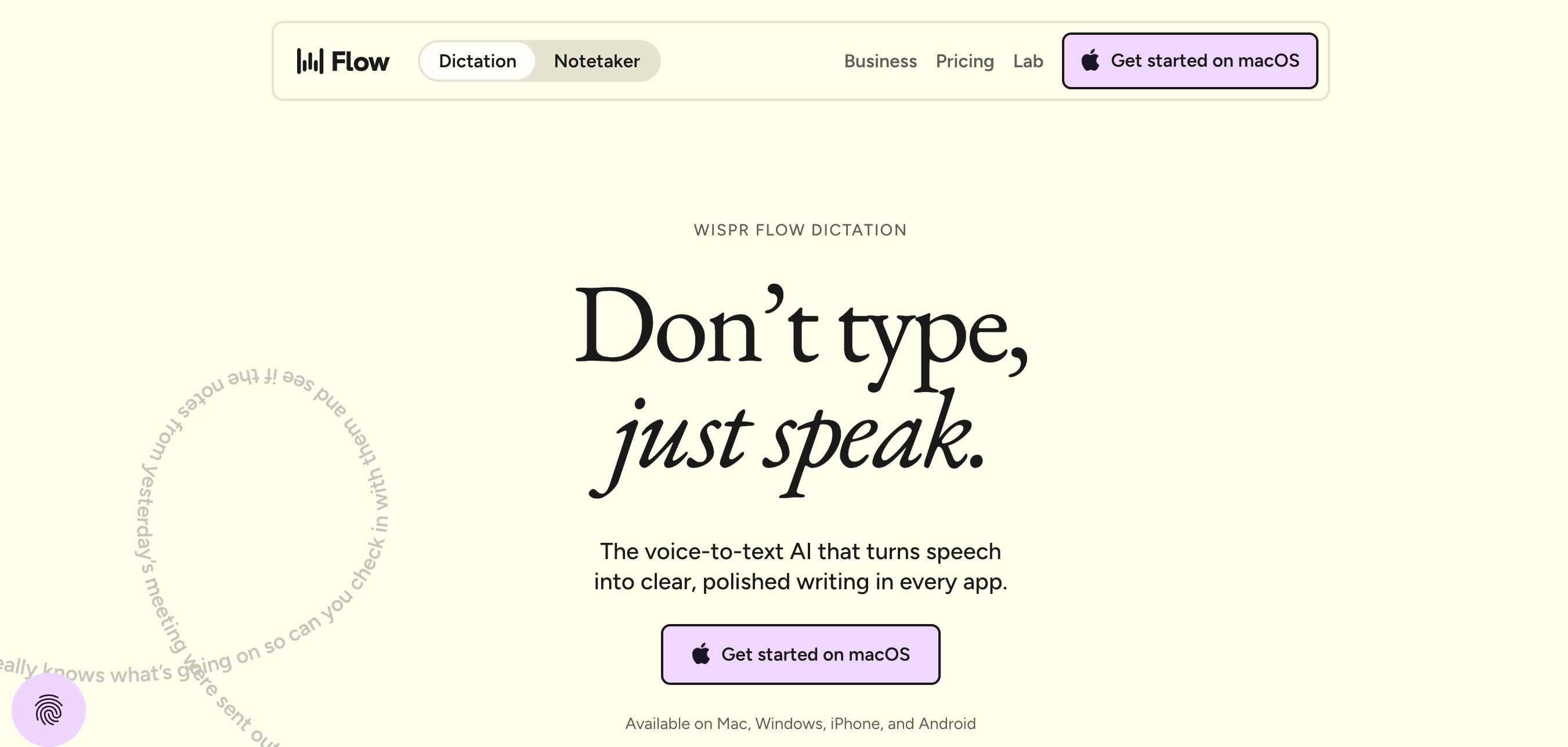
AI voice-to-text dictation that works system-wide, turning speech into polished, correctly formatted text in whatever app your cursor is in, plus a bundled meeting Notetaker.
Short description
Features
System-wide dictation: Types wherever your cursor is, across every app
Real-time auto-editing: Removes filler words, fixes grammar, and restructures text
100+ languages: Supports multilingual dictation and code-switching such as Hinglish
Smart vocabulary: Learns names and jargon automatically, with a custom dictionary
Snippets: Speak a shortcut to expand saved text such as emails, links, and bios
Tone matching: Uses different tones per app, such as formal or casual
Notetaker: Provides meeting transcripts, speaker identification, and summaries focused on decisions and next steps
MCP: Lets you use meeting notes inside Claude and ChatGPT
Security & compliance: SOC 2 Type II, ISO 27001, HIPAA-ready
Pricing
Free: $0/mo, 2,000 words/week on desktop and 1,000 words/week on mobile
Pro: $12/user/mo
Growth: $18/user/mo
Enterprise: Custom
Integrations
MCP: Pipes meeting notes into Claude and ChatGPT
System-wide typing: Works across Slack, Gmail, Notion, Cursor, terminals, and IDEs
Platforms
- Mac
- Windows
- iOS
- Android
What users love about Wispr Flow
Fast dictation: Users describe it as “4x faster” with polished output.
Notetaker accuracy: Users highlight its ability to handle real names and summarize decisions and next steps
Language support: 100+ languages with Hinglish-style code-switching
What users complain about Wispr Flow
Free-tier word cap: Limited words on the free plan, combined with a $12/month recurring cost
Cloud-only processing: Privacy-sensitive users may prefer local tools
CPU and RAM usage: High system resource footprint
Windows and mobile polish: These experiences lag behind macOS
Similar tools
Alternative AI options