Aider
Terminal-based AI pair programmer for surgical, git-native edits
Short description
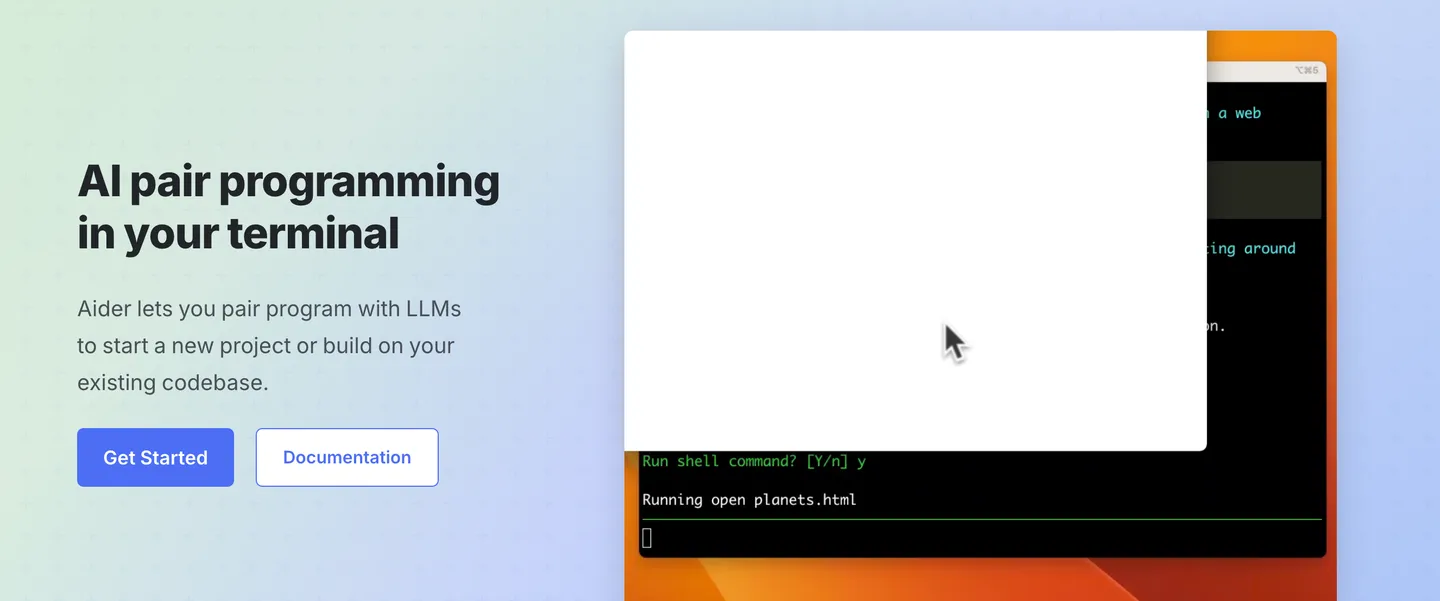
Aider is an open-source, terminal-first AI pair programmer built for developers who prefer working directly with their code and Git. It integrates with your existing editor, lets you use different LLMs to write and refactor code, and automatically tracks changes through Git. With 44k GitHub stars, 6.8M installs, and 15B tokens processed per week, Aider remains a popular choice for developers who want AI coding assistance without switching to a dedicated IDE
Features
Repo-map: Builds a map of your whole codebase so it edits accurately in large projects instead of losing context
Git-native commits: Auto-commits every change with a sensible message, so you diff and undo with normal git
Voice-to-code: Speak your request and it implements the change
Images & web pages as context: Paste screenshots or URLs as reference for the change
Auto lint + test: Runs your linters and test suite after each edit and fixes any failures
Copy/paste web-chat mode: Works even without an API key by piping through a browser chat
Pricing
Free / open-source: Apache-2.0
Bring your own model API key: You pay the provider (Anthropic, OpenAI, DeepSeek) directly
No subscription
Integrations
LLMs: Claude, OpenAI (o1/o3/GPT-4o), DeepSeek and almost any LLM including local models
Git: Every change becomes a commit
Linters & test suites: Runs your own after each edit
Platforms
- Terminal/CLI on macOS
- Linux and Windows
- plus in-editor watch mode
What users love about Aider
Precise, targeted edits: Makes small, surgical changes to your code rather than broad rewrites
Developer stays in control: It edits what you ask, when you ask, so you decide every change
One commit per change: Every AI edit is auto-committed with a clear message, so you can review it with a normal git diff and undo it with git
What users complain about Aider
Hard for newcomers to learn: It is a terminal-only tool with no graphical interface, which is painful for people new to the command line
Requires comfort with git: Every change becomes a commit, so you need to be comfortable using git yourself
No inline autocomplete: It can’t suggest code as you type, which some users miss
Similar tools
Alternative AI options