
Alternatives to Cursor
Explore the best alternatives to Cursor. Compare features, pricing, integrations and see which tool fits your needs.
Why people switch away from Cursor:
Rising costs with heavy-agent use: Developers who use coding agents throughout the day can outgrow their included usage and face additional charges.
Confusing usage limits: Different models consume usage at different rates, making it harder to predict how long an allowance will last.
Slowdowns and reliability issues: Some users report lag, resource-heavy editor performance, and inconsistent agent response times.
Freedom to use other editors: Developers who prefer JetBrains, a terminal-based workflow, or another editor may not want to switch to a VS Code-based application.
TL;DR:
The best overall alternative to Cursor is GitHub Copilot. At $10/mo, it costs half as much as Cursor Pro, charges per request instead of by tokens, and works across VS Code, JetBrains, Xcode and GitHub with autocomplete, a cloud agent and code review. For autonomous, long-running work, Claude Code maps your repo, turns issues into pull requests and runs multi-hour migrations unattended.
If you are looking for a free alternative, Gemini CLI gives you 1,000 requests/day of Gemini 2.5 Pro with a 1M-token context window. The best open-source alternative to Cursor is OpenCode, which connects 75+ model providers, supports local models and lets you reuse an existing Copilot or ChatGPT subscription. And if you want to run multiple agents from one IDE, Devin Desktop lets you assign tasks to Codex, Claude Agent and others side by side.

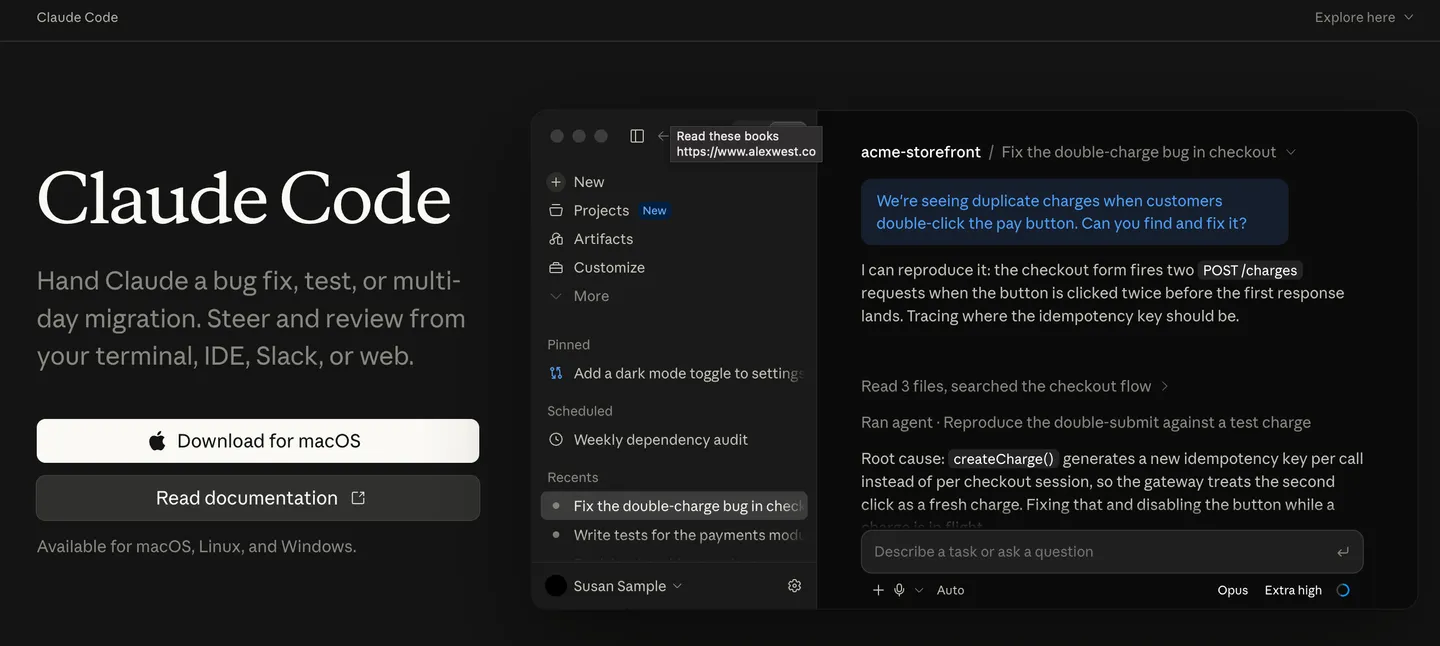
Claude code
Autonomous AI coding agent from Anthropic that explores codebases, fixes bugs, builds features and orchestrates long-running coding tasks from your terminal, IDE, App or the web.
Features
Codebase understanding: Explores unfamiliar repositories, traces dependencies and identifies relevant files before making changes.
Issue-to-PR workflows: Investigates software issues, implements fixes, runs tests and prepares pull requests through supported GitHub integrations.
Multi-step coding: Handles feature development, debugging, refactoring, migrations and test generation across multiple files.
Background agents: Runs coding tasks in the background so you can continue working on other tasks while the agent makes progress.
Parallel agents and worktrees: Delegates independent tasks to sub-agents and uses isolated Git worktrees to work on multiple changes in parallel.
Plan mode: Analyses the codebase and creates an implementation plan before editing files.
Choice of Claude models: Switch between Anthropic’s top models Haiku, Sonnet, Opus and Fable to choose the model that best fits your coding task, balancing speed, intelligence and cost.
Custom instructions and skills: Uses CLAUDE.md, reusable skills, hooks and plugins to follow project conventions and automate workflows.
MCP integrations: Connects external tools, services and data sources through the Model Context Protocol (MCP).
Automated workflows: Supports GitHub Actions and other supported automation setups for repeatable development tasks.
Pricing
Pro: $20/month. Suitable for lighter coding sessions and smaller projects.
Max 5x: $100/month. Provides 5× the Pro usage allowance.
Max 20x: $200/month. Provides 20× the Pro usage allowance.
API alternative: Pay per token through the Anthropic API, with costs determined by the model and usage.
Why it's better than Cursor
Agent-first workflow: Designed to execute multi-step coding tasks across a repository, not just assist with code completion.
Access to Claude models: Offers Anthropic’s top models Haiku, Sonnet, Opus and Fable included as part of the Claude Subscription.
Long-running tasks: Background execution and agent orchestration make it suitable for substantial refactors, migrations and multi-stage work.
Flexible workflow: Works from the terminal or supported IDEs and desktop interfaces without requiring you to adopt one particular code editor.
Extensible automation: Skills, MCP, hooks and sub-agents let developers customize how the agent works with their codebase and external tools.
What you might lose if you switch
No graphical diff/editor: The CLI is terminal-centric; developers seeking a polished visual editing workflow may prefer Cursor. Claude Desktop provides a graphical interface and diff review, though its feature set differs from the CLI.
Usage cap: The subscription is a seat of usage, so heavy monorepo work can hit the cap faster than Cursor Pro
Potentially unpredictable API costs: Pay-as-you-go usage can add up during lengthy tasks, especially when agents repeatedly inspect files, run tools or use expensive models.
No multi-model UI: No Grok/GPT routing, Claude-only unless you wire it to others

Devin Desktop
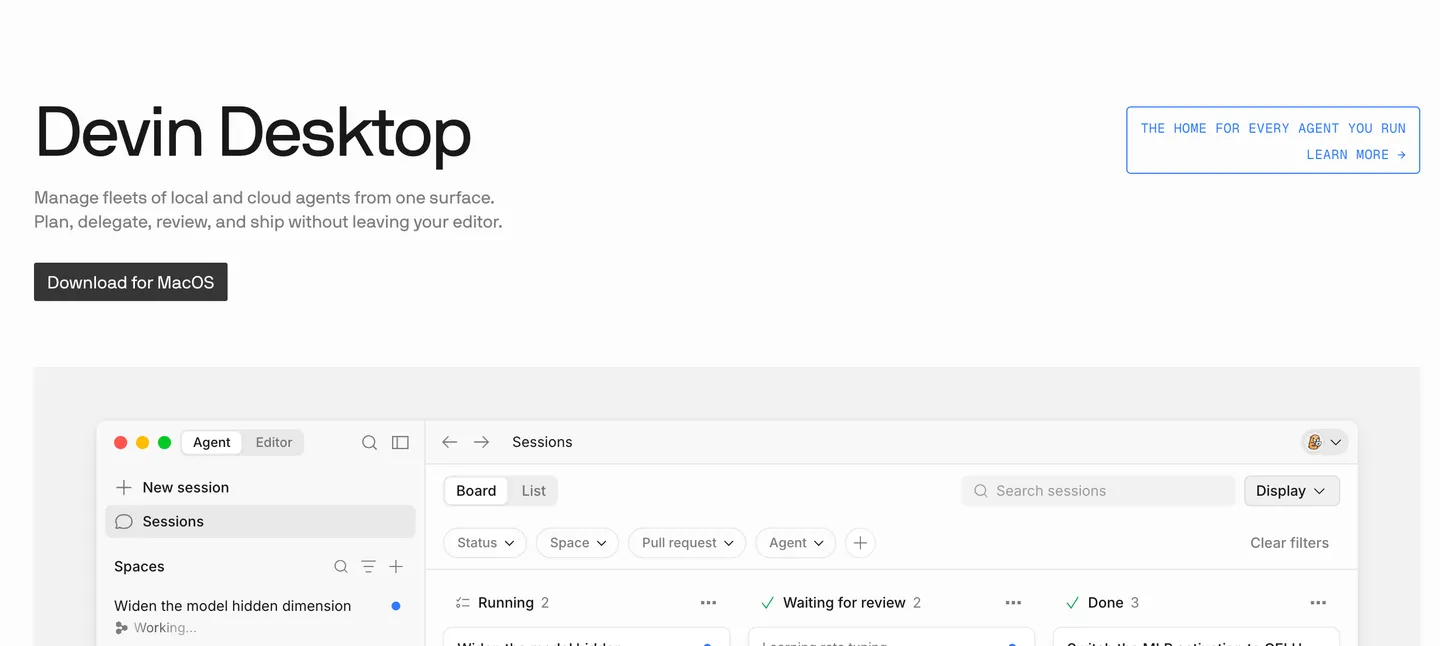
Run multiple coding agents side by side from one IDE.
Features
Multi-Agent Command Center: Assign tasks to Devin Local, Devin Cloud, Codex, Claude Agent, OpenCode, and other supported agents from one interface.
Spaces: Give agents shared project context and Git worktrees, helping them work on separate tasks without conflicting changes.
Agent Kanban: Track agents and tasks across stages such as running, awaiting review, and completed.
Supercomplete: Predicts your next edits and offers multi-step code completions through the “Tab, Tab, Ship” workflow.
Fast Context: Quickly locates relevant files and code snippets across your codebase, helping agents find the context they need.
Full IDE: Built-in syntax highlighting, autocomplete, debugging, extensions, and code navigation.
Cloud Agents: Delegate longer-running coding tasks to cloud agents and continue working locally or close your laptop while they run.
Agent Client Protocol (ACP): Connect compatible coding agents through a common interface instead of being locked into a single agent.
SWE-2: Cognition’s own coding model, with included access subject to the current plan’s terms.
Pricing
Free: $0
Pro: $20/mo
Max: $200/mo (new)
Teams: $80/mo plus $40/mo per full seat
Enterprise: Custom
Why it's better than Cursor
Coordinate agents in one place: Its standout feature is bringing different coding agents into one workspace, rather than centering the experience on a single editor-agent workflow.
Delegate work to the cloud: Cloud agents can continue working on tasks while you focus on something else.
Keep the familiar IDE: You get a conventional code editor alongside agent orchestration, rather than having to choose between an IDE and an agent-first workflow.
Work in parallel: Spaces and Git worktrees help you separate tasks and manage concurrent changes.
Start for free: The free tier offers a way to try the editor and agent workflow before committing to a subscription.
What you might lose if you switch
Predictable usage costs: Agent quotas can be restrictive, and extra usage may cost more. The actual limits are not always obvious before you hit them.
A simpler workflow: The command center, multiple agents, and task management features add complexity if you mainly want quick code completions or straightforward edits.
Consistent performance: Some Reddit users report slower responses, context loss, and less reliable results compared with Cursor, Codex, or Claude Code.
Continuity and clarity: The transition from Windsurf to Devin has left some users confused about the product direction, agent ecosystem, and how the different components fit together.
A low-cost power-user option: The $200/month Max tier is a substantial jump from Pro, while users who frequently exhaust their included quota may need to pay extra.

GitHub Copilot
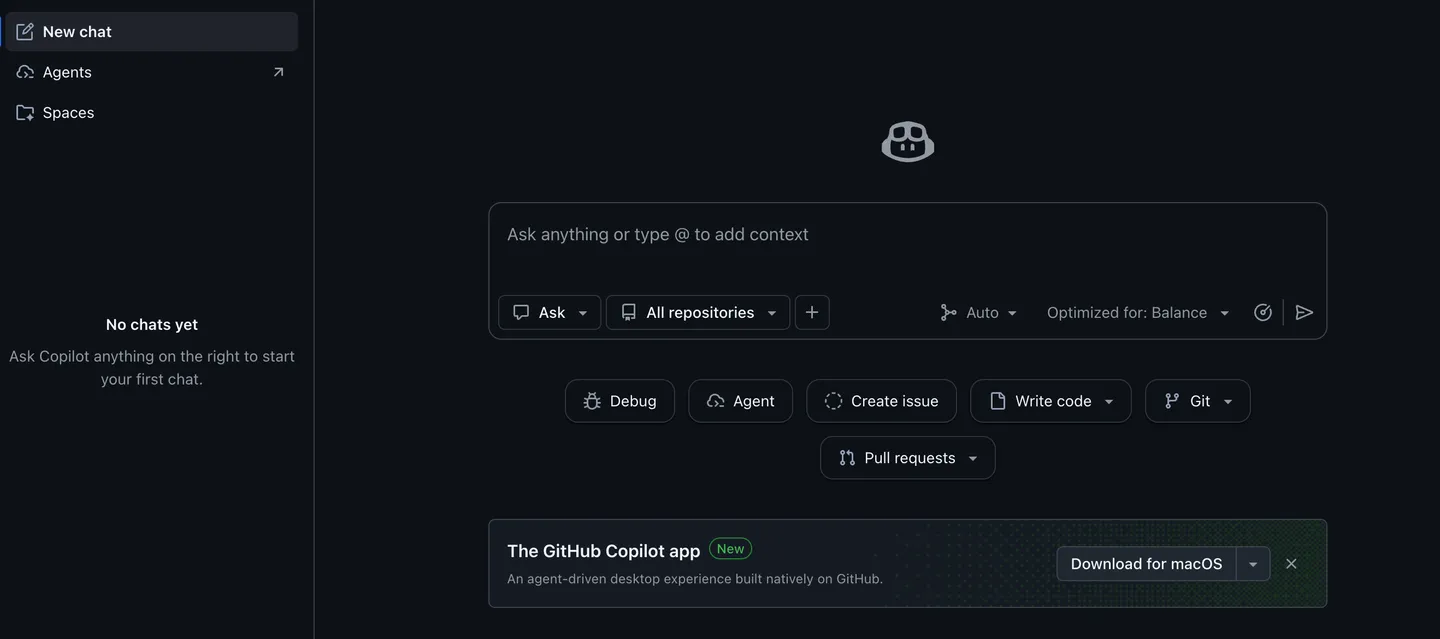
AI coding assistant that works inside your editor and on GitHub, with autocomplete, cloud agents, code review and a desktop workspace.
Features
Autocomplete + NES (next-edit suggestions): Completes code and predicts your next edit location, so you jump between edits with Tab
Cloud agent + code review: Agent writes multi-file changes in the cloud, and a reviewer flags issues in your PRs
Copilot CLI: Run Copilot from the terminal for quick fixes and scriptable tasks
Agents on GitHub: Assign tasks to Copilot, Claude Code or Codex straight from a GitHub issue
Copilot desktop app + Spaces: Unified workspace with shared team knowledge (Spaces) across your repos
Model selection: Choose from leading LLMs (Haiku 4.5, GPT-5 mini, Opus) rather than one fixed model
Pricing
Free: $0 (2,000 completions/mo, Haiku 4.5 and GPT-5 mini, Copilot CLI)
Pro: $10/mo (unlimited completions and next-edit suggestions, cloud agent and code review, third-party agents Claude Code and Codex, model selection, $15 monthly credits)
Pro+: $39/mo (premium models including Opus, audit logs, 4x+ usage, $70 credits)
Max: $100/mo (priority access, 2.9x+ usage, $200 credits)
Business / Enterprise: Per-seat pricing on top
Why it's better than Cursor
Lower entry price: $10/mo or free, half the price of Cursor Pro
No token accounting: Request-based pricing avoids a recurring Cursor complaint
Not tied to one editor: Works across GitHub, VS Code, JetBrains and Xcode
What you might lose if you switch
Weaker deep refactors: Cursor’s Composer is still ahead of Copilot’s editor agent on deep multi-file refactors for some users
Weaker outside GitHub: It is a platform play built around GitHub
Looser autocomplete: Autocomplete speed and quality on a forked editor (Cursor) is often tighter than a cross-editor extension

Codex
OpenAI’s coding agent that works across ChatGPT, an IDE extension and the CLI
Features
Multi-agent workflows: Spawns many agents in parallel, each with computer and browser tools, to divide a big task
Cloud environments: Agents keep running on OpenAI’s servers after you close your laptop, then return results
Code review: Automatically reviews your PRs and flags bugs before merge
Plugins: Connects to GitHub, Slack, Google Drive, Notion, Gmail, Figma and Supabase to pull context and act
@openai/codex CLI + IDE extension: The same agent in your terminal, your editor and ChatGPT
Pricing
Plus: ~$20/mo
Pro: ~$200/mo
Business: $20/user on regular plan & $100/user for premium plan
Why it's better than Cursor
Cloud agents: Keep working when you close the lid, a gap vs Cursor’s local-first editor
Native parallel agents: Not limited to one Composer thread
No reseller markup: You use OpenAI’s own model access for the frontier model
What you might lose if you switch
No polished editor: The IDE extension and CLI are spartan next to Cursor
Costlier for heavy use: Heavy use gets expensive if you’re not already paying for Pro ($200/mo)
OpenAI models only: No Claude/Grok routing

Roo Code
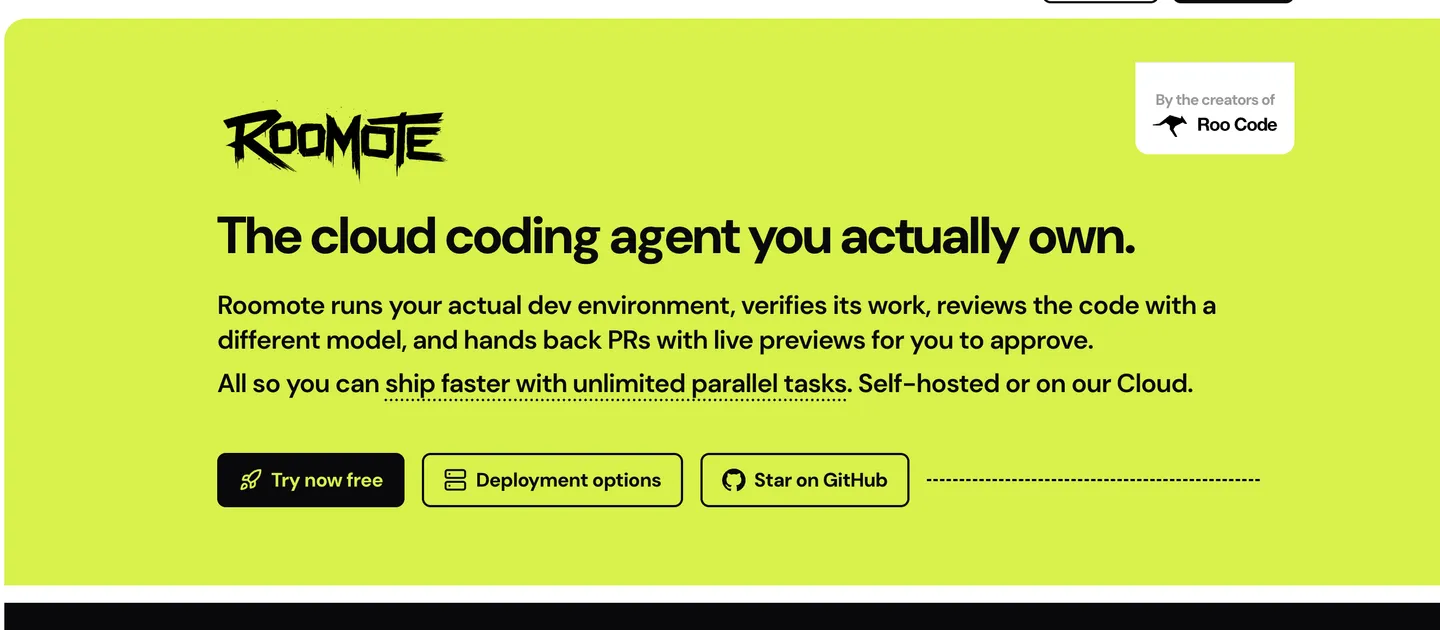
An Open-source VS Code coding agent with a self-hostable cloud agent called Roomote where you bring your own model and keep control.
Features
Mix-and-match models: Swap between OpenRouter, Gemini and local models per task, or bring your own key
Parallel task orchestration: Runs several agents on different tasks at once and reacts when one fails
Self-review loops: After editing, a different model reviews its own changes to catch mistakes
Live previews: See a web preview of the app you’re building while the agent works
Cost analytics: Tracks token spend per model so you know exactly what a session cost
Async control: Drive it from Slack, Teams, Discord or Telegram while away from the editor
Pricing
Extension: Free (Apache-2.0), you pay only for your model API
Roomote Cloud: 7-day trial, then from $49/mo
Roomote self-hosted: Up to 10 users free, 11 to 50 users $249/mo, 51 to 100 users $499/mo
Why it's better than Cursor
No seat fee: Free, you pay only for tokens, with no $20/mo seat
Model freedom: Route to cheap open-weight models (Qwen Coder, Kimi, GLM) that Cursor doesn’t expose
Self-hostable: Roomote can be self-hosted for compliance-sensitive shops
What you might lose if you switch
Not turnkey: You assemble the experience (key, model, workflow) instead of Cursor’s “just works” setup
Editor conflicts: Editing while the agent runs can conflict (“can’t use VS Code while it’s coding”)
Split team focus: The team’s attention is split between the extension and the Roomote pivot
Amazon Q Developer
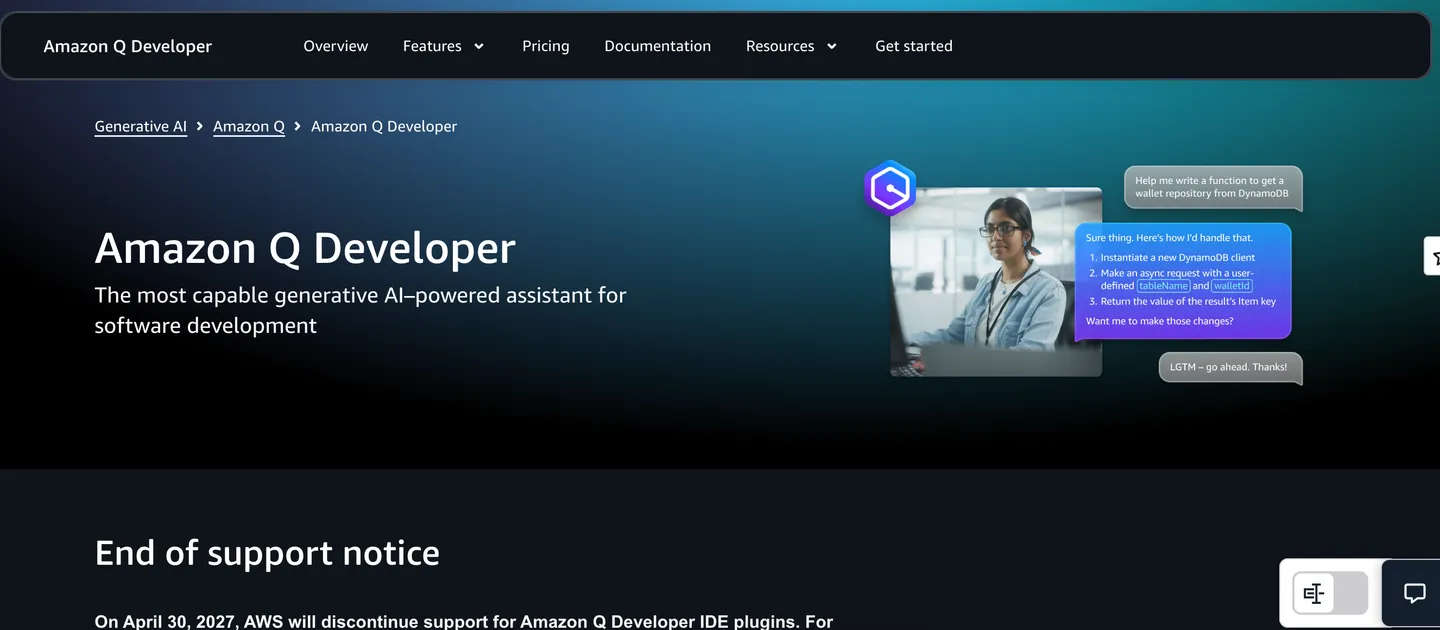
AWS’s AI coding assistant that does Claude-powered agentic coding, code review and automated Java/.NET upgrades in your IDE or CLI.
Features
Agentic coding: Multi-step Q&A and code changes in the IDE or CLI, not just autocomplete
Code transformation agents: Automatically upgrade Java and .NET applications to newer versions (a legacy-migration capability few rivals have)
Code review + reference tracking: Flags issues and tracks whether suggestions mirror public code
Claude model access: Runs the latest Claude/Sonnet models under the hood
AWS Console integration: Diagnoses errors and answers questions directly inside the AWS Console
Pricing
Free Tier: $0 (50 agentic requests/mo, 1,000 LOC/mo Java upgrades, latest Claude models)
Pro: $19/mo per user (higher agentic limits, 4,000 LOC/mo Java/.NET transformation pooled at account level, IAM Identity Center and admin dashboards, IP indemnity, auto data opt-out)
Transformation overage: $0.003/LOC
Why it's better than Cursor
Preferred over Cursor: Reddit users often rank Roo Code above both Cursor and Windsurf
Reliability for the price: Users say they feel settled after switching, and see it as dependable for what it costs
Full model control: Users like choosing their own models
What you might lose if you switch
Editor conflicts while the agent works: You can’t comfortably use VS Code while the agent is coding, which causes conflicts
Setup friction: Setup takes work
Split team focus: The Roomote rebrand divides the team’s attention between the extension and Roomote
Cline
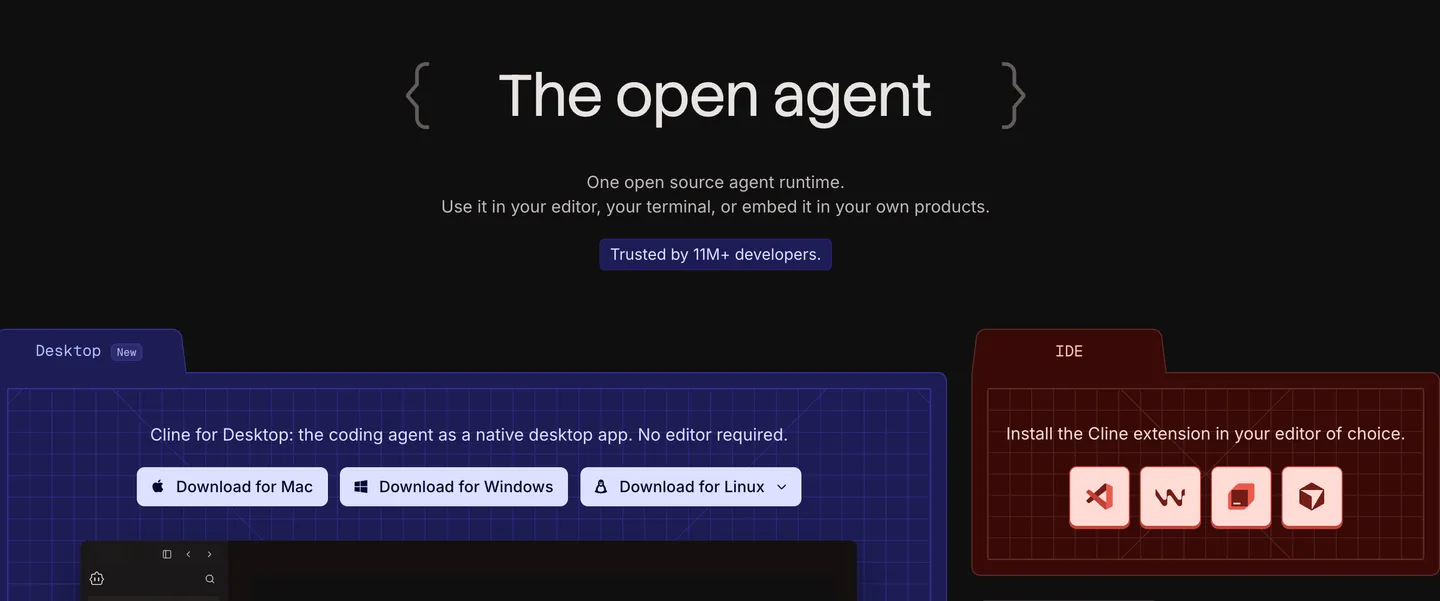
Open-source coding agent runtime you can use in your editor, terminal or embed in your own products
Features
Multi-file edits with checkpoints: Edits across files with diffs, checkpoints and one-click undo for safety
Terminal agent: Runs bash commands itself to install dependencies, run tests and iterate
Plan-and-Act: First proposes a plan, then executes only after you approve
.clinerules: Project-level instruction files that shape how the agent behaves in that repo
MCP + plugins: Extends with Model Context Protocol servers and third-party plugins
Multi-agent teams + cron: Runs teams of agents on schedules for recurring work
Cline for Desktop / CLI / SDK: A native app, a CLI and an SDK to embed the agent in your own product
Pricing
Free / open-source: Apache-2.0, bring your own model
ClinePass: Optional subscription for keyless model access
Why it's better than Cursor
Free: The only cost is the model you point it at (cheap open-weights like Qwen Coder or DeepSeek cut your bill dramatically)
Model freedom: No lock-in to Cursor’s resold models
Open source: You can read the source, with no black-box request accounting
What you might lose if you switch
No tab-complete editor: It’s an extension/agent, so you still need VS Code or JetBrains
Manual key management: You manage your own API keys and rate limits
Slower for quick edits: Plan-and-Act is powerful but slower than Cursor’s always-on agent

Kilo Code
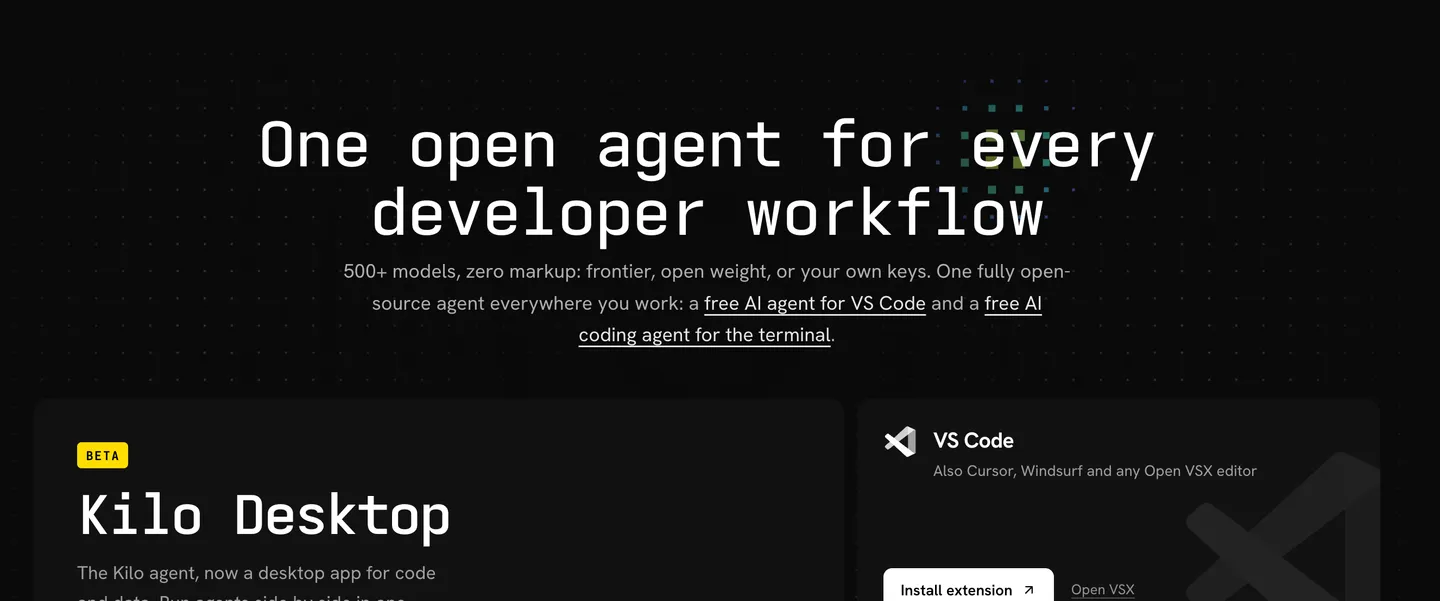
Open-source agentic engineering platform that gives you 500+ models at zero markup under an MIT license.
Features
Specialized agents: Switch between Code, Plan, Debug, Ask, and custom agents for different tasks.
Auto Model: Automatically selects a model strategy based on task complexity and your chosen cost tier: Frontier, Efficient, or Free.
Cloud Agents: Delegate long-running tasks to remote agents that can work on repositories, run commands, and prepare changes while your local machine is free.
Agent Manager: Run multiple agents side by side and track their work from a central interface.
Kilo Gateway: Access 500+ models through a unified endpoint, with provider-level pricing and no added inference markup.
Code Reviews: Run AI-powered reviews on pull requests or local changes to identify bugs and suggest improvements.
Security Agent: Analyze potential vulnerabilities and validate exploitability to help prioritize real security risks.
Kilo for Slack: Ask questions about repositories, request code changes, and launch cloud agents directly from Slack.
Mobile apps: Monitor cloud agents, review pull requests, and interact with coding sessions from iOS and Android.
MCP and custom integrations: Connect external tools and extend the agent's capabilities.
Pricing
Free / open-source: MIT-licensed core coding agent.
Auto Free: $0; routes requests to available free models.
Bring your own keys: Use your own model-provider API keys or compatible local models.
Kilo Gateway: Pay-as-you-go access to 500+ models at provider rates, with no inference markup.
Kilo Pass: Starts at $19/month, with bonus credits on eligible plans.
No mandatory per-seat fee for individual use: The core agent is free; hosted inference, cloud compute, and team or enterprise features may cost extra.
Why it's better than Cursor
No inference markup: Use Kilo Gateway at the model provider's listed rates, rather than paying an additional markup on inference.
Free ways to get started: Use the open-source agent, available free models, or your own API keys without purchasing a mandatory coding-editor subscription.
500+ model choices: Switch between providers and compare models instead of relying on one editor's curated selection.
Works across your workflow: Use VS Code, JetBrains, the CLI, cloud agents, and mobile tools without committing to Cursor as your primary editor.
Open-source flexibility: The MIT-licensed core can be inspected, modified, and forked.
What you might lose if you switch
No dedicated forked editor: Kilo is an agent platform and IDE integration, rather than a complete Cursor-style editor of its own.
Model and budget decisions: Auto Model reduces manual selection, but you still need to choose a cost tier and understand that different models have different capabilities and usage costs.
Variable costs: No inference markup does not mean free inference. Expensive models, long contexts, and repeated tool calls can still add up.
Feature complexity: The growing number of agents, integrations, and pricing options can make the product harder to understand than a single editor subscription.
Product-transition uncertainty: Anaconda's acquisition introduces questions about Kilo's long-term roadmap, packaging, and enterprise direction, even though Kilo remains available.

Aider
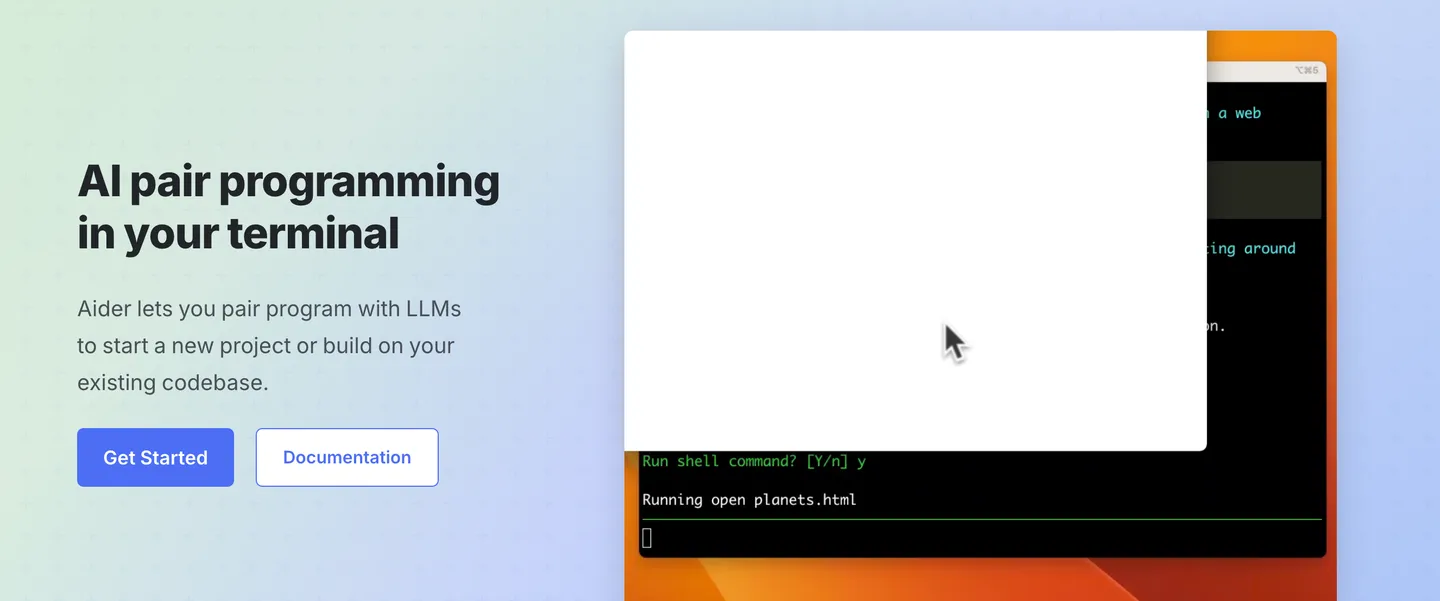
Terminal-based AI pair programmer for surgical, git-native edits
Features
Repo-map: Builds a map of your whole codebase so it edits accurately in large projects instead of losing context
Git-native commits: Auto-commits every change with a sensible message, so you diff and undo with normal git
Voice-to-code: Speak your request and it implements the change
Images & web pages as context: Paste screenshots or URLs as reference for the change
Auto lint + test: Runs your linters and test suite after each edit and fixes any failures
Copy/paste web-chat mode: Works even without an API key by piping through a browser chat
Pricing
Free / open-source: Apache-2.0
Bring your own model API key: You pay the provider (Anthropic, OpenAI, DeepSeek) directly
No subscription
Why it's better than Cursor
Free: You pay only for tokens at source, with no $20/mo seat
Reviewable changes: Git-native workflow means every AI change is reviewable and revertable as a commit
Model freedom: Includes cheap open-weights (DeepSeek), a big real-world cost lever
What you might lose if you switch
No GUI/editor: It’s a terminal REPL, and the learning curve is real
No autonomous agent loops: It edits what you ask, when you ask (more control, but more hands-on)
No tab-complete: No inline autocomplete at all

Gemini CLI
Free, open-source terminal agent from Google that brings Gemini 2.5 Pro with a 1M-token context window to your command line.
Features
1M-token context: Reads your entire codebase in one shot (Gemini 2.5 Pro) instead of windowing it
Multimodal generation: Generates apps from PDFs, images or sketches you paste in
Google Search grounding: Pulls real-time information from Google Search into its answers
MCP support: Connects to Model Context Protocol servers (including Imagen/Veo/Lyria media generation)
Conversation checkpointing: Saves and resumes long sessions where you left off
Gemini md: Project context file that tailors its behavior per repository
GitHub Action: PR reviews, issue triage and @gemini-cli mentions inside your repo
Pricing
Free: 60 requests/min and 1,000 requests/day with a personal Google account (Gemini 2.5 Pro, 1M-token context)
Optional Gemini API key: 100 requests/day free
Vertex AI: Google Cloud access for enterprise deployments, with usage-based pricing.
Open source: Apache-2.0 license; no fee to download or run the CLI itself.
Why it's better than Cursor
Free usage: 1,000 requests/day at no cost is unmatched by any paid tool here
1M-token context: Out of the box, beats Cursor’s default window for big-codebase reads
Open source: Apache-2.0 with MCP extensibility
What you might lose if you switch
No GUI editor: Terminal only, a hard ceiling for IDE-centric developers
Gemini only: No multi-model routing
Less agent polish: Less autonomous “agent mode” polish than Cursor’s Composer for long tasks

OpenCode
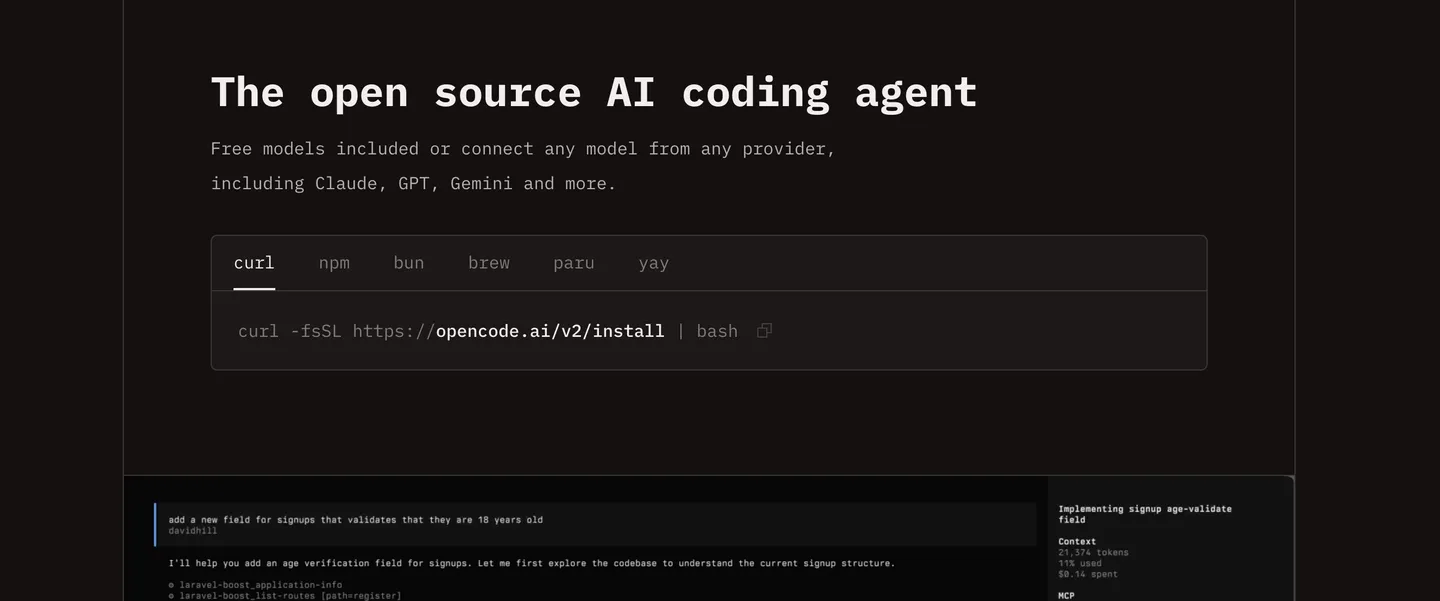
Open-source AI coding agent that runs in your terminal, IDE or desktop app.
Features
75+ model providers: Switch between supported models from OpenAI, Anthropic, Google, and other providers without changing coding tools.
Built-in LSP support: Uses Language Server Protocol integrations to access code intelligence, such as diagnostics and symbol information, beyond plain-text code.
Multiple sessions: Run separate coding sessions for different tasks and switch between them without losing their individual conversation histories.
Terminal and desktop interfaces: Use the command-line interface for a keyboard-driven workflow or the desktop app for a graphical experience.
Shareable sessions: Generate links to share coding sessions with teammates or use them to explain a debugging problem.
Local models: Connect supported local models through tools such as Ollama, allowing coding workflows that do not require sending prompts to a cloud model provider.
Customizable agents: Configure agents, prompts, commands, tools, and MCP servers to suit your development workflow.
OpenCode Zen: Access a curated selection of models tested by the OpenCode team, with the aim of reducing the guesswork involved in choosing a provider and model.
Pricing
Free / open-source: $0 for the software itself.
Bring your own API key: Pay the model provider based on its pricing and your usage.
OpenCode Go: $10/month for access to supported open coding models, subject to usage limits.
OpenCode Zen: Optional access to curated, tested models with provider-specific pricing.
Why it's better than Cursor
Cheaper AI coding: Use free models, affordable DeepSeek models, or OpenCode Go for access to multiple coding models at $10/month, rather than relying solely on a paid IDE's bundled AI allowance.
Free model promotions: OpenCode periodically offers free access to selected models, letting developers experiment with capable coding agents without paying per token.
Choose your own models: Switch providers based on coding quality, speed, and price instead of being limited to Cursor's model lineup.
Customize everything: Its open-source codebase, configurable agents, and provider support give technical users more control over their coding workflow.
What you might lose if you switch
Cursor's all-in-one experience: OpenCode is primarily a coding agent, not a complete Cursor-style editor. You may need a separate editor for visual editing, debugging, and other IDE workflows.
More setup and configuration: Choosing providers, authenticating accounts, selecting models, and configuring agents can be confusing for beginners.
Consistent model quality: OpenCode itself does not guarantee that every model will perform well. Results depend heavily on the model and provider you choose.
Predictable costs: Free software does not mean unlimited AI usage. API billing, subscription quotas, and provider-specific rate limits can still interrupt your workflow.
A fully managed experience: When a third-party provider is slow, unavailable, or rate-limited, switching providers may help, but OpenCode cannot eliminate those underlying problems.

Sourcegraph Cody
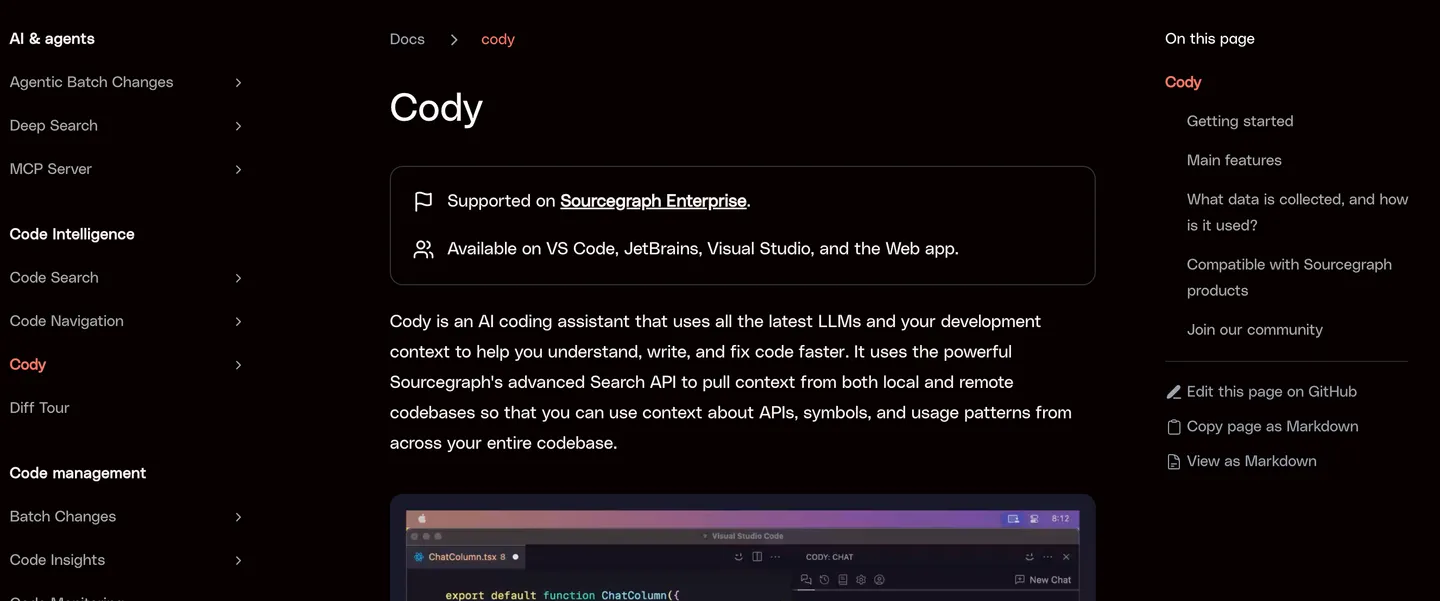
Enterprise AI coding assistant that uses code search to give AI agents context across large codebases.
Features
Cross-repository context: Search across multiple repositories to find related code, dependencies, and usage patterns.
Code-aware AI answers: Combines keyword search, Sourcegraph Search, and code-graph relationships to retrieve relevant context for AI responses.
@-mention context: Explicitly reference repositories, files, symbols, directories, and URLs when asking questions.
Context filters: Include or exclude repositories to control which code is used in responses.
AI coding assistance: Cody supports chat, code completion, code edits, debugging, and reusable prompts within supported clients.
Deep Search: Investigate complex questions across a codebase using Sourcegraph’s code intelligence.
Agentic Batch Changes: Automate coordinated code changes across multiple repositories.
Sourcegraph MCP server: Give compatible coding agents access to Sourcegraph’s code-search capabilities through the Model Context Protocol.
Pricing
Enterprise: Custom pricing, starting at $16K
Former Free and Pro plans: Discontinued in July 2025.
Deployment options: Sourcegraph-managed cloud and self-hosted deployments, depending on the product and contract.
AI usage: Governed by enterprise licensing, configured model providers, and applicable usage limits.
Why it's better than Cursor
Context across repositories: Retrieve relevant code from multiple repositories instead of relying only on the project currently open in your editor.
Works with your existing agents: Connect Sourcegraph to Claude Code, Cursor, Codex, or other supported tools through MCP rather than replacing your preferred coding assistant.
Built for large engineering organizations: Search and understand interconnected services, shared libraries, and dependencies across an organization's codebase.
Enterprise access controls: Integrate code intelligence with existing repository permissions and enterprise administration.
Flexible deployment: Enterprise customers can choose supported managed or self-hosted configurations to suit their infrastructure and security requirements.
What you might lose if you switch
No individual plan: Cody is no longer available through its former Free and Pro subscriptions, making it unsuitable for most individual developers looking for an affordable coding assistant.
Enterprise sales process: Access requires an enterprise arrangement rather than a straightforward self-serve subscription.
Not a complete Cursor replacement: Sourcegraph's strongest differentiator is code intelligence and context retrieval, not providing the same all-in-one editor experience as Cursor.
Additional setup: Connecting an enterprise Sourcegraph instance and configuring MCP access may require administrator involvement.
Context still has limits: Search quality, repository indexing, permissions, and model context windows affect how much useful information an agent can retrieve.

AlbertCode SWE
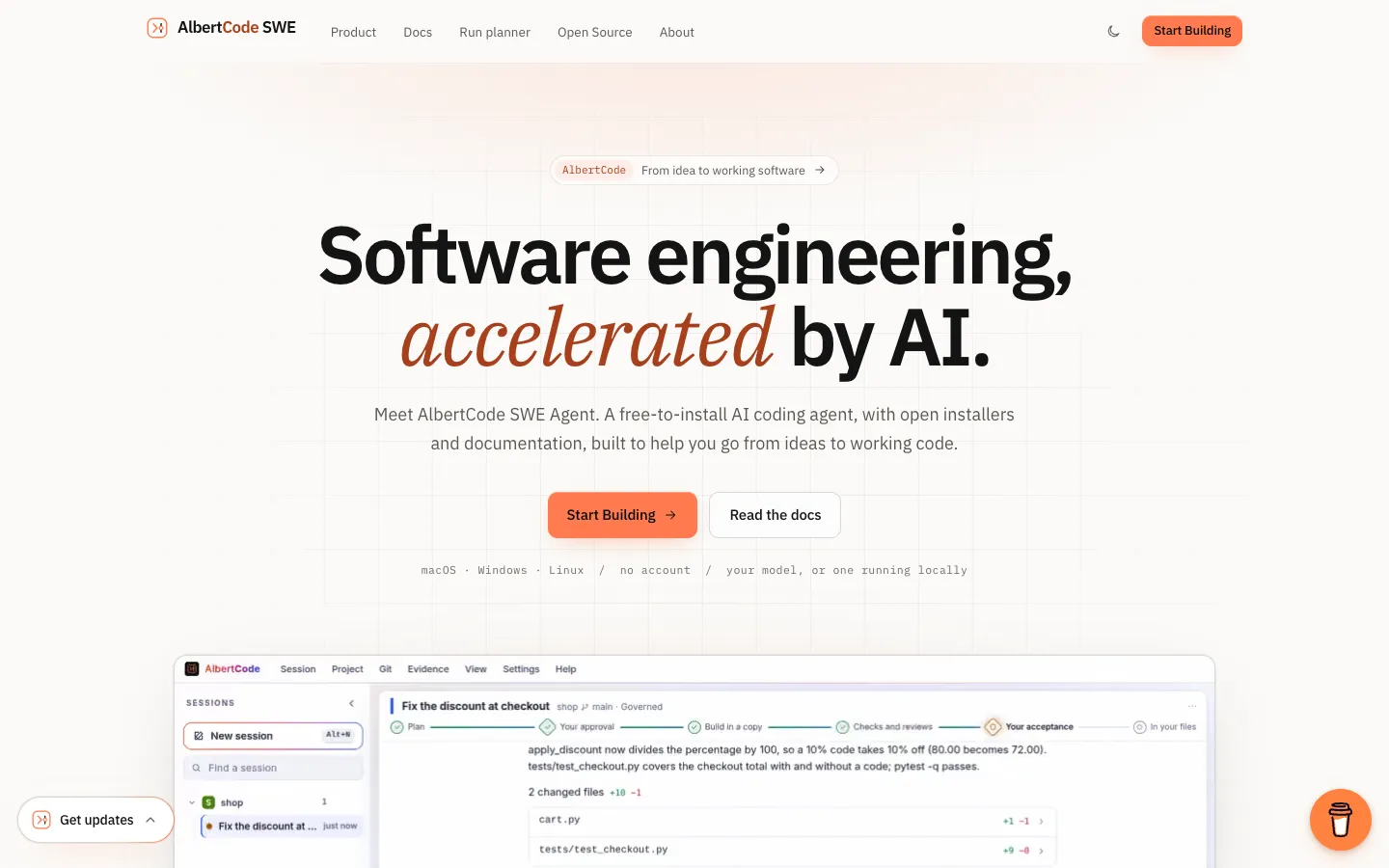
A free AI coding agent that runs on your own computer with your own model API key or a local model, plans each change for your approval, builds and tests it in a separate copy of your code, and edits your files only after you accept the final changes.
Features
Bring your own model: Connect a hosted provider with your own API key (OpenRouter, Hugging Face, Kimi or any OpenAI-compatible service) or a model running on your computer through Ollama, LM Studio, vLLM or llama.cpp. The model must support tool calling, meaning it can read files and run commands through the agent instead of only replying with text. The albertcode models test command checks this for you.
Two approval steps: In Governed mode, the default, you first approve a written plan covering the goal, files, steps, test plan, a security note, how to undo it and the risk. Then you approve the final changes before anything reaches your files.
Separate build copy: Each governed change is built in its own copy of your repository. Rejecting the change deletes the copy, and the agent won't apply a change if you edited one of the same files in the meantime.
Runs your own tests: Uses the test tools your project already has (pytest, npm scripts, go test, cargo, Maven, Gradle, dotnet) and shows what passed and what failed.
Security and quality reviews: On the "thorough" setting, the model runs a separate security review and quality review on every governed change. The "fast" setting skips both and uses about half as many model calls.
Three modes: Governed for planned, tested changes; Direct, which edits your real files and asks before each write (or approves automatically) and needs Git; and Ask only, which answers questions without changing anything.
Terminal, browser and VS Code: All three connect to the same agent running on your computer, so you can start a task in one and follow it in another.
Rules file for your repo: A file named albertcode.contract.toml can block certain folders, cap how many files a change can touch, require tests to pass and make high-risk plans wait for an administrator.
Exportable task record: Each task keeps its plan, test results, reviews and changes in a log where every entry is linked to the one before it, so any later edit to the record shows up. You can export the log.
App preview and browser tests: Runs your project in a preview panel at desktop, tablet or phone width, and writes Playwright tests, which are automated tests that click through your app in a browser, into your e2e folder.
Scripts and automated pipelines: The albertcode run command sends one request without opening the interface, approves only the steps you name with --approve, and returns an exit code that tells a script or CI pipeline (an automated build and test setup) whether it worked.
No account or tracking: You don't need an account and the app collects no usage data. API keys stay in your system's keychain and are never passed to commands the agent runs.
Pricing
AlbertCode itself is free. What you pay for is the AI model: a hosted provider charges you for what you use, and a model on your own computer costs nothing.
AlbertCode app: Free to install, with no account needed. AlbertCode doesn't charge for model usage.
Model costs with your own key: You pay the provider you choose directly, at its own rates, through your own account. AlbertCode adds no markup and sells no credits.
Local models: No model cost when the model runs on your computer through Ollama, LM Studio, vLLM or llama.cpp.
Paid plans: None listed. The repository says terms for the app itself will be published with its first public release, and they aren't out yet.
Optional support: A Buy Me a Coffee link. Nothing in the app depends on it.
Why it's better than Cursor
No seat fee: The app is free, and you pay your model provider at cost (or nothing with a local model) instead of $20 a month for Cursor Pro with metered usage.
Fully local option: With Ollama, LM Studio, vLLM or llama.cpp, your code never leaves your machine.
Two approval steps: You approve the plan and then the final diff, and your files change only after both.
Safer changes: It builds each change in an isolated copy of your repo and runs your own tests before showing you the result.
Repo guardrails: A contract file can block paths, cap how many files a change touches and require tests to pass.
What you might lose if you switch
No AI editor: There's no forked editor or Tab autocomplete, just a terminal, a local browser workspace and a VS Code panel.
No cloud agents: Everything runs on your machine, so a task stops when your laptop does.
More setup: You choose, connect and pay for a model that supports tool calling, and results depend on which one you pick.
Early and unproven: A solo developer released it in October 2026, and it has no user reviews or published licence terms yet.
Closed engine: The GitHub repo holds only the installers and docs.