
ha-mcp
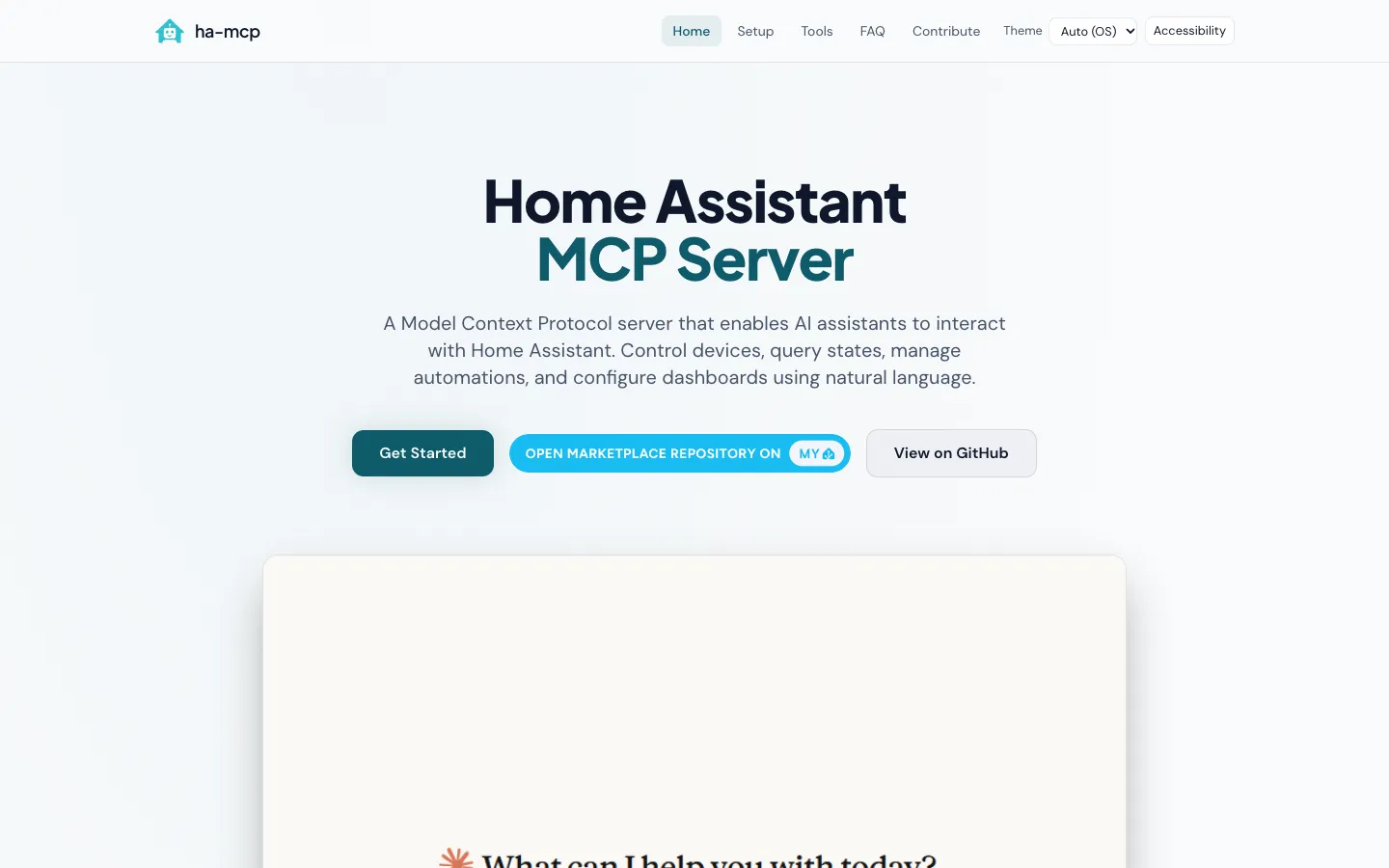
A free, open-source (MIT) MCP server with 87 tools that lets Claude, ChatGPT, Cursor and more than 15 other AI assistants build, edit and debug a Home Assistant smart home in plain language, from automations and dashboards to backups.
Short description
ha-mcp connects AI assistants to Home Assistant through MCP (Model Context Protocol), the standard way AI apps plug into outside tools. Once it's connected, you can ask the assistant to "create an automation that turns on the porch light at sunset" or tell it "the motion sensor automation isn't working, debug it". The assistant reads your setup and makes the change using 87 tools.
Home Assistant has its own MCP Server integration, but it is built on the Assist voice assistant and only controls the devices you have exposed to Assist. ha-mcp works on everything in Home Assistant. It can create and edit automations, scripts, scenes and dashboards, read history, logs and automation traces, and manage helpers, areas, backups, apps and HACS.
The recommended install is the HA-MCP integration. It runs the whole server inside Home Assistant on every installation type and is listed in the HACS default catalog (the Marketplace on Home Assistant 2026.11 and later). You can also run it as a Home Assistant app (add-on), in Docker or from PyPI. For safety there's a Read Only Mode, switches for each tool, approval rules and automatic backups before edits.
The project is community-built and unofficial. Julien Larocque-Dupont started it and runs it with three core maintainers. The repo was created in September 2025, and the latest stable release is v9.2.0, from November 11, 2026.
Features
87 Home Assistant tools: Covers search, device control, automations, scripts, scenes, dashboards, helpers, areas and floors, zones, groups, labels, calendars, to-do lists, blueprints, energy settings, backups, updates, apps (add-ons), HACS, and the device and entity registries.
Automation building and debugging: Creates and edits automations and scripts. To find out why an automation didn't fire, it reads the automation's traces, history and logs.
Dashboard editing: Builds and changes Lovelace dashboards and their resources. A beta tool takes screenshots of dashboards.
Access to your whole system: Works with every entity in Home Assistant. The built-in MCP Server only sees entities you have exposed to Assist.
Runs inside Home Assistant: The HA-MCP integration runs the full server on Home Assistant OS, Supervised, Container and Core. While it runs, an admin-only sidebar panel manages tools, feature flags, backups and themes.
Safety controls: Read Only Mode, per-tool on and off switches, approval rules for tools, a read-only connection URL (add
/readonlyto the end) and automatic backups before edits.Remote access: A built-in Home Assistant webhook works through Nabu Casa or a reverse proxy you already have, protected by a secret URL or a Home Assistant sign-in. OIDC sign-in and Cloudflare Tunnel setups are documented too.
Tool search for smaller models:
ENABLE_TOOL_SEARCHhides the full tool list behind a search tool, so local models such as those run in Ollama, and clients that load every tool up front, don't get overwhelmed.Built-in best-practice skills: Bundles the Home Assistant Agent Skills, which teach the assistant Home Assistant conventions such as choosing the right helper type.
Opt-in file and YAML editing: Beta tools read, write and delete files in allowed folders and edit
configuration.yamlwith a backup and a config check first. They're off by default.Setup Wizard for 15+ clients: Generates the exact config for Claude Desktop, Claude Code, ChatGPT, Cursor, VS Code, Gemini CLI, Codex, Open WebUI and others.
Public demo server: One-command installers for macOS, Windows and Linux connect Claude Desktop to a hosted demo Home Assistant that resets every week.
Pricing
Free and open source: MIT licence. The docs, README and PyPI page list no paid plan.
AI client: You bring your own assistant. The FAQ says Claude Desktop works on a free Claude account, with usage limits. Prices for other clients aren't listed.
Remote access: Runs through Nabu Casa or your own reverse proxy or tunnel. The ha-mcp site doesn't list Nabu Casa's price.
Sponsorship: You can support the project creator through GitHub Sponsors if you want to.
Integrations
AI clients: Claude Desktop, Claude.ai, Claude Code, ChatGPT (beta), Codex, Cursor, VS Code, GitHub Copilot, Windsurf, Cline, Gemini CLI, JetBrains IDEs, Zed, Continue, Raycast, Open WebUI, OpenCode, Antigravity, Gemini Spark (beta) and Hermes Agent.
Home Assistant: The integration needs Home Assistant 2026.8.0 or newer and installs from HACS, or from the Marketplace on 2026.11 and later.
HACS: Reads and manages HACS repositories.
Nabu Casa and reverse proxies: Remote access through Home Assistant's webhook, Nabu Casa, Cloudflare Tunnel, Caddy, Nginx or Traefik.
OIDC sign-in providers: Authentik, Keycloak, Auth0 and similar services can guard remote access.
Smart home radios: Reads Matter and Z-Wave settings, ZHA device data and KNX project group addresses.
OpenAI Tunnel: A community add-on connects ChatGPT to a Home Assistant that isn't reachable from the internet.
PyPI and Docker: Runs with
uvx ha-mcp@latest(Python 3.13 or newer) or theghcr.io/homeassistant-ai/ha-mcpimage.
Platforms
- Home Assistant
- macOS
- Windows
- Linux
- Docker
- MCP server
What users love about ha-mcp
Cleans up years of setup quickly: One user with about 70 switches and a config he'd grown over a decade says Claude, working through ha-mcp, reorganized and renamed his areas and devices in about two hours. It built him a custom pool dashboard in roughly ten minutes.
Handles the YAML chores: Several users now describe what they want and let the assistant do the configuration, so they no longer chase indentation errors or look up device IDs.
Does more than the built-in MCP: Users who first tried Home Assistant's own MCP server found it could only control devices. They moved to ha-mcp so the assistant could build and inspect their config.
Fixes broken automations: People use it to find out why scripts and automations aren't firing and then fix them. One of them does this on the free Claude plan.
Pulls the whole house together: One user has it plan EV charging from the house battery, solar output, the weather forecast and their calendar, all read through Home Assistant.
What users complain about ha-mcp
The AI can break things: One user says the assistant deleted all of his dashboards partway through a session, and he had to restore from a backup. Others say to back up before big changes and not to let the AI rebuild a whole dashboard in one go.
Slow with local models: A user running a local model through llama.cpp says commands take a really long time.
Privacy worries with cloud AI: Many Home Assistant users don't want a cloud AI company seeing their home data and daily patterns. Some only start the server when they need it and stop it afterwards.
Connection and setup problems: The busiest GitHub issues are about connections, such as writes dropping behind a proxy and remote sign-in failing with Claude.ai. Most are marked fixed, and the docs warn that the local stdio connection has known problems.
Some skip MCP entirely: A few users get the same results by pointing Claude Code at the Home Assistant API or config folder over SSH.
Frequently asked questions about ha-mcp
What is the difference between ha-mcp and Home Assistant's built-in MCP server?▼
Home Assistant's built-in MCP Server is built on Assist, so an AI client can only read and control the entities you have exposed to Assist. The ha-mcp FAQ puts it at about 15 basic tools. ha-mcp has 87 tools and works on everything in Home Assistant. It can also create and edit automations, scripts, scenes and dashboards, debug automations from their traces, read history and logs, and manage helpers, backups, apps and HACS. The built-in server suits voice-style device control, and ha-mcp suits building and maintaining your setup.
How do I set up a Home Assistant MCP server with Claude?▼
Install HA-MCP from HACS (or the Marketplace on Home Assistant 2026.11 and later) and restart Home Assistant. Then open Settings, Devices & Services, Add Integration, choose HA-MCP Server, paste an administrator access token and pick how clients will connect. Copy the connect URL from the entry's Configure screen and paste it into Claude. If you'd like to try it first, one-command installers for macOS, Windows and Linux connect Claude Desktop to a public demo server.
Can I use ha-mcp with ChatGPT?▼
Yes. ChatGPT is a supported client in the Setup Wizard, marked beta, and connects over HTTP. It needs a URL it can reach over the internet, such as the Home Assistant webhook through Nabu Casa or a reverse proxy. If you'd rather not expose one, a community OpenAI Tunnel add-on links ChatGPT to your server over an outbound-only connection.
Is ha-mcp free?▼
Yes. ha-mcp is open source under the MIT licence and has no paid plans. You do need an AI client, and the FAQ says Claude Desktop works on a free Claude account with usage limits. Remote access may also need Nabu Casa or your own reverse proxy.
Is ha-mcp safe to use?▼
ha-mcp runs on your own network, and its privacy policy says it collects no usage data today. Bug reports are only sent with your approval. Your AI provider still sees whatever the assistant reads from your home. You can turn on Read Only Mode, switch off individual tools, require approval before tools run and give automated agents a read-only URL, and ha-mcp takes a backup before it edits anything. The setup guide also suggests making a separate, local-only administrator account for HA-MCP rather than using your own login.
Similar tools
Alternative AI options