Jan
A free, open-source desktop chat app for Mac, Windows and Linux that downloads open AI models from Hugging Face and runs them on your own computer in a ChatGPT-style chat, with optional cloud models, MCP tool support and a local server that other apps can call like the OpenAI API.
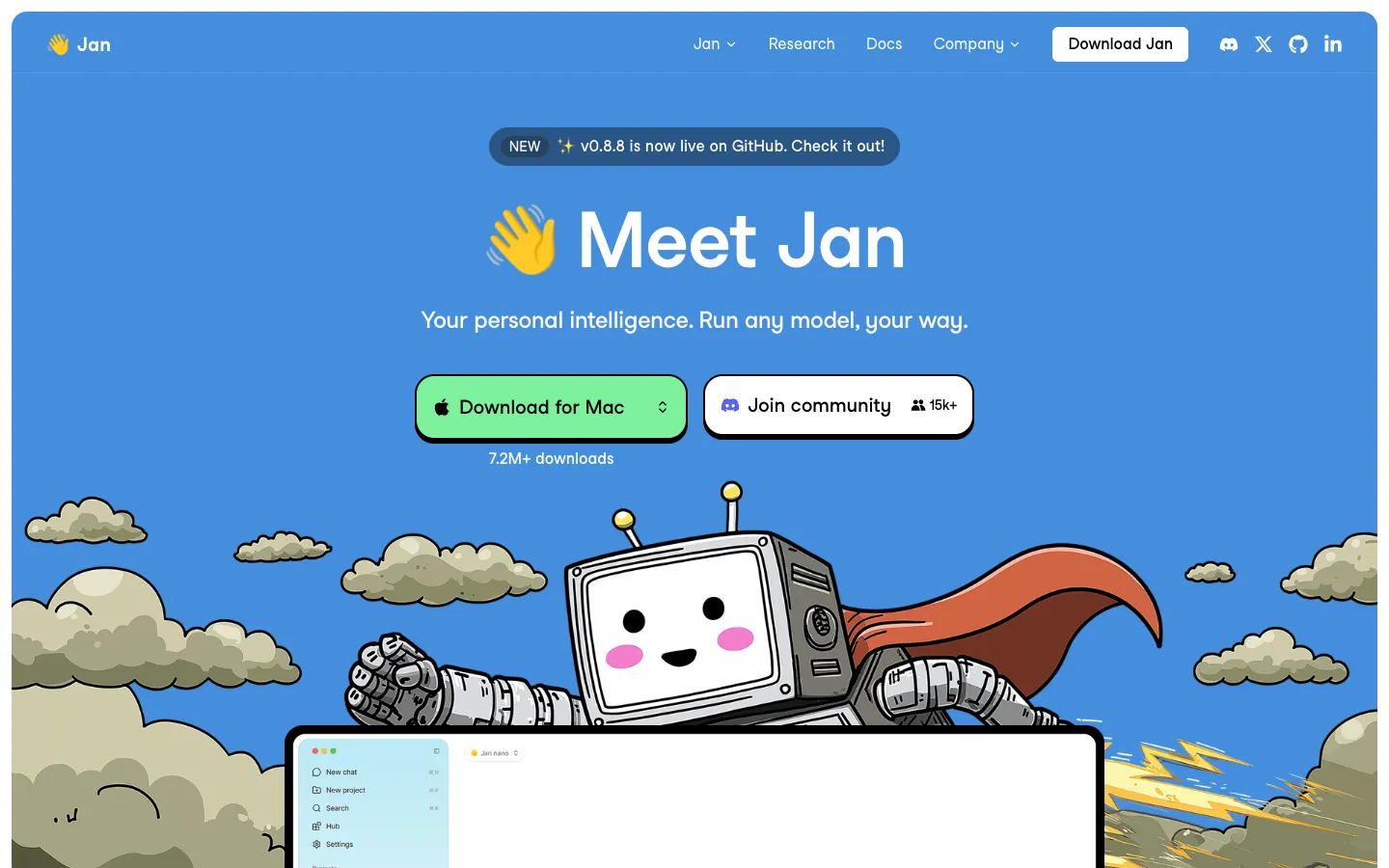
Short description
Jan is a desktop chat app for running large language models, the kind of AI behind ChatGPT, on your own computer. You download open models such as Llama, Gemma, Qwen or gpt-oss from its built-in Hub, which is connected to Hugging Face, and Jan runs them with a bundled engine called llama.cpp, or MLX on Apple Silicon Macs. Your chats, settings and models stay in a folder on your computer. For a bigger model, you can add your own API key for OpenAI, Anthropic, Google, Groq, Mistral or OpenRouter and switch between local and cloud models in the same app.
Jan also has projects, custom assistants, file attachments, built-in web search and MCP tools. It can run a local server that other apps call as if it were the OpenAI API. Menlo Research, the team behind it, trains its own small Jan models, such as Jan-v3.5-4B, and is testing agent features: Cowork inside the app and a separate terminal-based Jan Agent.
Jan is for people who want a ChatGPT-like experience without a subscription or sending prompts to a cloud service, from privacy-minded users to developers who need a local endpoint. The repo dates from August 2023, the app is free with no paid tiers listed, and it moved from the AGPL licence to Apache 2.0 in 2025. The current version is v0.8.8 (October 28, 2026).
Features
Runs models on your computer: Downloads models in the GGUF file format from Hugging Face and runs them with a bundled llama.cpp engine (version 0.7.0 in Jan v0.8.8). It uses your graphics card through CUDA 13 on NVIDIA, Vulkan on AMD, Intel Arc and older NVIDIA cards, and Metal on Apple Silicon.
MLX models on Apple Silicon: Imports and runs MLX-Swift models, a format built for M-series Macs, alongside GGUF models.
Model Hub that checks your hardware: Before you download, each model is tagged "Fits", "May be slow" or "Won't fit" for your computer. Quantizations, which are smaller compressed versions of a model, are grouped as Small, Balanced or Large. You can also import your own GGUF files.
Jan's own models: Menlo Research publishes Jan models on Hugging Face, including Jan-v3.5-4B (Apache 2.0, with a 262,144-token context, meaning how much text it can consider at once), Jan-code-4b and the Jan-v2-VL models that understand images. Jan downloads a default model the first time you open it.
Optional cloud models: Add an API key to chat with OpenAI, Anthropic, Google, Groq, Mistral or OpenRouter models, or with custom services that accept OpenAI's or Anthropic's request format.
Local server for other apps: Makes your local models available at http://127.0.0.1:1337/v1 in the same format as the OpenAI API, with an optional API key. Since v0.8.8 it also has a Trusted Hosts list for apps that run in a browser.
MCP tools: Connects MCP servers, a standard way to give AI models access to outside tools, and asks your approval for each tool call.
Built-in web search: Web search and page fetching are on by default for models that can use tools. It uses Exa without needing a key, with Tavily, SearXNG or You.com as options, and you can turn it off everywhere or for a single chat.
Projects, assistants and files: Groups chats into projects, lets you make custom assistants with their own instructions, and attaches documents and images (10MB image limit by default, adjustable to 100MB).
Chat extras: Message branching, HTML and SVG artifacts, automatic context management and per-model chat templates, added in releases v0.7.8 to v0.8.4.
Agent previews: Cowork, in nightly test builds only, breaks a task into steps, reads and writes files and runs commands in a sandbox. Jan Agent is a separate terminal agent that calls a cloud provider or Jan's local server.
Pricing
Jan itself costs nothing. Local models run on your own hardware, and if you use a cloud model, the provider bills you through your own API key, which is the account key you get from that provider.
Jan Desktop: Free and open source under Apache 2.0. jan.ai lists no paid plans, account or sign-in.
Local models: Free to download and run; the only cost is your own hardware.
Cloud models: Billed by the provider whose API key you add, such as OpenAI or Anthropic. Jan doesn't charge on top.
Jan Agent's Tokamak sign-in: The Jan Agent docs offer jan login to Tokamak as a way to use models without your own key. Tokamak's pricing and limits aren't published.
Integrations
Platforms: macOS 13.6 or later (local models need Apple Silicon), Windows 10 or later, Linux, a local API server, and a command line agent in preview. Jan's download page lists no mobile app.
Hugging Face: Browse and download GGUF models from the Hub, or pick "Use this model > Local Apps > Jan" on a model's page. Gated models, which need permission from their makers, require a Hugging Face token.
Cloud model providers: OpenAI, Anthropic, Google, Groq, Mistral and OpenRouter with your own API key, plus custom OpenAI- or Anthropic-compatible services.
Apps that speak the OpenAI format: Apps, scripts and SDKs (developer toolkits) can call Jan's local server at localhost:1337. Browser-based apps, such as Open WebUI or Obsidian plugins, need their address added under Trusted Hosts.
MCP servers: Add MCP servers for tools such as browsing or file access.
Claude Code: Jan can set up Claude Code to use it by adding a managed block to your shell profile, a settings file your terminal reads at startup. This was hardened in v0.8.8.
Web search providers: Exa (the default, no key needed), Tavily (needs an API key), SearXNG (your own instance) and You.com.
Platforms
- macOS
- Windows
- Linux
- local API
- CLI (preview)
What users love about Jan
Free and open source with no subscription: People running models at home value that the whole app is free and open. Users welcomed the 2025 switch to the Apache 2.0 licence, saying it made Jan easier to use at work.
Quick to set up: Developers comparing chat apps say Jan gets going faster than setups that need several containers. You install it, pick a model and start chatting, with a clean interface.
Local API server in one click: Users who test models against their own scripts like that the same app can also run an OpenAI-compatible endpoint, so other tools can talk to local models without extra setup.
Works on AMD graphics: An all-AMD Linux user was impressed that Jan used the Vulkan backend to speed up local models instead of falling back to the CPU.
Fast and offline once running: Users who got it set up say it's quick even with Wi-Fi off, and like keeping a model and their chats entirely on their own machine.
What users complain about Jan
Updates that break model loading: After several releases, users reported downloads stuck at "Initializing Download", "Failed to start model" errors after a reset, a fresh install that wouldn't open and crashes when loading a model. Often the only fix was going back to an earlier version.
Slow replies when the graphics card isn't used: People on laptops with small or no graphics cards describe one word a second or the CPU stuck at 100%, and others say Jan didn't detect their graphics card at all. The cause is usually a model too big for the card, but Jan doesn't make that clear.
Confusing settings: Newcomers say they spent days on setup and couldn't find where to change context length, which can be set in more than one place and seems to get overridden.
Unreliable tool use and web search: Users connecting search through MCP got jumbled answers to simple requests that the same model handled fine in another agent. One user hit size errors and empty replies when switching to cloud models.
Small local models fall short: Users who tried Jan's small default models on real tasks report wrong answers to basic questions, compared with a cloud assistant that answered well in seconds.
Frequently asked questions about Jan
Is Jan AI free?▼
Yes. Jan Desktop is free and open source under the Apache 2.0 licence, and jan.ai lists no paid plans, account or sign-in. Running local models costs nothing beyond your own hardware. If you connect a cloud model such as GPT or Claude, you pay that provider directly through your own API key.
Is Jan AI safe and private?▼
Jan stores your conversations, settings and models in a folder on your computer, and its privacy page says it never reads your chats, prompts or model choices. Anonymous usage statistics (daily active users and retention, tied to a random ID and sent to PostHog in the EU) are collected only if you allow them when you first open the app, and you can change that in Settings. Anything you send to a cloud model goes to that provider, and web search queries go to the search service you use.
Does Jan AI work offline?▼
Yes, with local models. Once a model is downloaded, chats run on your computer with no internet connection. Two features go online if you use them: cloud models, and built-in web search, which is on by default for models that can use tools and runs through Exa. You can turn web search off in Settings > Web Search, or for one chat with the globe icon.
Does Jan AI work on a Mac, including Intel Macs?▼
Jan needs macOS 13.6 or later, and local models only run on Apple Silicon (M1 or newer). Since v0.8.5, local models no longer load on Intel Macs, though the app still opens there and works with cloud or custom providers. As a rough memory guide, you need 8GB for models up to about 3B parameters, 16GB for about 7B and 32GB for about 13B, plus 10GB of free disk space.
What models can Jan AI run?▼
Any GGUF model from Hugging Face that fits your hardware, such as Llama, Gemma, Qwen, DeepSeek or gpt-oss, and MLX models on Apple Silicon. The Hub marks each model as "Fits", "May be slow" or "Won't fit" before you download it. Jan also offers its own small models, like Jan-v3.5-4B, and can connect to cloud models from OpenAI, Anthropic, Google, Groq, Mistral and OpenRouter.
Similar tools
Alternative AI options