
Pots
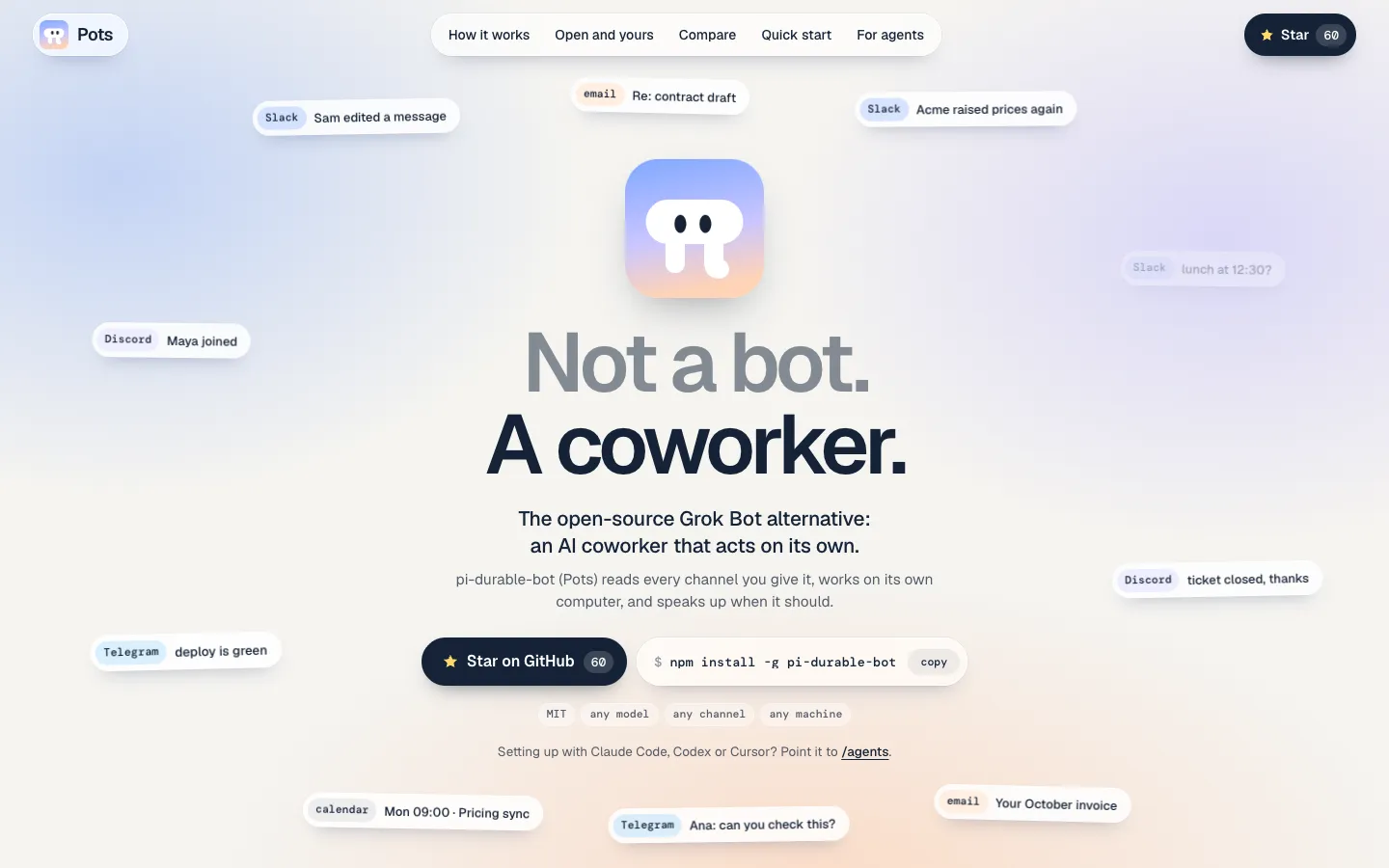
A free, MIT-licensed AI coworker that runs on your own computer with the model you pick, sits in your Slack, Discord and Telegram channels, reads every message and decides by itself which ones are its job.
Short description
Pots is an open-source AI coworker for teams that already talk in Slack, Discord or Telegram. On npm and GitHub it goes by pi-durable-bot. You install it with npm, run pots init and give the bot a name, a model and one sentence about its job. Then you tell it which chat apps to join, and it sets them up itself.
The bot reads every message in the channels you invite it to, including the ones that never mention it. It keeps them in a log on your machine and decides each time whether to reply, react or say nothing. If you want, a separate judge model can screen group messages first. For the actual work it has a computer of its own, with a shell, files, the internet, and the screen, mouse and keyboard. It writes and runs its own scripts, hands long jobs to helper agents in the background, sets its own reminders and keeps a memory in plain text files. If the process crashes it picks up where it stopped without sending the same message twice, except on Telegram.
You can sign in with a ChatGPT, Claude, Copilot, Grok or Kimi subscription you already pay for, use an API key from 40+ providers, or run a local model through Ollama, LM Studio or llama.cpp. It's aimed at developers and small startup teams who want a self-hosted take on Grok Bot, OpenAI dots or Claude Tag. Crokily, a developer in Sydney, makes it. The repo went up on October 28, 2026, it was posted to Hacker News on November 11, and the current release is 0.7.2.
Features
Reads the whole channel: Messages, DMs, edits, deletions, reactions and people joining all go into one inbox. The bot stores them in a local SQLite database and searches it when it needs context.
Decides when to speak up: A mention or DM wakes it at once. Other messages are grouped (it waits 3 seconds after the last one, 20 seconds at most), and the bot decides whether they need a response. You can add a judge that screens group messages against the bot's list of responsibilities: TypeSafe's Jev, which answers in about 0.3 seconds, a local llama.cpp model or the bot's own model.
A computer of its own: It reads and edits files, runs shell commands and writes its own scripts, keeping the ones that prove useful. It can also drive the browser and desktop apps with the mouse and keyboard, or run without a screen on a server.
Helper agents for long jobs: It can start background helpers, up to 50 at once by default, and choose each one's model and how hard it thinks. The bot replies to people first and stays free to chat while helpers work, and it can interrupt or stop a helper that gets stuck.
Reminders and routines:
pots wakesets a one-off reminder.pots routinerepeats a note or a command on an interval or a cron schedule, so a command can check something like an inbox and wake the bot only when there's news. With nothing scheduled, it looks around every 2 hours.Memory in plain files: It saves preferences, rules and facts about people as markdown files with an index, one set per bot plus a shared set about you, and tidies them once a day. When its context fills up, it writes itself notes and starts fresh.
Survives crashes: Every step is written to disk as it happens, so a killed process carries on after a restart. Each outgoing message has an ID, and the bot checks whether it already went out before sending again. On Telegram a crash mid-send can still repeat a message.
Pages, buttons and forms: For a plan, report or dashboard it writes a web page and sends a link, where people can approve, reject, comment or fill in fields. In chat it uses Slack and Discord buttons, menus and forms and Telegram's inline buttons. Pages get a public link through a Cloudflare tunnel with no setup, or through Tailscale Funnel or your own domain if you want a fixed address.
One-time page for secrets: When it needs an API key, it sends a single-use link to a page where you type it in. The key goes into a secrets file and never appears in the chat or the logs.
Any model you like: Works with subscription logins (ChatGPT, Claude, GitHub Copilot, Grok, Kimi and more), API keys from 40+ providers, any OpenAI-compatible server such as vLLM, and local models through Ollama, LM Studio or llama.cpp. The maker suggests a model that handles tool calls well and has a context window of at least 32K tokens.
Several bots on one machine: Each bot has its own name, persona, responsibilities, memory and folder, and one background service runs all of them. A bot can rewrite its own definition or create a new bot.
Setup by your coding agent: A setup guide written for Claude Code, Codex and Cursor lets your agent install Pots and create the bot, so all you do is sign in to your model.
Pricing
Pots is free and open source. There's no paid plan, hosted version or account. What you pay for is the model and the machine it runs on.
Open source: Free under the MIT license.
Model costs: Paid to your model provider, not to Pots. It can use a subscription you already have or API keys, or a local model with no usage fee.
Judge (optional): Jev needs a TypeSafe API key, and TypeSafe's prices aren't listed on the Pots pages. You can turn the judge off or let the bot's own model or a local model do the judging instead.
Hosting: You supply the computer. The maker recommends a separate computer or virtual machine, because the bot gets full control of it with no approval step.
Integrations
Slack: Connects through Slack's socket mode, catches up on messages it missed while offline, and uses Slack buttons, menus and forms.
Discord: Connects through Discord's gateway, catches up after downtime, and uses buttons, menus and forms.
Telegram: Supports inline buttons. Telegram only lets bots catch up on the last 24 hours of missed messages.
More chat apps: New channels can be added through Chat SDK adapters. Teams and email adapters are on the roadmap but not built yet.
MCP servers:
pots mcp addconnects MCP servers, a standard way to plug outside tools into an AI agent, including ones that need you to sign in.pi coding agent: Pots is built on pi and shares its model logins, AGENTS.md files and Agent Skills, so skills you give pi work in Pots too. It's also installable as a pi package.
Local model servers: Ollama, LM Studio, llama.cpp, vLLM and other OpenAI-compatible servers.
Cloudflare and Tailscale: A Cloudflare tunnel gives pages a public link automatically. Tailscale Funnel gives them a fixed address.
OpenTelemetry: Sends traces of what the bot did to Jaeger, Grafana Tempo, Honeycomb or another OpenTelemetry tool.
Platforms
- macOS
- Linux
- Windows
Frequently asked questions about Pots
Is there an open-source Grok Bot alternative?▼
Yes. Pots is an MIT-licensed AI coworker that does a similar job to Grok Bot, but it runs on a machine you choose, with the model you choose, inside Slack, Discord or Telegram. Your messages and the bot's memory stay in its folder on that machine. You install it with npm install -g pi-durable-bot and set it up with pots init.
Is there a free Grok Bot alternative?▼
Pots is free and has no paid plan. You still need a model. It can sign in with a ChatGPT, Claude, GitHub Copilot, Grok or Kimi subscription you already pay for, use an API key from 40+ providers, or run a local model through Ollama, LM Studio or llama.cpp at no cost. You'll also need a computer or virtual machine to run it on.
How do I add an AI agent to Slack?▼
With Pots, install it with npm (it needs Node.js 24 or newer), run pots init, then tell the bot in pots chat to join your Slack. It creates the Slack app itself and asks you only for the steps it can't do, like signing in to Slack or approving the app. After that it joins only the channels you invite it to.
Can I assign recurring tasks to an AI coworker?▼
Yes. In Pots, pots routine add repeats a task on an interval, such as every 30 minutes, or on a cron schedule. A routine can wake the bot with a note, or run a command that wakes it only when something needs attention. Routines are saved in the bot's database, so they survive restarts, and a failed run wakes the bot once with the error output.
Can I run an AI agent locally?▼
Yes. Pots runs entirely on your own Mac, Linux or Windows machine, and if you use a local model for both the bot and its judge, nothing leaves that machine. The maker recommends a model that handles tool calls well, with a context window of 32K tokens or more, and the largest one your computer runs well. Because the bot gets full control of its computer with no approval step, give it a computer or virtual machine of its own.
Similar tools
Alternative AI options