RigSpark
A free, open-source desktop app and command line tool that checks your RAM, graphics card and disk, tells you whether each local AI model will run before you download it, then downloads, verifies and runs the one that fits for chat, images, short video and voice.
Short description
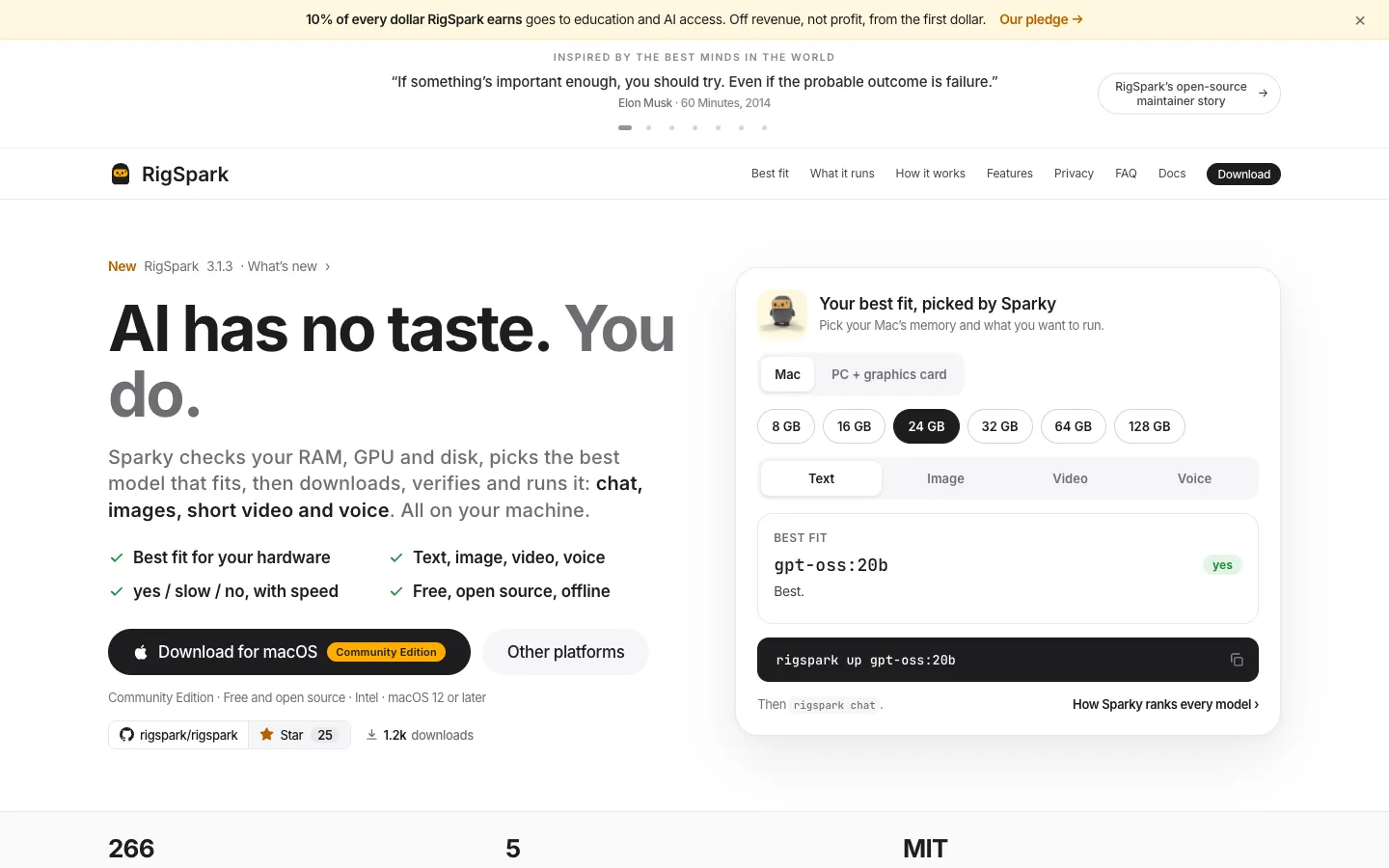
RigSpark is a free app for running open AI models such as Llama, Qwen, Gemma and DeepSeek on your own computer. Its main job is to answer "will this model run on my machine?" before you start a large download. It reads your graphics memory, system memory and free disk space, then gives each model in its catalog a yes, slow or no verdict, with the reason and an estimated speed in tokens per second. The current signed catalog has 266 models, and you can add any GGUF model from Hugging Face. The speeds are offline estimates, not benchmarks, and RigSpark shows "unknown" when it has no source for a figure.
When you pick a model, RigSpark downloads it, checks the file against a pinned SHA-256 fingerprint and starts it through one of five engines: Ollama, llama.cpp, MLX, LM Studio or BitNet. The same window handles chat, image and short video generation through ComfyUI, spoken replies and dictation. It can also point Claude Code, Codex or OpenCode at your local model.
It suits people new to local AI who keep downloading models that don't fit, and developers who want a checker they can script. You don't need an account, and RigSpark says it sends no usage data. The first version shipped on August 5, 2026 under the name llmup and was renamed RigSpark at version 2.0. It is written in Rust by RigSpark, Inc., a bootstrapped Delaware company. The current release is 3.1.3, from November 10, 2026.
Features
Fit verdict before download: Every catalog model gets yes (fits and has enough memory bandwidth), slow (fits, but bandwidth limits speed) or no (won't fit). You see the reason, such as not enough graphics memory, RAM, disk or room for the context, plus an estimated tokens-per-second range.
Model catalog with Hugging Face import: The signed catalog lists 266 models (revision 3, November 10, 2026). Paste any Hugging Face repository and RigSpark sizes each version against your machine and picks the largest one that fits.
Download, verify and run: One command or click picks a quantization (a compressed version of the model), downloads it and checks it against a pinned SHA-256 digest. A file that doesn't match won't run. Models are served on 127.0.0.1, so only your own computer can reach them.
Five engines: Ollama (the default outside Apple Silicon), llama.cpp, MLX on Apple Silicon Macs, LM Studio (RigSpark attaches to a server you run) and Microsoft BitNet (needs a copy you build yourself).
Chat, images, video and voice: Chat offline in the app or the terminal. Image mode makes square, 16:9 or 9:16 pictures in 1, 2 or 4 versions, and video uses models such as Wan 2.1 and Wan 2.2. Since version 3.1.1, RigSpark installs a pinned ComfyUI 0.38.2 for you the first time. Voice reads replies aloud with kokoro-82m, or chatterbox on Apple Silicon, and takes dictation with Whisper models through whisper.cpp.
Context window sizing: Pick Low, Mid, High or Max (25%, 50%, 75% or 100% of a model's advertised context, meaning how much text it can consider at once). The list re-ranks and counts the extra memory a longer context needs.
AI Hardware Score: The rigspark doctor command scores your machine from 0 to 100 from graphics memory, RAM, compute and storage, and names the weakest of the four as your bottleneck.
Coding agents on a local model: rigspark connect starts Claude Code, Codex or OpenCode against the running local model without editing their config files. For Pi, Hermes, OpenClaw and Cline it prints setup steps instead.
Agents, skills and MCP tools: Save reusable agents (personas) and skills as markdown files on your computer. MCP connectors, a standard way to give a model outside tools, can be attached, and their tools run only after you approve them.
Portable chat memory: rigspark migrate moves your chat history from one model to another, with a dry-run preview first.
Terminal, browser and desktop apps: There's a command line tool with a terminal interface and a mode for screen readers, a browser workspace (rigspark gui), and desktop apps for Mac and Windows. Scripts can read JSON output and exit codes; can-run exits with 1 when the answer is no.
Signed catalog updates: The model list is signed and changes only when you run rigspark catalog --update. Recommendations themselves make no network calls.
Pricing
RigSpark Community: Free and open source under the MIT licence, with no account. rigspark.ai lists no paid tier for this app, and the README links a "buy me a coffee" page for tips.
Models: Free to download and run on your own hardware. Each model has its own licence, and the app says following it is up to you.
Cloud chat options: The browser workspace can also chat through Claude, OpenAI and OpenAI-compatible services. RigSpark lists no charge of its own for this, so any cost comes from that provider.
RigSpark Crew (a separate paid app): RigSpark, Inc.'s terms cover a different, invite-based Mac app called RigSpark Crew. Pro is $29 a month for 1 specialist on up to 2 Macs, with extra specialists at $12 a month each. Max is $49 a month, Team is $59 per developer a month, and Pro owned is $249 once plus $99 a year for updates. None of this applies to the free Community app.
Integrations
Local AI engines: Ollama, llama.cpp, MLX (through the mlx-lm package on Apple Silicon), LM Studio (attach only, while you run the LM Studio server) and Microsoft BitNet (you build bitnet.cpp and point RigSpark at it).
Hugging Face: Add any GGUF model by pasting its repository.
ComfyUI: Images and video run through ComfyUI. RigSpark installs a pinned copy itself on Mac and Linux; on Windows you need your own ComfyUI.
Speech engines: The app sets up mlx-audio and whisper.cpp. You can attach any local speech server that uses OpenAI's audio format instead, such as Kokoro-FastAPI or LocalAI.
Coding agents: Claude Code, Codex and OpenCode through rigspark connect, plus printed setup steps for Pi, Hermes, OpenClaw and Cline.
MCP connectors: MCP servers that run on your own computer. The site lists youtube-mcp and whoop-mcp, and finished images can go to Canva, Figma or other connectors you add.
Install options: Homebrew, cargo (the rigspark-cli package) and a Docker image at ghcr.io/rigspark/rigspark.
Platforms
- macOS
- Windows
- Linux
- CLI
- Docker
Frequently asked questions about RigSpark
What LLM can I run locally on my computer?▼
That depends on your graphics memory, system RAM and free disk space. RigSpark reads all three and ranks every model in its 266-model catalog as yes, slow or no, with an estimated speed and the reason a model won't fit. You can also check a single model with rigspark can-run before you download it. The check runs offline.
How much VRAM do I need to run a local LLM?▼
RigSpark's offline estimates at the common Q4_K_M quantization and default context are about 2.2 GiB for Llama 3.2 3B, 5.3 GiB for Llama 3.1 8B, 9.9 GiB for Qwen3 14B, 18.6 GiB for Gemma 3 27B, 21.6 GiB for Qwen3 32B and 45.5 GiB for Llama 3.3 70B. A longer context window adds memory on top of that. On Apple Silicon Macs the graphics chip shares system memory, so RigSpark sizes models against total RAM.
Can I run an LLM locally without a GPU?▼
Yes. RigSpark says no graphics card is required and small models run on the CPU. On Windows, chat in the desktop app currently runs on the CPU. The fit check shows each model's download size and memory need, and marks a model "slow" when memory bandwidth will hold it back.
How do I run an LLM locally on a Mac?▼
Download the RigSpark Mac app, which is signed and notarized by Apple and needs macOS 12 or later on Apple Silicon or Intel. Click Download & start, and it picks a starter model that fits, verifies the file and starts it. On Apple Silicon it uses MLX when a model has an MLX build, then Ollama, then llama.cpp. The app lives in the menu bar.
Is RigSpark an alternative to Ollama or LM Studio?▼
RigSpark runs on top of them. Ollama, llama.cpp, MLX and LM Studio do the actual running of models, while RigSpark decides which model and quantization your machine can handle, verifies the download and manages the server through whichever engine you have. On top of that it adds the fit verdicts, a 0 to 100 hardware score, context sizing and chat memory you can move between models.
Similar tools
Alternative AI options