Spokked
A Chrome extension for Google Meet that translates what you say, sentence by sentence, into one of 20 languages and plays it to the other people on the call in an AI copy of your own voice, with optional translated subtitles or audio of what they say back.
Short description
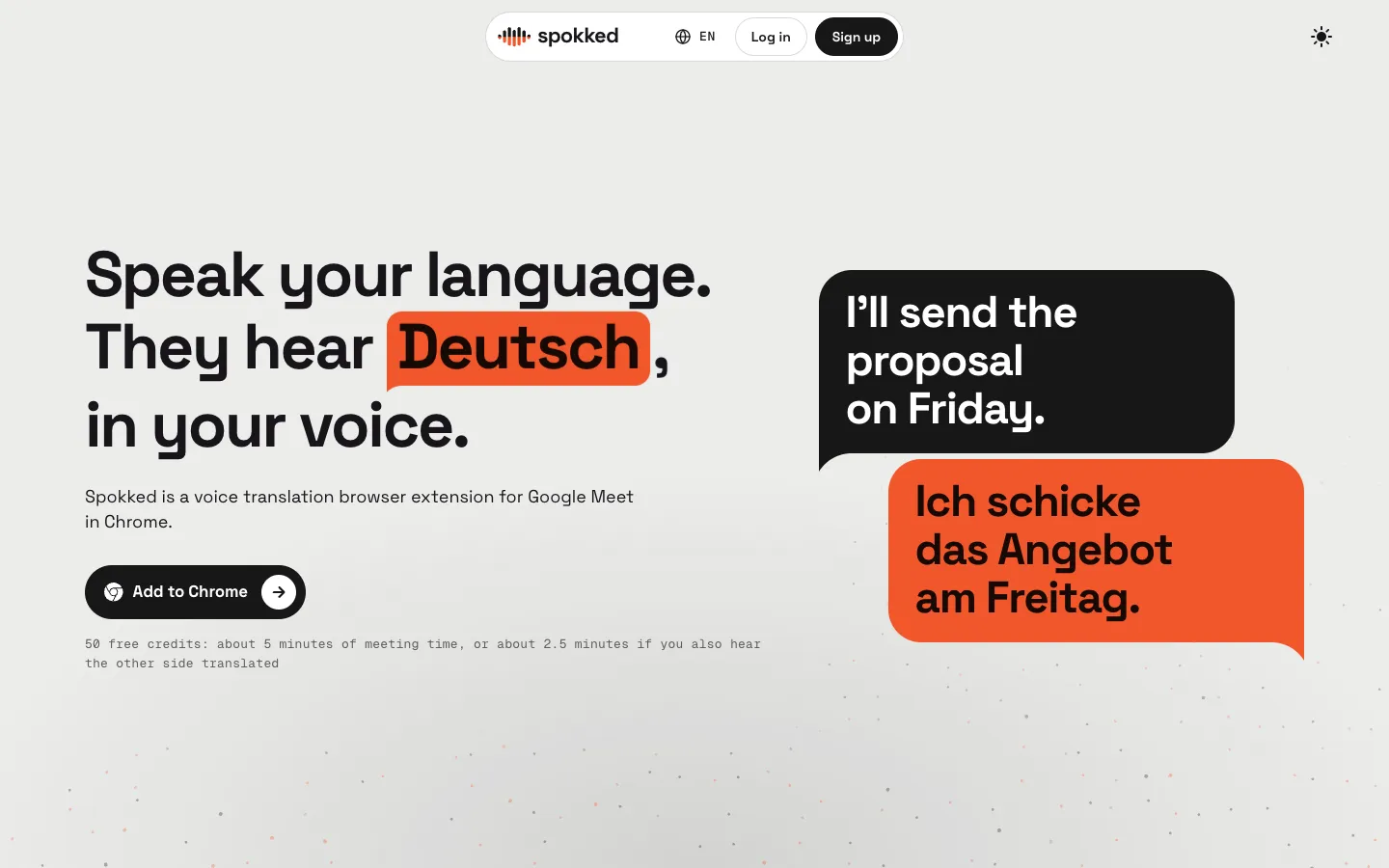
Spokked is a voice translation extension for Google Meet in Chrome. You speak your own language, and after each sentence the other people on the call hear it in theirs. The voice they hear is either a stock AI voice or a copy of your own, which you make once on the Spokked website by reading a short text aloud and recording a spoken consent statement. Only you need the extension. The others hear the translation through your microphone and install nothing.
By default it only translates you. Two optional modes cover the other direction: subtitles of what the others say, translated into your language, and translated audio of them. Hearing the other side doubles the cost, from 10 to 20 credits a minute. ElevenLabs handles the speech recognition and the voice, Anthropic handles the translation, and Spokked says its own servers don't store meeting audio, transcripts or translations.
Spokked is meant for work calls, such as freelancers pitching foreign clients, engineers in international stand-ups and candidates interviewing abroad. Everyrealm Inc., a US company, makes it. Its Chrome Web Store listing gives an address in Lakeville, Connecticut, and its terms fall under New York law. The extension went live in early November 2026, and on November 8, 2026 it was at version 0.2.1 with 5 users.
Features
Speak in your own voice: Read a short text aloud once on the website and ElevenLabs makes a copy of your voice, which then speaks your translations. If you'd rather not record, you can use a stock voice.
Voice copy only with your consent: The copy is made only after you record a spoken consent statement. The reading is deleted once the copy exists, and "Delete my voice" on the account page removes the copy, the consent recording and the sample.
20 languages: English, Turkish, Spanish, French, German, Italian, Portuguese (Brazil), Dutch, Russian, Korean, Mandarin Chinese, Thai, Japanese, Polish, Ukrainian, Arabic, Vietnamese, Indonesian, Hebrew and Hindi.
Sentence-by-sentence translation: It translates after each sentence you finish, so the vendor notes a short delay. You switch it on for each tab from the extension's popup.
Your real voice under the translation: Your own speech plays quietly in the gaps between translated sentences. This is on by default and you can turn it off in the popup.
Translated subtitles of the others: Optional captions of what the other people say, in your language, with their names. Spokked gets the names by switching on Meet's own captions in your tab, keeping them hidden and reading them on your computer only.
Hear the others translated: Optional translated audio of the other people, taken from the Meet tab's sound. It costs 20 credits a minute instead of 10.
Pop-out subtitle window: A Pop out button opens Spokked's subtitles in a small separate window.
Meeting context: You can type a few notes about the meeting in the popup, and they're sent along with your audio to help the translation get terms and context right.
Ready-made disclosure message: The first time translation goes live, the panel shows a short notice saying you use AI translation and that others hear a generated voice. One click copies it into the Meet chat.
No meeting storage: Spokked's servers hold text and audio only in memory during a call, and for up to 60 seconds after a dropped connection so the call can pick up again. It keeps a usage record for each call with no audio or text in it.
Nothing to install for others: Only the Spokked user needs the extension and an account.
Pricing
Spokked runs on credits, which are used up by the minute while it translates. Monthly plans come with a set number of credits, and you can buy an extra pack.
Free trial: 50 credits, once per account. That's about 5 minutes of meeting time, or about 2.5 minutes if you also hear the other side translated.
Tier 1: $25 a month for 2,400 credits, about 4 hours of speaking (or 2 hours with the other side translated). Aimed at occasional meetings in another language.
Tier 2: $75 a month for 7,800 credits, about 13 hours (or 6.5 hours with the other side translated). Aimed at weekly client calls.
Tier 3: $150 a month for 16,800 credits, about 28 hours (or 14 hours with the other side translated). Aimed at daily work with international teams.
Usage rate: 10 credits a minute while you speak through it, and 20 credits a minute while you also hear the other side translated. On the plans that works out to roughly $0.09 to $0.10 per minute of speaking.
Credit pack: $10 for 800 credits (about 80 minutes). It lasts 12 months and is used once your plan's credits run out.
Rules: Plans renew monthly until you cancel, unused monthly credits expire, and no annual plan is published. Subscriptions and packs are non-refundable except where the terms or the law say otherwise. Payments go through Stripe, with Link, LLC as the merchant of record (the company that formally sells to you and handles the payment).
Team or enterprise plans: Not published.
Integrations
Google Meet: The only meeting app it supports. It doesn't work in the Meet mobile apps, Zoom or Teams.
Browsers: Chrome only. The vendor says it doesn't work in Firefox or Safari.
ElevenLabs: Turns your speech into text, speaks the translation and makes the copy of your voice.
Anthropic: Does the translation.
Supabase: Runs sign-in and stores your account (you sign in with email on the website).
Stripe and Link: Handle checkout on spokked.ai/pricing.
Platforms
- Chrome extension
- Web
Frequently asked questions about Spokked
Does Google Meet have live translation with your own voice?▼
With Spokked, yes. It's a Chrome extension that translates what you say in Google Meet into one of 20 languages, sentence by sentence, and plays it to the other people on the call in an AI copy of your voice. You make the copy once by reading a short text and recording a consent statement, or you can pick a stock voice instead.
Do the other people in the call need to install anything?▼
No. Only the Spokked user needs the extension and an account. The others hear the translation through your microphone, and you can read what they say as translated subtitles in your language.
How do I hear the other participants translated in Google Meet?▼
Turn on subtitles or "hearing the others" in the Spokked popup. The extension takes the Meet tab's audio, translates it, and either shows it as captions with speaker names or plays it in your language. Hearing the others costs 20 credits a minute instead of 10.
Is Spokked free?▼
New accounts get 50 free credits once, which is about 5 minutes of meeting time, or about 2.5 minutes with the other side translated. After that, plans cost $25, $75 or $150 a month for 2,400, 7,800 or 16,800 credits, and an 800-credit pack costs $10.
Does Spokked record or store my meetings?▼
Spokked says its servers don't store the audio, transcripts or translations of your calls. Audio is sent over an encrypted connection only while Spokked is on, and nothing is sent while you're muted. It's held in memory during the call and kept for up to 60 seconds after a dropped connection. Its providers, ElevenLabs and Anthropic, process the audio and text and may keep records under their own policies.
Similar tools
Alternative AI options