
TellPip
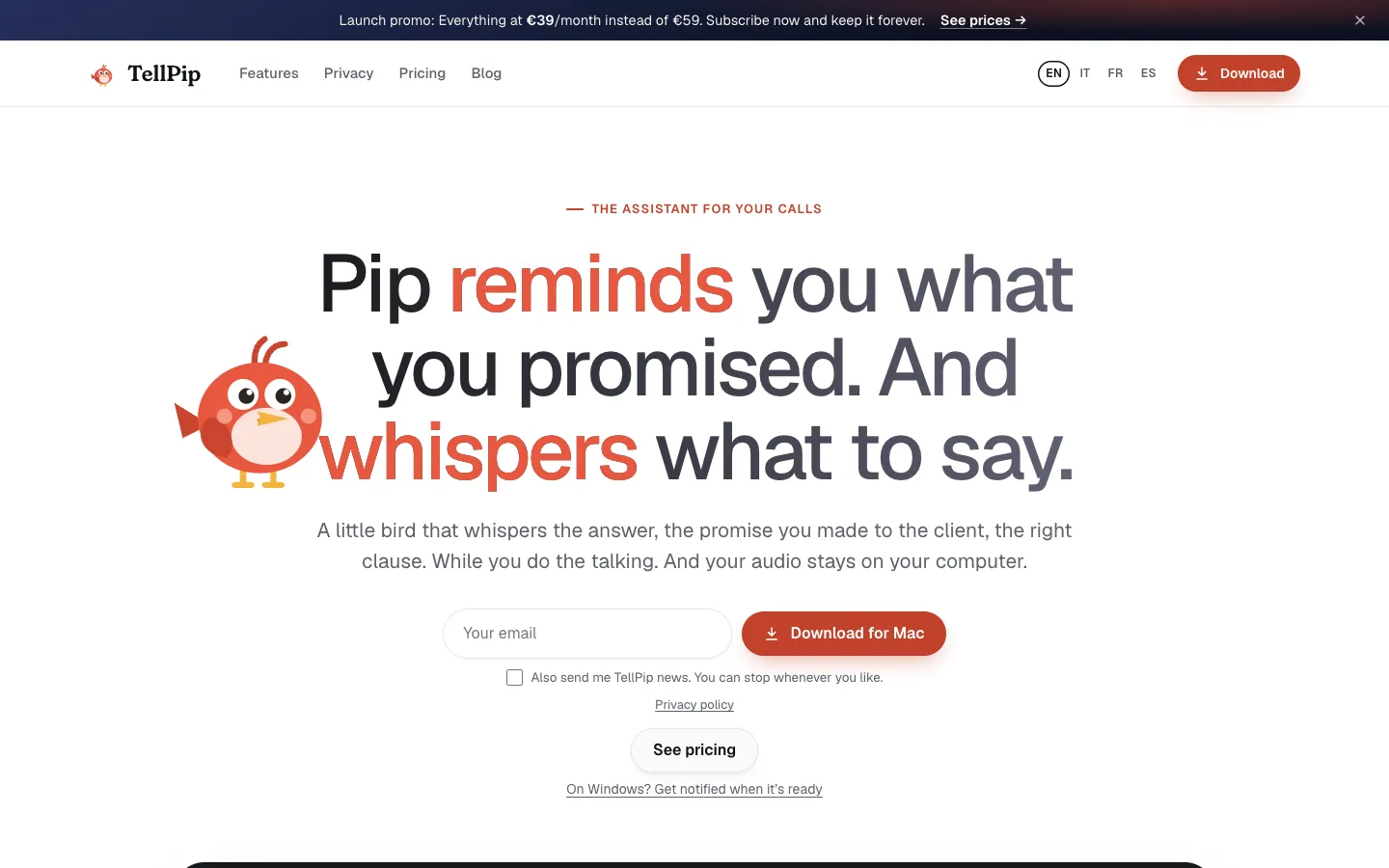
A Mac call assistant for people who talk to clients. It transcribes the call on your computer, suggests answers from your own documents when someone asks you something, and remembers what you promised each client, from €25 a month after a free trial of five 10-minute sessions.
Short description
TellPip is a call assistant for Macs, made for lawyers, accountants, financial advisors, consultants, freelancers and sales teams rather than for job interviews. It listens to whatever your Mac plays and picks up, so it works with Zoom, Google Meet, Microsoft Teams, Webex, Slack, WhatsApp and any other call app, and no bot joins the meeting. A local speech model transcribes the call on the Mac, even offline, and recognises 25 European languages, including when a call switches from one to another. The audio stays on the computer. Only the text needed for each answer goes to a cloud AI provider.
When someone asks you a question, you press a key, or turn on real-time answers and let it react by itself. Pip, the app's bird mascot, then suggests what to say, drawing on the price lists, contracts and other files you attached to the current mode. After the call you get notes, action items and a draft follow-up email. TellPip also keeps a card for every person, company and project with the promises made and the points still open, and brings it up the next time you talk to that client.
There are nine ready-made modes for different professions and kinds of call. With the Invisibility add-on, Pip doesn't show up in screen sharing or recordings. TellPip is built by Edoardo Rinaldi, a solo founder in Modena, Italy, and launched publicly on November 4, 2026.
Features
No bot in the meeting: Listens to your Mac's call audio and microphone, so it works with Zoom, Google Meet, Microsoft Teams, Webex, Slack, WhatsApp, Discord, Telegram, Signal, Jitsi Meet or any other app. The founder says it also transcribes in-person meetings through the Mac's microphone.
Transcription on your Mac in 25 languages: A local speech model of about 470 MB turns the call into text on the Mac, even offline. It detects the language by itself, including mid-call switches, and answers come back in the language being spoken. The app itself is in English, Italian, French and Spanish.
Answers on a key press: Press "Psst…" or a shortcut and Pip suggests what to say, using the active mode's documents, the conversation and, if you allow it, a screenshot of your screen. Quick actions include Suggest, What do I say? and Recap. Smart answers take longer and reason more; Fast answers give the short version straight away.
Real-time answers: Pip notices when a question is put to you and offers an answer without a key press. You pick how often it steps in (Low, Medium or High, with High capped at once every two minutes) and how long it waits after the other person stops talking, from 0 to 4 seconds. Included in Everything, Enterprise and the 5-hour pack, or €19 a month on Solo.
Client memory: After each call Pip fills in a card for each person, company and project with commitments, requests and open questions, sorted into To do, To pick up, Settled and Done. When that person comes up again, it shows what happened last time. You can edit cards, forget a person, delete everything, or tell Pip not to remember a particular call.
Modes for each kind of call: Start from nine templates (Lawyer, Accountant, Financial advisor, Business and sales, Sales, Team Meet, Lecture, Recruiting, Looking for work) or build your own. A mode holds up to 20,000 characters of instructions, up to 600 characters on what you're allowed to concede during the call, its own reference files and a notes template.
Answers from your own documents: Add PDF, Word, plain text, Markdown, CSV, JSON, HTML or RTF files of up to 20 MB and about 130 pages each. They're indexed and searched on the Mac. Solo, Everything, the trial and the pack allow 15 documents in total; Enterprise has no limit.
Notes and follow-up email: Decisions, action items and a draft follow-up email are ready moments after the call ends, laid out by the mode's notes template.
Search past calls: Ask in plain words, for example "What did Luca promise on delivery times?", and Pip answers with the call the answer came from.
Hidden from screen sharing: With Invisibility, Pip's windows don't appear when you share your screen or record, and there's no icon in the app bar or the app switcher. TellPip says it tested this with Zoom, Google Meet, Teams and Webex. Included in Everything and Enterprise, or €19 a month on Solo.
Small floating widget: Shrinks to a pill that stays above your other windows and follows you across desktops and full-screen apps. You can change its transparency, text size and window size.
Custom vocabulary: Teach Pip the names and terms from your work so transcripts get them right.
Pricing
Prices for individuals include VAT. In the USA and Canada, prices are shown before tax. Paying yearly costs ten months for twelve, on every plan and add-on.
Free trial: Five sessions of up to 10 minutes each with every Everything feature, no card needed. One trial per account and per computer, and the sessions don't expire. Signing up from a colleague's invite link gives seven sessions.
Solo: €25 a month or €250 a year, for one person on one computer. Includes answers during the call, client memory, notes and follow-up emails, past-call search, the nine modes and up to 15 documents. Invisibility and real-time answers cost extra.
Solo add-ons: Invisibility is €19 a month (€190 a year). Real-time answers are €19 a month (€190 a year).
Everything: €39 a month or €390 a year at the launch price, then €59 a month or €590 a year. Solo plus Invisibility and real-time answers. If you subscribe during the launch promo, you keep that price as long as you stay subscribed; starting a trial during the promo and subscribing within 30 days after it ends also counts. The promo's end date isn't published.
5-hour pack: €39 one-off at the launch price, then €49. Five hours of listening, valid for 90 days, with every Everything feature. It doesn't renew and has no trial.
Enterprise: €150 per person a month plus VAT (€183 with VAT). Everything, plus a shared company knowledge base from Notion, Google Drive, OneDrive, SharePoint or a folder, Propose to the wiki (Pip suggests what to add to the knowledge base after each call, and you approve it), unlimited documents, seats managed by an admin on one invoice, and priority support. Sold by email.
Referrals: When someone you invite has had their first payment for 14 days without a refund, you get a free month of your plan, up to 12 free months a year.
Refunds: Within 14 days of buying, you get back the unused part (days for a subscription, hours for the pack). Paddle handles payments and invoices.
Integrations
Call apps: Zoom, Google Meet, Microsoft Teams, Webex, Slack, WhatsApp, Discord, Telegram, Signal, Jitsi Meet and any other app. TellPip listens to the computer's audio instead of joining the call.
Notion: Connects as a source for the company knowledge base on Enterprise.
Google Drive: Connects as a knowledge base source on Enterprise.
OneDrive and SharePoint: Connect through a Microsoft account as knowledge base sources on Enterprise.
Folders on your Mac: Any local folder, including one synced by a cloud storage app. Pip reads its text and Markdown files and picks up changes on its own (Enterprise).
Platforms
- macOS
Frequently asked questions about TellPip
Is TellPip a good Cluely alternative?▼
It is if your calls are with clients rather than job interviews. Like Cluely, TellPip suggests what to say with one shortcut, and no bot joins the meeting. It also transcribes on your Mac instead of in the cloud, remembers each client and what you promised them from one call to the next, and writes notes from templates made for specific professions. TellPip's own comparison, dated November 3, 2026, lists Cluely's Pro plan with undetectability at $149.99 a month. TellPip's Everything plan, which includes invisibility, is €39 a month at launch.
Can the other people on the call see TellPip?▼
No. TellPip listens on your Mac and never joins the meeting, so participants don't see a bot. With Invisibility, which is included in Everything and Enterprise or costs €19 a month on Solo, its windows also stay out of screen sharing and recordings. TellPip says it tested this with Zoom, Google Meet, Teams and Webex.
Does TellPip record or upload my call audio?▼
The audio never leaves your Mac. A local model transcribes the call, even offline, and the transcripts, notes and client memory are stored in a folder on the Mac. To write each answer, TellPip sends only text to a cloud AI provider: your question, the mode's instructions, the relevant part of the conversation and of your documents, a short reminder about the client if memory is on, and a screenshot if you've turned that on. TellPip says this data isn't used to train the AI.
Is TellPip free?▼
There's a free trial of five sessions of up to 10 minutes each, with every feature and no card. After that, Solo costs €25 a month, Everything €39 a month at launch (€59 afterwards) and the 5-hour pack €39 at launch (€49 afterwards), valid for 90 days. Yearly plans cost ten months for twelve.
Does TellPip work with Zoom, Google Meet and Teams?▼
Yes. It works with Zoom, Google Meet, Microsoft Teams, Webex and any app whose call runs through your Mac, because it listens to the computer's audio. You need a Mac with Apple Silicon (M1 or later) running macOS 14.2 or later. A Windows version has a waitlist but no release yet.
Similar tools
Alternative AI options