MimicMe
A free Android app that clones your voice from a few seconds of recording and reads any text, document or scanned sign aloud in it, with cloning, text recognition and translation all running offline on the phone.
Short description
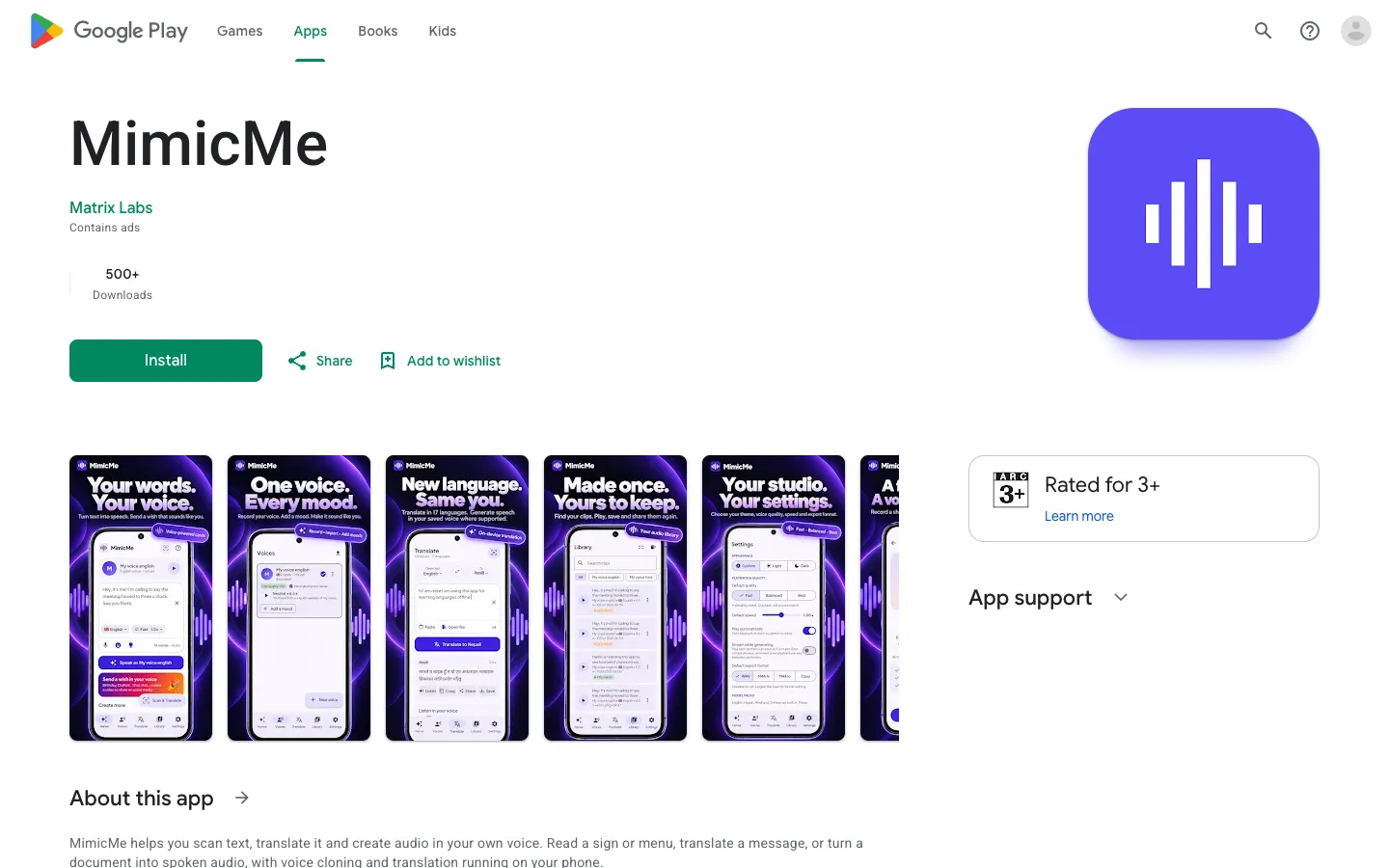
MimicMe is an Android app that turns a short recording of your voice into a saved voice and then reads text aloud in it. You can type or paste text into its Studio, open a document in the Reader and listen in the background, or point the camera at a sign, menu or printed page and hear the translation spoken back. It can also act as the phone's system text-to-speech voice, the voice Android uses whenever an app reads something aloud, so other apps can read in your voice too.
MimicMe is built around privacy. There's no account and no MimicMe server. Once you've downloaded the model packs, recording, transcription, voice cloning, translation and playback all happen on the phone, and recordings are kept out of cloud backup. Every clip carries an inaudible watermark that marks it as AI-generated, and a Verify screen checks any audio file for it. A voice you import has to match a fresh recording of you, or be marked as someone else's voice that you have permission to use.
It can generate speech in English, Nepali and Hindi, with Chinese included and a Portuguese, French and German pack available. Translation covers 67 languages for scanned text and 17, mostly South Asian, for documents. The app is free and supported by ads. Matrix Labs in Kathmandu, Nepal makes it, and its privacy policy is dated October 12, 2026.
Features
Voice cloning from a short sample: Record a few seconds of your voice or import an audio clip to create a saved voice. The app keeps a compact voice profile worked out from the clip on your phone, with no copy of your voice in the cloud.
Reader mode for documents: Opens documents through the phone's file picker and reads them aloud in your saved voice, even in the background. Playback controls sit in the notification, and a recent list remembers how far you got in each document.
Studio for text to speech: Type, paste or dictate text (dictation is English) and turn it into speech, with Warm, Excited, Calm, Serious and Storyteller moods to choose from.
Your voice as the phone's reading voice: MimicMe can be set as Android's text-to-speech engine, so compatible apps read text in your cloned voice.
Scan and translate: Point the camera at a sign, menu, label or printed page, or use a photo, and the app reads the text, translates it into any of 67 languages and speaks the result in your voice where that language is supported. It reads Latin and Devanagari (Hindi and Nepali) scripts.
Document translation in 17 languages: English, Nepali, Hindi, Urdu, Bengali, Marathi, Maithili, Bhojpuri, Gujarati, Punjabi, Odia, Assamese, Tamil, Telugu, Kannada, Malayalam and Sanskrit.
Works offline once set up: Voice cloning, text recognition and translation run on the phone. After you've downloaded the voice and translation models, these features work without an internet connection.
Audio editing and export: Trim and adjust the audio it generates, then save or share it as a WAV or M4A file.
AI-audio watermark and checker: Every clip gets a watermark you can't hear, and the Verify screen checks any audio file for it, so you can tell whether a clip was made with the app.
Consent checks on imported voices: An imported clip has to match a fresh recording of you, or be flagged as another person's voice used with their permission. The app stores that consent record with the voice.
Encrypted voice packs: Export a voice's sample clips and their transcripts as a pack, with an optional passphrase to lock it.
Voice greeting cards: Makes celebration cards with a photo and a message in your voice, saved as videos to watch and share later. This was added in the November 2026 update.
Pricing
MimicMe is free and paid for by ads. Google Play lists no subscription and no in-app purchases.
Free: $0. Every feature is included, with no account and no subscription.
Ads: Shown through Google's AdMob ad network. A small ad appears while audio or a card is being made, and now and then a full-screen ad appears after you leave a finished card or save a clip. Ads never play while you're recording or listening.
Ad-free: Watching one optional video ad removes ads for 24 hours. No paid ad-free option is listed.
Integrations
Android text to speech: Works as the phone's reading voice in compatible apps.
Android sharing and file picker: Opens documents and audio through the phone's file picker, and shares clips or saves them to Downloads.
Home screen widget: A two-button widget that opens Scan or Translate directly.
Language packs from Google Play: Optional packs, such as the Portuguese, French and German voices and the translation models, download through Google Play when you need them.
Platforms
- Android
Frequently asked questions about MimicMe
How do I clone my own voice for free?▼
MimicMe is a free Android app that creates a saved voice from a short recording, or from an audio clip you import. Once the voice is saved, you can type or paste text, or open a document, and the app reads it out in that voice. Ads pay for the app, and it needs no account or subscription.
Can I get text to speech in my own voice?▼
Yes. MimicMe reads text in your cloned voice in English, Nepali and Hindi, and more voice languages come as extra packs. You can also set it as Android's text-to-speech engine so compatible apps read in your voice, and you can save what it reads as a WAV or M4A file.
Can I clone my voice offline?▼
With MimicMe, yes. Recording, transcription, voice cloning, translation and playback run on the phone, and there's no MimicMe server. You download the voice and translation models first, and after that those features work without an internet connection. Ads and crash reports still use the network when you're online.
Is there a Nepali text to speech app?▼
MimicMe reads text aloud in Nepali as well as English and Hindi, and its camera text recognition reads Devanagari script. It can translate documents between Nepali and 16 other languages and speak the result in your own saved voice. It runs on Android 8.0 or newer.
Is it safe to clone your voice with an app?▼
MimicMe keeps your recordings, voice profile and generated audio in the app's private storage, left out of cloud backup, and nothing leaves the phone unless you share or save it. Every clip carries an inaudible watermark that marks it as AI-generated, which the app's Verify screen can detect. The app only allows your own voice or one you have permission to use, and it checks imported clips against a fresh recording of you.
Similar tools
Alternative AI options