VoiceStudio
Free, fully local desktop app for voice cloning, voice design, video dubbing, dictation, transcription and audiobooks, with a local API and MCP server for AI agents.
Short description
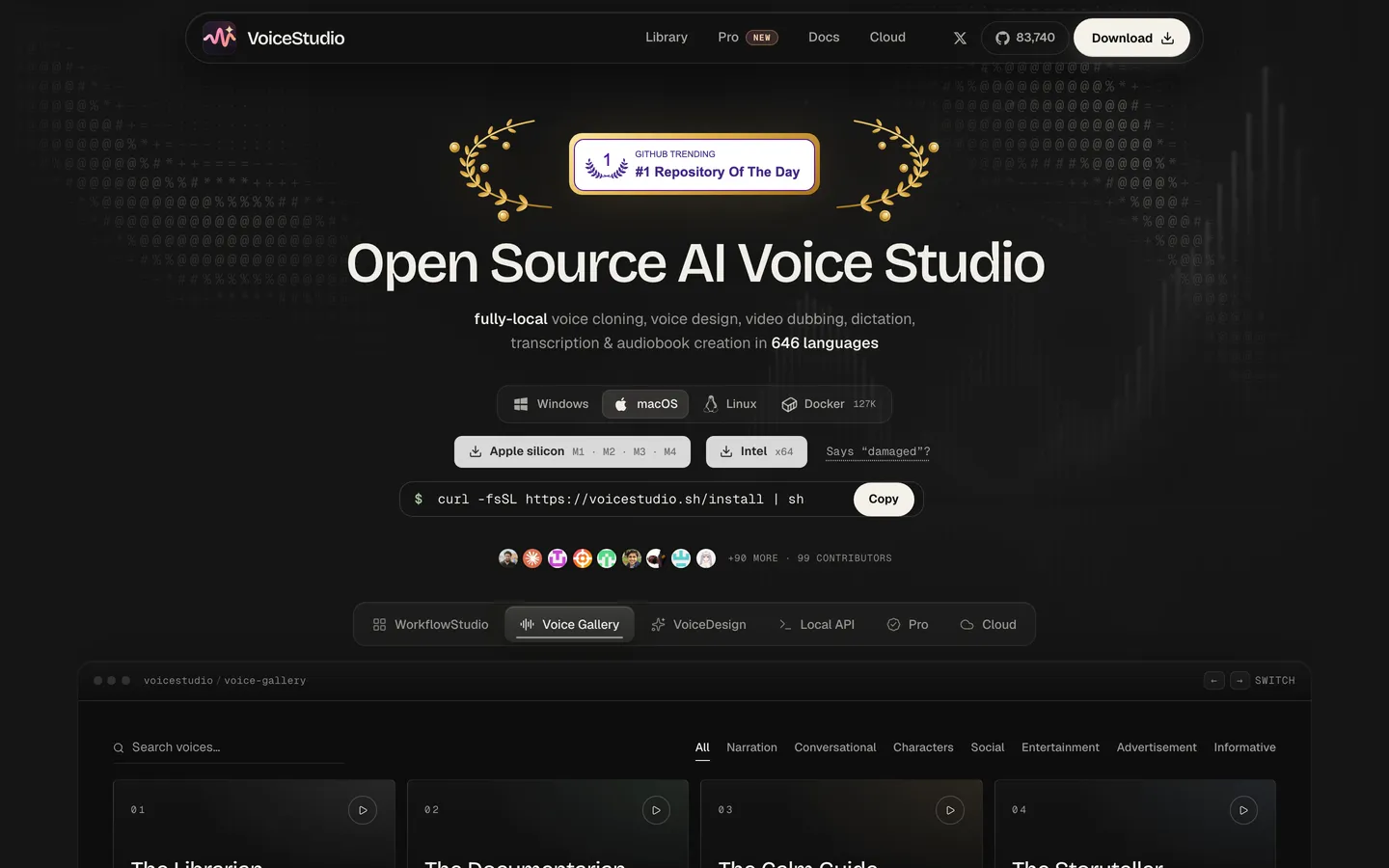
VoiceStudio is an open-source desktop app at voicestudio.sh that bundles many free AI voice models into one point-and-click app for Mac, Windows and Linux. You get most of what ElevenLabs offers without paying or uploading anything to the cloud, and its repo calls it the open-source, fully local ElevenLabs alternative. Because it runs on your own computer, speed depends on your hardware and setup can be fiddly. It was formerly called OmniVoice Studio, and its default engine is built on the k2-fsa OmniVoice model. A separate paid VoiceStudio installer on Gumroad is a different, Piper-based product.
Features
Voice cloning: Clones a voice from a clean reference recording, with checks on audio quality and export precision
Voice design: Builds a new voice from a text description of gender, age, pitch, style and accent, with a fixed setting that keeps the voice identical every time
Video dubbing: Transcribes, translates and re-voices video with timed speech, plus vocal isolation and speaker labelling
Dictation widget: A floating dictation box that works across your whole system, using live sherpa-onnx transcription
Transcription: WhisperX by default, with Faster-Whisper, MLX Whisper, Parakeet TDT, Moonshine and FunASR as options. Claims 646 languages.
Audiobooks and batch jobs: Long-form audiobook and story generation, a batch queue, reusable recipes and watch folders that process new files automatically
Swappable voice engines: A dozen-plus TTS engines including OmniVoice (default), CosyVoice 3, IndexTTS 2.5, MOSS-TTS v1.5, VoxCPM2, GPT-SoVITS, KittenTTS, Supertonic 3 and MLX-Audio, with benchmarks for each
AI watermark: Marks generated audio as AI-made
Privacy: Remote services are opt-in and analytics need your consent
Pricing
How you pay: Free open-source app that runs on your own computer
Free: Everything, with no account, credits or per-minute charges
Cost vs ElevenLabs: Only your hardware and power, vs $40-80 per 1M characters and $2.20/min dubbing
Caveat: The app is licensed AGPL-3.0, and each voice model has its own licence for commercial use
Integrations
Platforms: Desktop app for macOS (Apple Silicon), Windows and Linux, plus Docker for self-hosting with optional remote GPU workers. Intel Macs get the interface only and must connect to a remote machine. Windows on ARM is experimental and runs on CPU only.
Hardware needs: An NVIDIA GPU is recommended. CPU-only works but is slower and needs about 5 GB of disk. A 16 GB Apple Silicon Mac is the measured baseline, and GPU memory needs for each engine are listed in the docs.
AI agents and coding tools: An MCP server with tools such as generate_speech, clone_voice, design_voice and transcribe lets Claude Code, Cursor and other agents speak and transcribe locally
OpenAI-compatible transcription: A local transcription endpoint that works like OpenAI's, plus a WebSocket streaming endpoint, so existing tools can point at it with no API key
Local API and command line: Local HTTP API, a Python speech client, and a command-line and terminal interface
Install options: One-line installers for Mac/Linux and Windows PowerShell, install from source with Bun, or an agent-driven install
Platforms
- macOS (Apple Silicon)
- Windows
- Linux
- Docker
What users love about VoiceStudio
Cloning good enough to drop ElevenLabs: People who had already left ElevenLabs for other local setups rate the default OmniVoice engine's cloning better and very good
One free toolkit: Cloning, voice design, dubbing, dictation and transcription sit in one app, all local, with no account or credits
Drop-in OpenAI-style API: Existing tools point at a local endpoint with no API key. One user built a small PHP front end that saves every clip, and agent builders use it as a local voice.
Docker setup in under 20 seconds: On a CPU-only Windows (WSL2) machine, the Docker image was running and healthy in under 20 seconds, with a self-check that warns up front it will be slow without a GPU
What users complain about VoiceStudio
Fragile installs, especially on Windows: The issue tracker shows repeated backend-not-responding errors on port 3900, missing Python environments, failed updates that close the app, and engines like CosyVoice 3 marked installed but unavailable
Slow without an NVIDIA GPU: On CPU the first clip took about 2.5 minutes including a ~2.5 GB model download. Newer AMD cards aren't detected, and Intel GPU users still download gigabytes of NVIDIA files.
Cluttered, confusing interface: The UX is described as very poor, the voice list gets unmanageable with many saved clones, dubbing timing modes are hard to tell apart, and uninstalling on macOS left large files behind
Flat emotion: Users ask for ElevenLabs-style emotion tags, and the default OmniVoice engine is strong on likeness but flat on emotion
Licence confusion for commercial work: One user switched to the VoxCPM2 engine because the default model's training data has a non-commercial licence, and with AGPL on top, commercial users must check every engine
Similar tools
Alternative AI options