Notestack
A research notebook for writers that syncs your blog, newsletter or markdown files, answers questions with citations to the exact lines you wrote, and turns your posts into two-host audio overviews, editable videos and social launch kits, with an MCP server so Claude and ChatGPT can use your notebooks.
Short description
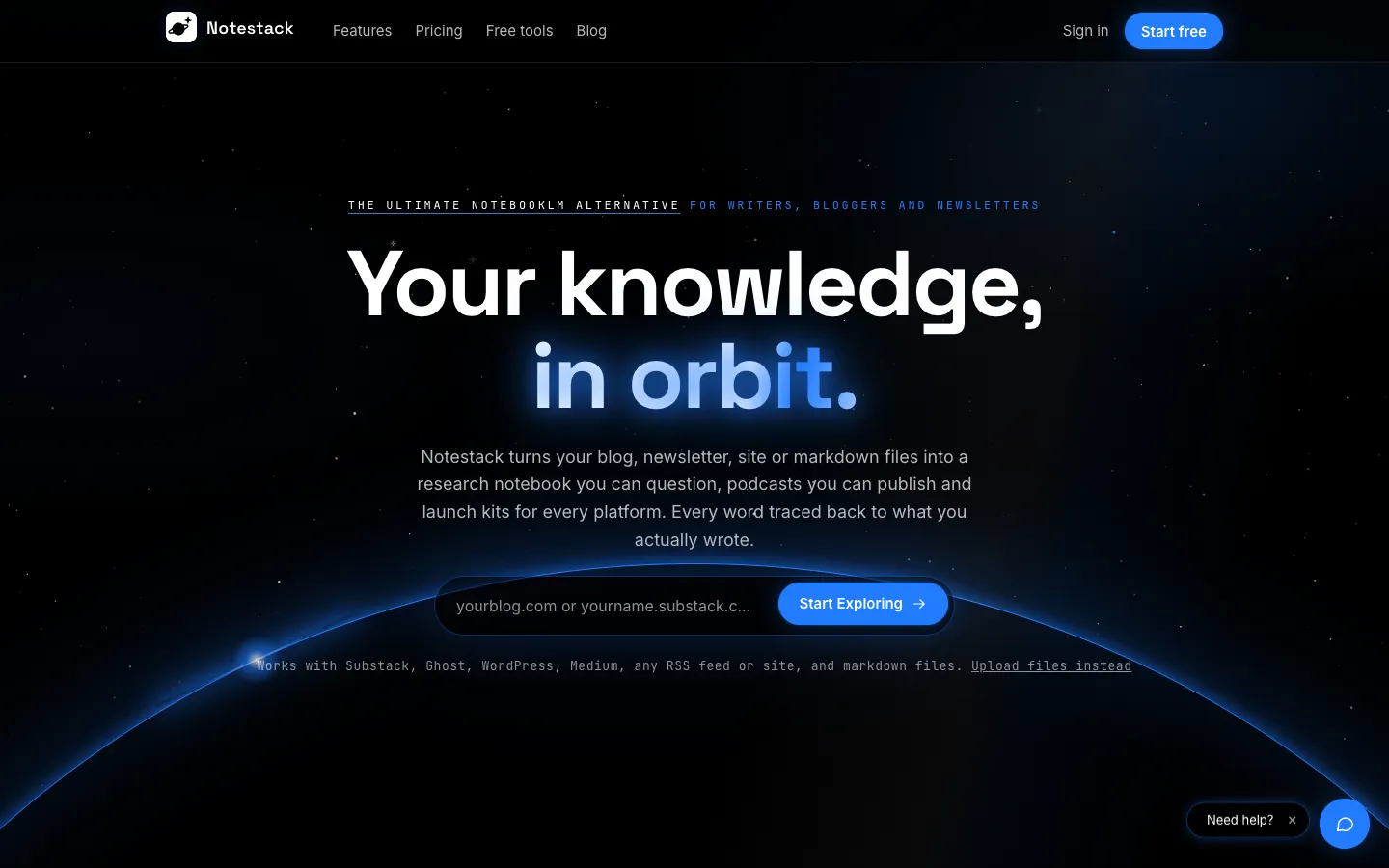
Notestack is a research notebook that answers only from your own writing. It's built around a writer's archive instead of a pile of one-off uploads. You paste a blog, newsletter or site URL (Substack, Ghost, WordPress, Medium or any RSS feed) or upload markdown, text, HTML or PDF files, and new posts keep syncing in after that. When you ask a question, it searches the archive, opens the right post and cites the exact lines behind each sentence. It doesn't search the web, and if your posts don't support an answer, it says so.
The same archive feeds its output tools: two-host audio overviews voiced by ElevenLabs, narrated videos you edit scene by scene, reports, infographics, quizzes, flashcards, Mind Constellation topic maps and Launch Kits. A Launch Kit holds threads, LinkedIn posts, Substack Notes and SEO copy written in a voice profile learned from your posts. A Launchpad calendar can post automatically to X, LinkedIn and Bluesky.
Notestack also runs an MCP server. MCP is a standard way for AI assistants to use outside tools, so Claude, ChatGPT and similar apps can search your content, ask a notebook cited questions and create reports, audio overviews or slide decks from inside the chat. Its source code is public on GitHub. Firebird Technologies, the team behind Blog2Video and PDF2Video, makes it for newsletter writers, bloggers and creators with a back catalogue to reuse.
Features
Archive sync from any feed: Connects Substack (including your archive), Ghost, WordPress, Medium or any RSS feed, imports single article URLs and accepts md, txt, html and pdf uploads. New posts arrive automatically after the first sync.
Line-level citations: Every sentence in a chat answer links to the lines it came from, checked before you see it. Claims your posts can't support are dropped.
No web search: Answers come only from your own documents, never from the open web.
MCP server for AI assistants: Claude, ChatGPT and other MCP apps can list your notebooks, ask them questions with citations and create reports, quizzes, flashcards, mind maps, infographics, slide decks, audio overviews and videos. They connect through OAuth, a standard sign-in that grants access without sharing your password, with read-only or edit permission.
Two-host audio overviews: Turns a post or a whole notebook into a Deep dive, Brief or Debate conversation at the length you pick, voiced by ElevenLabs. You can also make square audiograms from any overview.
Editable narrated video: Builds widescreen explainers, vertical shorts and square audiograms from up to 5 posts, with templates, stock footage, captions and 16 languages. You can edit every scene before rendering an MP4.
Voice profile and voice cloning: Learns your writing tone from your posts and uses it in every draft. On the Writer and Studio plans you can clone your own narration voice, with consent, and revoke it at any time.
Launch Kits: Turns one post into hooks, an X thread, a LinkedIn post, Substack Notes, a Bluesky thread, an SEO pack, a carousel and quote cards, with character counts for each platform.
Study tools: Makes quizzes (multiple choice, fill in the blank or short answer, at three difficulty levels) and flashcard decks, each linked back to its source lines.
Mind Constellation topic map: Shows a notebook as a galaxy of topics in orbit, spiral, figure or cluster layouts, marks rising and dormant topics, and lists the posts behind each star.
Launchpad scheduling: Plans posts on one calendar, posts automatically to X, LinkedIn and Bluesky, emails reminders for Substack Notes and tracks link clicks. It also brings older evergreen posts back into rotation.
Memory: Keeps short, editable notes about your audience, tone and preferences, learned from your chats and shared across notebooks.
Pricing
Each plan caps how many posts Notestack indexes, meaning reads and makes searchable, plus monthly limits on audio, video and other outputs. Yearly billing saves 24%.
Free: $0. Up to 5 posts indexed, 10 research chat messages with citations, 2 Launch Kits, 2 infographics and 2 reports a month, plus 1 audio overview of any length and 1 video. The audio overview and video are one-time totals that don't renew.
Starter: $14.99 a month, or 11.49 a month). Up to 30 posts indexed, unlimited research chat, 30 minutes of audio overviews, 5 videos, 20 Launch Kits, 20 reports and 20 infographics a month.
Writer: $24.99 a month, or 18.99 a month). Up to 100 posts indexed, unlimited chat, 60 minutes of audio, 10 videos, 40 Launch Kits, 50 reports and 50 infographics a month, plus voice cloning with consent.
Studio: $48.99 a month, or 36.99 a month). Up to 250 posts indexed, unlimited chat, 240 minutes of audio and 20 videos a month, unlimited Launch Kits, reports and infographics, the Launchpad calendar with resurfacing of older posts, and priority rendering.
Limits on every plan: You can connect unlimited sources, but the indexed post cap counts every source, link and upload together. Posts past the cap show as locked previews.
Enterprise: Not published.
Integrations
Platforms: Web app in the browser, plus an MCP server for AI assistants. The research doesn't mention a mobile or desktop app.
Blog and newsletter platforms: Substack, Ghost, WordPress, Medium and any RSS feed, synced automatically.
MCP apps: Claude, ChatGPT and other MCP apps connect to Notestack's hosted MCP server through OAuth. The server address isn't published on the site.
ElevenLabs: Supplies the voices for audio overviews and video narration, including your own consented voice clone.
Blog2Video: Firebird's video maker runs Notestack's editable videos.
X, LinkedIn and Bluesky: Automatic posting from the Launchpad. X and LinkedIn connect through their own sign-in, and Bluesky uses an app password.
Substack Notes: Email reminders to paste your Notes in by hand, since Notes can't be posted automatically.
Google sign-in: Sign in with Google or with a 6-digit code sent by email.
Platforms
- Web
- MCP server for Claude
- ChatGPT and other AI assistants
Frequently asked questions about Notestack
How do I connect NotebookLM to Claude?▼
Notestack's own guides note that NotebookLM has no official MCP server, so people usually copy and paste or use unofficial community tools. Notestack runs its own MCP server, so Claude, ChatGPT and other MCP apps can sign in through OAuth and reach your notebooks. From the chat you can ask a notebook a question and get cited answers, or create a report, quiz, flashcards, mind map, infographic, slide deck, audio overview or video.
Is there an open source alternative to NotebookLM?▼
Notestack's full source code (Python backend, frontend, Docker files and MCP server) is public on GitHub at FireBird-Technologies/NotestackAI. The repo has no license file, though, and the site sells Notestack as a hosted service with no guide to running it on your own server. If you need to self-host, Notestack's own guide to NotebookLM alternatives points to Khoj and Open Notebook.
Is there a free NotebookLM alternative?▼
Notestack has a free plan with no time limit. It indexes up to 5 posts and includes 10 research chat messages with citations, 2 Launch Kits, 2 infographics and 2 reports a month, plus 1 audio overview and 1 video in total. Paid plans start at $14.99 a month, or $11.49 a month billed yearly, for 30 indexed posts and unlimited chat.
How many sources can you add to Notestack?▼
There's no limit on how many sources you connect, but each plan caps the number of posts indexed across all of them: 5 on Free, 30 on Starter, 100 on Writer and 250 on Studio. Posts past the cap appear as locked previews with only a title and link. A report can draw on up to 20 posts and a video on up to 5.
How do I turn a blog post into a podcast?▼
Connect your blog or upload the post, then create an audio overview from one post or a whole notebook. Notestack writes a two-host conversation based on your text and voices it with ElevenLabs, in a Deep dive, Brief or Debate format at the length you choose. Free includes 1 audio overview, and paid plans include 30 to 240 minutes a month. On Writer and Studio you can swap a host for your own cloned voice.
Similar tools
Alternative AI options