PeerBrush
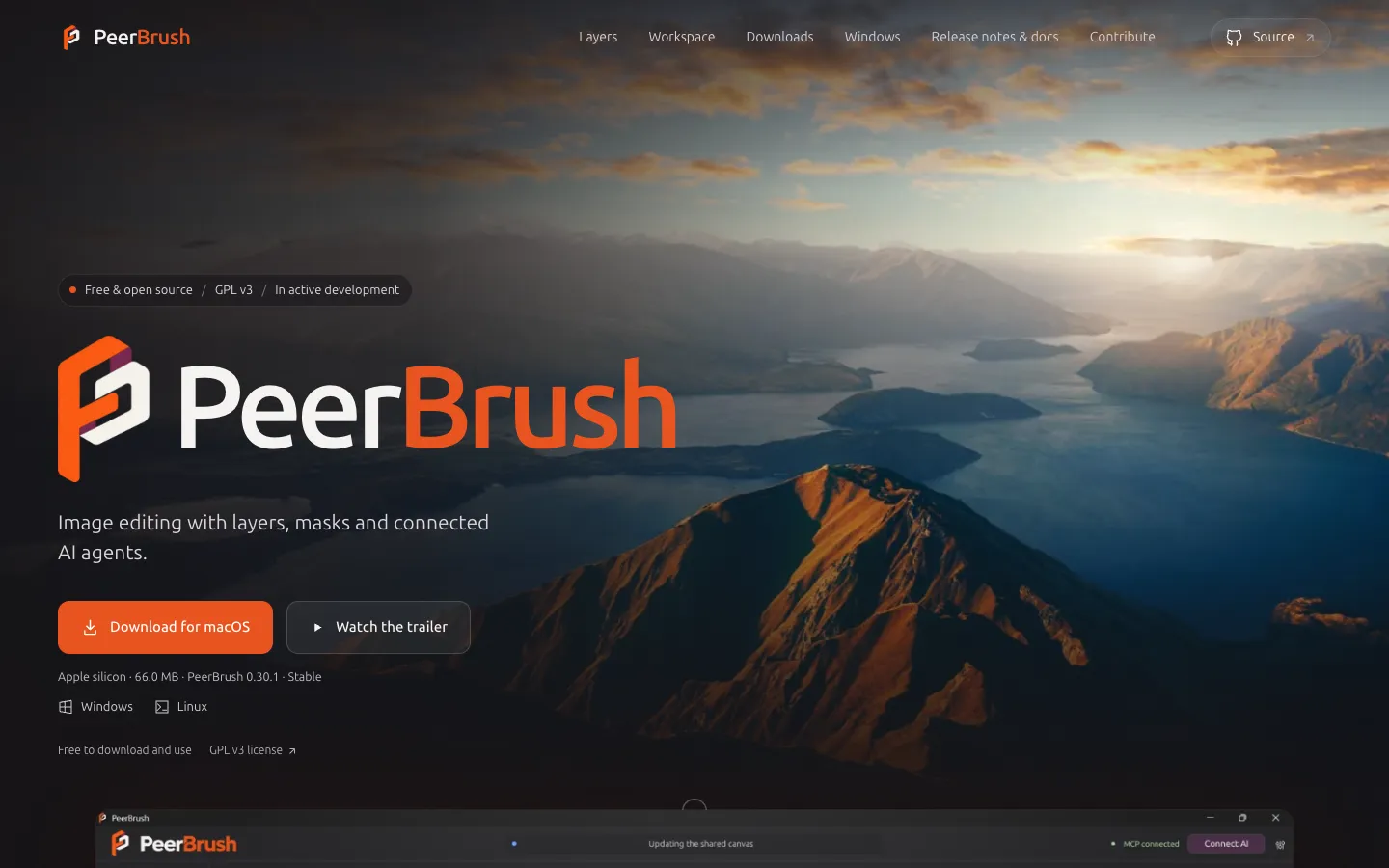
A free, open-source desktop image editor with layers, masks, brushes and effects, where an AI agent you connect edits the same layered canvas while you paint.
Short description
PeerBrush is a desktop image editor where you and an AI agent work on one document at the same time. You paint, select, mask and transform by hand. Meanwhile an AI app such as Claude Desktop, Codex, Cursor or Gemini CLI can look at the canvas and edit it through MCP, a standard way to plug outside tools into an AI agent. The agent uses the same editing engine you do. Its work shows up in blue, it can claim a layer or part of one so you can keep painting elsewhere, and what it makes lands as normal layers you can change, in one undo history shared by both of you.
You don't need AI to use it. On its own it's a layered editor with 21 procedural brush presets, masks, separate color and mask effect stacks, curves, color balance, bloom, liquify, text and vector shapes, all at up to 16 bits per channel. It opens and saves layered Photoshop (PSD) files in 8-bit and 16-bit RGB. Photoshop features it doesn't support open read-only, so the original stays safe.
The app is free under the GPLv3 open-source license and written in Rust. PeerBrush doesn't run or bill any AI model, though the AI provider you connect may charge you. The code went public in October 2026 and the current release is 0.30.1, from November 5, 2026. The project still calls itself an experimental prerelease. Ilai Perez (Deftroy) maintains it, with AI help in development. It's for illustrators and retouchers who want an agent to handle, say, a sky or a lighting pass while they keep their hands on the file.
Features
One canvas for you and an AI agent: A connected agent sees the live document as images with pixel coordinates and edits it with the same commands the interface uses, while you keep painting.
Layer and region reservations: The agent can claim a whole layer or just a region of one, which blocks clashing edits there. The claimed area is outlined in blue and frees up after five idle minutes.
Shared undo, with undo per agent task: One history records who made each change. You can undo everything from one agent task and keep unrelated edits, within a 40-step history kept in memory.
Proposed edits you approve: An agent can submit a draft instead of editing directly. You compare the original and proposed versions, then accept or reject it.
Code-driven edits: Agents can run short scripts on the image's pixels as one step, which you can cancel or take over.
Brush library: 21 original procedural presets in six categories, with pressure, texture, taper, flow and wet blending. You can save your own brushes.
Layers, masks and folders: Folders, multi-layer editing, separate color and mask effect stacks, clipping, and blend modes including add, dodge, burn, soft and hard light, difference and divide.
Editable effects and filters: Curves, levels, color balance, hue and saturation, posterize, bloom and an editable liquify warp, plus whole-image filters with saved presets.
16-bit editing: Keeps 16 bits per color channel through edits, transforms, undo and PSD or PNG saves.
Photoshop file support: Opens and saves PSD files in 8-bit and 16-bit RGB with layers, groups, masks and supported blend modes. Unsupported structures open as a read-only preview, and CMYK and 32-bit files aren't supported.
Broad import and export: Imports JPEG, BMP, GIF, TIFF, WebP, ICO, TGA, QOI and SVG as editable vectors. Exports PNG at full bit depth, plus WebP through export presets.
Text, shapes and project tabs: Editable text and vector shapes, and separate tabs for each project that show unsaved changes and AI activity.
Pricing
PeerBrush is free and has no paid plans.
Free: $0. The app and its source code are free under GPLv3, with downloads for Windows through the Microsoft Store, Apple silicon Macs and Ubuntu. You don't need an account.
AI usage: PeerBrush charges nothing. You pick the model in your own AI app, and that provider may bill you.
Integrations
AI apps over MCP: A Connect AI button sets PeerBrush up in Codex, Claude Desktop, Cursor and Gemini CLI. It keeps those apps' existing settings and makes a backup first.
Other AI agents: A local setup file and a password-protected connection on your own computer let other compatible agents connect. Nothing is opened to the internet.
Command line: The same tools (look at the canvas, edit, save, export) work from scripts.
Photoshop files: Reads and writes supported PSD files, so work can go back and forth with Photoshop.
Smart selection models: Can use an outside segmentation model, one that picks out objects automatically, to make selections. You choose and set up the model yourself.
Platforms
- Windows
- macOS
- Linux
- MCP server
- command line tool
Frequently asked questions about PeerBrush
Can Claude edit images?▼
Yes, with PeerBrush. Click Connect AI in PeerBrush to add it to Claude Desktop. Claude can then look at your canvas, paint, adjust layers or place generated images on a layer you can still edit. Its edits show in blue and can be undone. PeerBrush doesn't charge for this, and the model use counts against your Claude plan.
How do you edit a PSD without Photoshop?▼
PeerBrush opens and saves PSD files in 8-bit and 16-bit RGB and keeps raster layers, groups, masks and supported blend modes editable. Saved files include a flattened preview of the whole image. Files that use Photoshop features it doesn't support open read-only, and CMYK or 32-bit files can't be opened for editing.
Is there a free Photoshop alternative with AI?▼
PeerBrush is free and open source under GPLv3, with layers, masks, brushes, curves, liquify and 16-bit editing. The AI part is optional. You connect your own AI app, such as Codex, Cursor or Gemini CLI, and that provider may charge you for the model.
Is there an open source image editor for Mac and Linux?▼
PeerBrush 0.30.1 has a signed and notarized download for Apple silicon Macs (66 MB) and a DEB package for Ubuntu 24.04 on 64-bit Intel and AMD machines (31.6 MB). Windows users get it from the Microsoft Store. The developer says hands-on testing of everyday use on Mac and Linux is still pending.
Similar tools
Alternative AI options