Popform
A contract and e-signature tool for startups and agencies that finds the fields in your PDFs automatically, sends unlimited legally compliant signature requests for one flat price, and connects to Claude and ChatGPT through an MCP server.
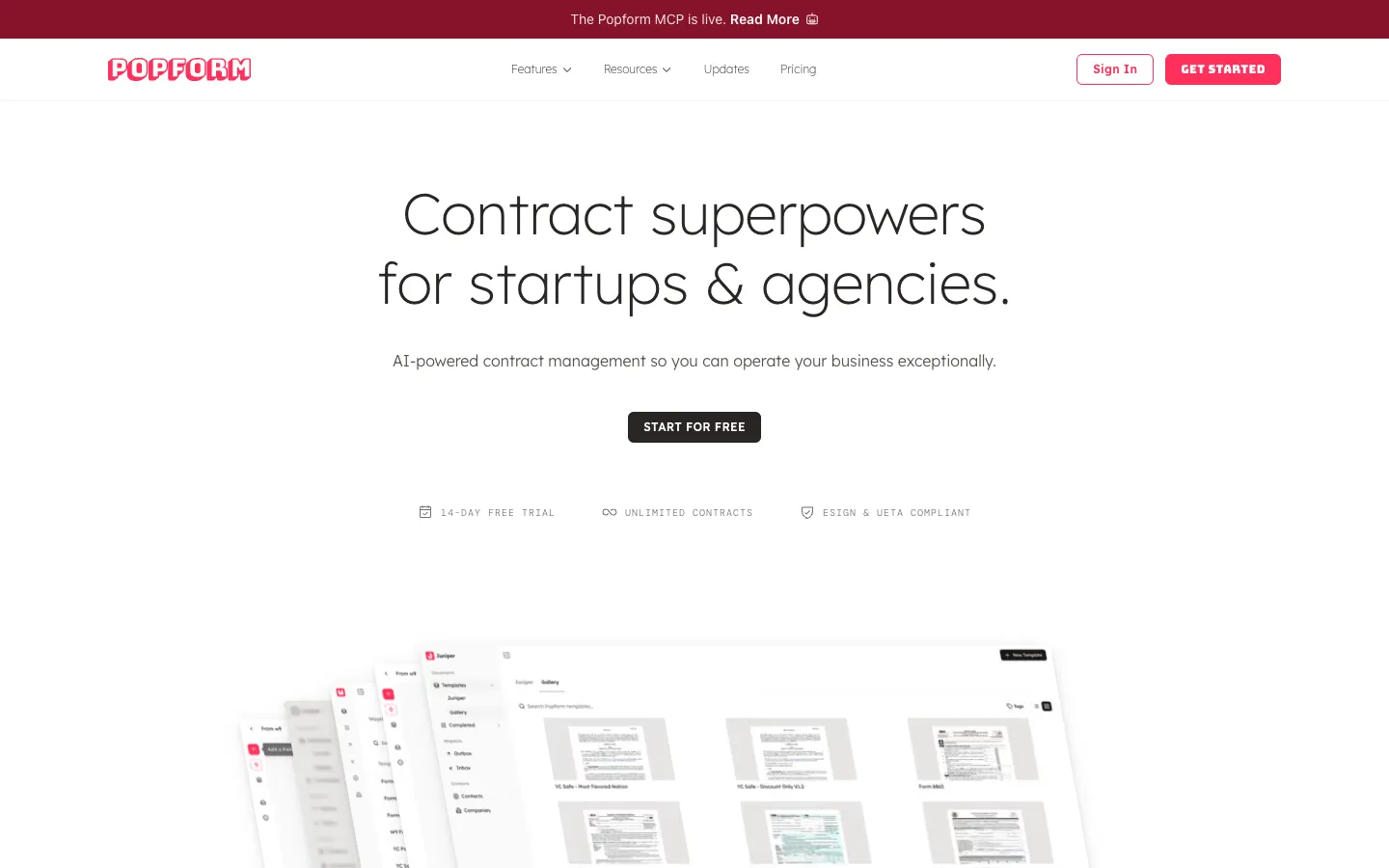
Short description
Popform is a contract management and e-signature tool for sales-driven startups, agencies and consultants. You start from an existing PDF or draft a new agreement from a prompt in its editor, which handles both PDFs and markdown, a simple text format. When you upload a PDF, its auto-detect feature (rebuilt on Claude in August 2026) draws the fields, sets their types and labels, and marks which recipient fills each one.
From there you send the document to one or many recipients or share it as a public link, then follow each step in an activity log, with reminders and email notifications. Signatures are designed around the two main U.S. e-signature laws, the ESIGN Act and UETA, with signer consent, audit trails and seals that show if a document was changed. After signing, Popform's AI files each document by type, contact and company and pulls out terms such as start and end dates, renewal terms and revenue.
The Popform MCP connects Claude, ChatGPT and other assistants so they can check request status, ask about those extracted terms, look up contacts and fetch signed PDFs. There's one plan, with unlimited documents and signatures and no fee per document sent. Popform's first public release, free templates with AI chat, shipped in March 2025. The company is led by CEO Rikin Diwan and lists its address as San Francisco, CA.
Features
AI field detection on PDFs: Upload a contract, NDA or form and auto-detect, rebuilt on Claude, draws the fields, sets field types and labels, and assigns each field to the right recipient. PDFs that already have fillable fields (Adobe AcroForm) work as they are.
Prompt and markdown editor: Draft a new proposal or agreement from a prompt, or work from a PDF, in an editor that supports both PDFs and markdown, with alignment guides, a layout toolbar and multi-select.
Unlimited signature requests: Send to several recipients with fields assigned to each, or use Bulk Request to send one document to up to 20 emails, each as its own separate request.
ESIGN and UETA compliance: Signers agree to sign electronically before they sign, every signature is tied to the exact version of the document, and each completed PDF carries an audit trail with timestamps, IP addresses and email addresses. Senders can add access codes or identity questions for extra checks.
Activity tracking and reminders: See when a recipient opens, responds to and completes a document, send one-click reminders, and handle many requests at once with bulk actions in the Outbox.
AI data extraction: Pulls start and end dates, renewal terms and revenue out of every signed document, and sorts documents by type, contact and company.
Light CRM: Stores contacts and companies, which sync from Gmail so documents are assigned to the right contact automatically.
Advanced field types: Dropdowns, image uploads, date pickers, checkboxes, radio buttons, and Name, Title, Email and Company fields that fill themselves in, on every plan.
Self-fill and saved signatures: Fill out a document yourself with no recipient, save a default signature to your profile, and set a request to complete itself when it needs no countersignature.
Shareable links: Publish a form as a public link to share with groups or embed on your website.
Team workspaces: Organizations with shared workspaces and teammate roles, and switching between several Popform accounts from one dashboard. Each account needs its own paid plan.
Free templates and PDF tools: Fillable W-9, W-4, I-9, 1099, Form 1040, Form 8863 and YC SAFE templates with built-in AI chat, plus a signature generator, a PDF merger and an image to PDF converter.
Pricing
Popform has one paid plan, charged per user. Many e-signature tools charge per "envelope", meaning each document you send for signing. Popform doesn't.
Free trial: 14 days, no credit card needed.
Pro Plan: $19 per user a month billed monthly, or $11 per user a month billed yearly, which the site says saves 42%. Includes unlimited e-signatures, unlimited documents, AI field detection, AI data extraction, audit trails, contacts and companies, team workspaces, PDF tools and the MCP server. No per-envelope fees.
Free tools: The public fillable templates and PDF tools are free to use.
Enterprise: Not published.
Integrations
Platforms: Web app that works on mobile browsers, plus an MCP server for AI assistants. The research found no native mobile or desktop apps.
Popform MCP for Claude and ChatGPT: MCP is a standard way for AI assistants to use outside tools. Connect it from Settings > Integrations to check request status, cancel a request, ask about extracted contract data, look up contacts and companies, and get download links for signed PDFs. Popform describes it as in beta and mostly read-only.
Other AI assistants: The site also names Grok, and its DocuSign comparison page lists Perplexity and Mistral, as assistants that can connect.
Gmail and Google contacts: Contacts and companies sync from Google.
Slack and CRM through your AI assistant: Popform suggests building Claude or ChatGPT skills on top of the MCP to ping you in Slack or send data to your CRM. There's no built-in Slack or CRM integration listed.
Platforms
- Web (works on mobile browsers)
- MCP server for Claude
- ChatGPT and other AI assistants
Frequently asked questions about Popform
Is there a free alternative to DocuSign?▼
Popform isn't free, but it has a 14-day free trial with no credit card. After that, its single Pro Plan costs $11 per user a month billed yearly, or $19 billed monthly, with unlimited documents and e-signatures and no per-envelope fees. Its fillable templates (W-9, I-9, 1099, YC SAFE and others) and PDF tools are free to use.
Are electronic signatures legally binding?▼
In the U.S., yes, under the ESIGN Act and UETA, and Popform is designed to meet their core requirements. Every signer has to agree to sign electronically and take a deliberate action to sign, and Popform never signs automatically on anyone's behalf. Each signature is cryptographically tied to the version of the document shown, sealed against later changes, and backed by an audit trail with timestamps, IP addresses and email addresses.
How do I add an electronic signature to a PDF?▼
In Popform, upload the PDF and click Auto-Detect Fields. The detector, built on Claude, draws the signature and other fields and assigns them to recipients, and PDFs that already have AcroForm fields come through as they are. You can then send it for signature, or pick "Fill it out myself" to sign it yourself. A saved default signature drops into your fields with one click.
Can you use AI to write a contract?▼
Popform can draft a proposal or agreement from a prompt in its editor, which supports PDFs and markdown. Its AI also sets up fields on existing PDFs and pulls out dates, renewal terms and revenue after signing. Popform says it isn't a full contract lifecycle tool. It has no redlining, clause library or negotiation workflow, so contracts that go through rounds of legal markup need a dedicated tool before signing.
Can I manage contracts from Claude or ChatGPT?▼
Yes, through the Popform MCP, which comes with the plan at no extra cost. After you authorize it under Settings > Integrations, your assistant can check whether a request was viewed or signed, cancel a request, answer questions such as which contracts renew next month, look up contacts and fetch signed PDFs. Popform says the MCP is in beta and mostly read-only, and that sending and signing stay with you unless you explicitly grant write access.
Similar tools
Alternative AI options